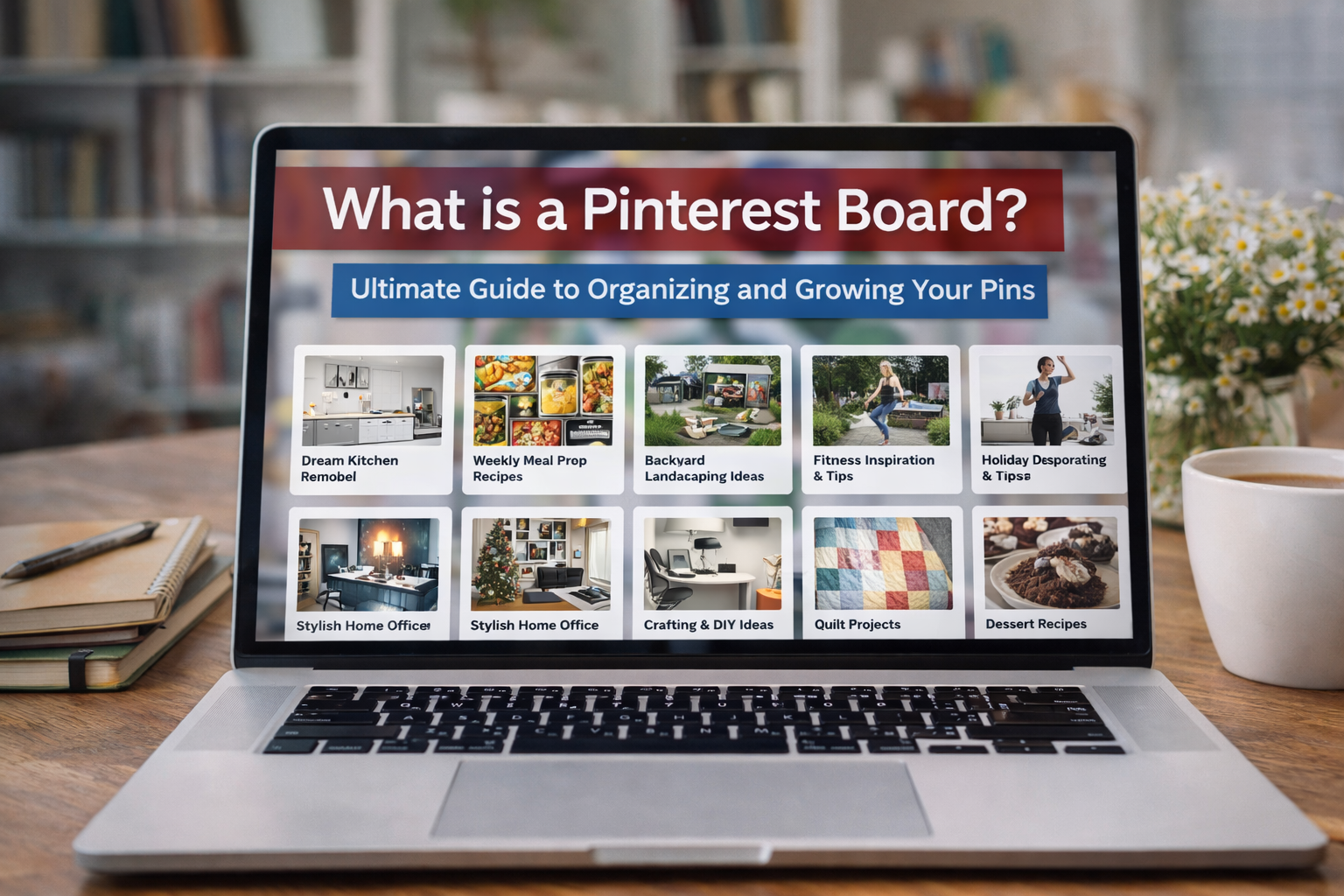
So, what exactly is a Pinterest board? Think of it as a digital corkboard or a visual scrapbook.
It’s the space where you collect and organize your ‘Pins’—all those images and videos you find—around a specific theme or idea.
Whether you’re planning a wedding, dreaming up a kitchen remodel, or gathering marketing inspiration, boards are where your ideas come to life.
Your Digital Scrapbook for Every Idea
At its heart, a Pinterest board is your own personal, curated library of visual ideas. It’s where you take all those scattered thoughts and inspirations and arrange them into a cohesive, easy-to-understand collection.
Boards are the foundational layer of organization on Pinterest. You can’t just save a Pin into the ether; every single Pin has to live on a board. This structure is what makes the platform so powerful.
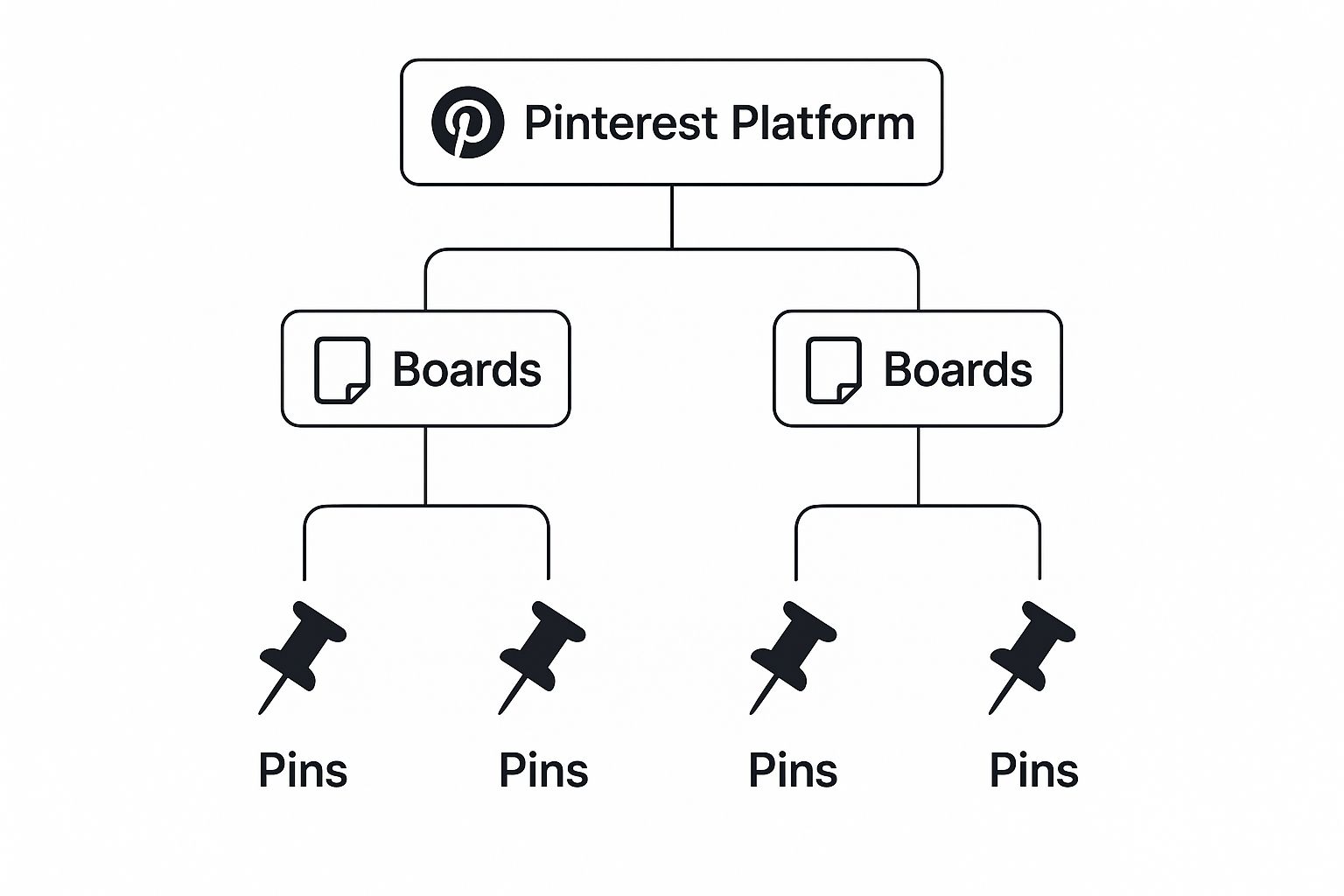
This simple hierarchy—Pins live inside boards, which live on your profile—is the key to keeping your millions of ideas perfectly organized and easy to find later.
The Three Main Flavors of Pinterest Boards
Not all boards are created equal, and you’ll want to use the right type for the right job. Pinterest gives you three main options, each with a distinct purpose.
- Public Boards: These are your showcase boards, visible to everyone on Pinterest. They’re perfect for building your brand, sharing your expertise, and connecting with a wider audience.
- Secret Boards: Think of these as your private work-in-progress spaces. Only you and any collaborators you specifically invite can see them, making them ideal for planning surprise parties, developing confidential work projects, or just saving ideas you’re not ready to share yet.
- Group Boards: These are collaborative sandboxes where multiple people can add Pins to the same board. They’re fantastic for team projects, planning a trip with friends, or brainstorming with clients.
To make it even clearer, here’s a quick breakdown of how each board type works.
Types of Pinterest Boards at a Glance
| Board Type | Who Can See It? | Best Used For |
|---|---|---|
| Public | Everyone | Brand building, content marketing, sharing expertise |
| Secret | Only you & invited collaborators | Private planning, surprise gifts, confidential projects |
| Group | Members of the board | Team projects, client collaboration, event planning |
Understanding these different “flavors” is the first step in using Pinterest strategically, whether it’s for your personal life or your business.
Simply put, a Pinterest board is a digital home where you collect, sort, and display Pins based on a shared theme or interest.
The scale of this is mind-boggling. As of 2025, Pinterest users have created over 10 billion boards worldwide, a testament to its role as a massive visual discovery engine.
If you’re curious about the numbers, you can explore more amazing Pinterest stats on Thunderbit.
This simple but effective system of boards and Pins is what makes the platform a go-to for both personal inspiration and powerful business marketing.
Breaking Down a Pinterest Board
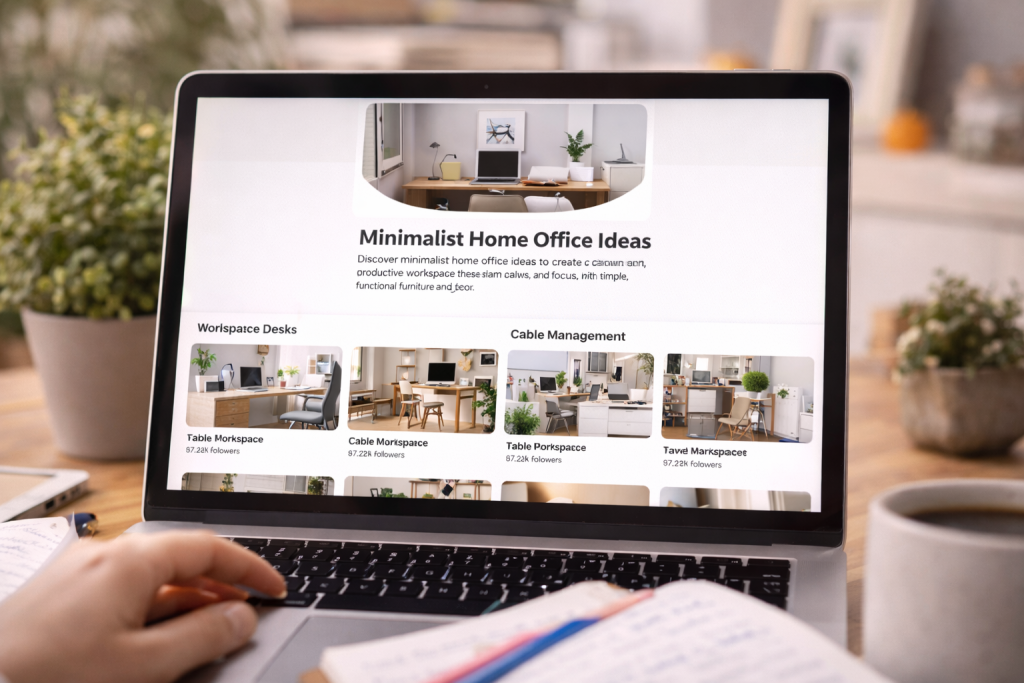
To really get the hang of Pinterest, you have to understand how a board is put together. The best way to think of it is like a digital scrapbook or a mood board.
It has a cover, a little note explaining what’s inside, and all the clippings and photos you’ve collected, all neatly arranged.
A Pinterest board is built from four key parts that all work together. Getting these right is the difference between a board that gets seen and one that gets lost in the noise.
The Core Components
A great board is far more than just a random dump of images; it’s a thoughtfully curated collection. Let’s look at the pieces you’ll be working with.
- Board Title: This is your big, bold headline. It needs to be crystal clear and packed with the keywords people are actually searching for. For instance, “Minimalist Home Office Ideas” tells you exactly what to expect and will perform much better than a vague title like “Office.”
- Board Description: Here’s where you tell Pinterest’s search engine what your board is all about. Weave in relevant keywords to describe the kinds of Pins someone will find inside, which helps get your content in front of the right people.
- Pins: These are the heart and soul of your board. Every Pin represents a single idea—a recipe, a DIY project, an outfit, a product—and each one should fit the board’s overall theme.
- Sections: Think of these as the dividers in your scrapbook. Sections are your secret weapon for keeping things tidy, letting you group similar Pins into sub-topics. A board for “Healthy Dinner Recipes” could have sections for “30-Minute Meals,” “Vegetarian,” and “Low-Carb” to make it super easy for people to browse.
This is what the editing screen looks like, where you can define your board’s title and description and pick a cover Pin that perfectly captures its vibe.
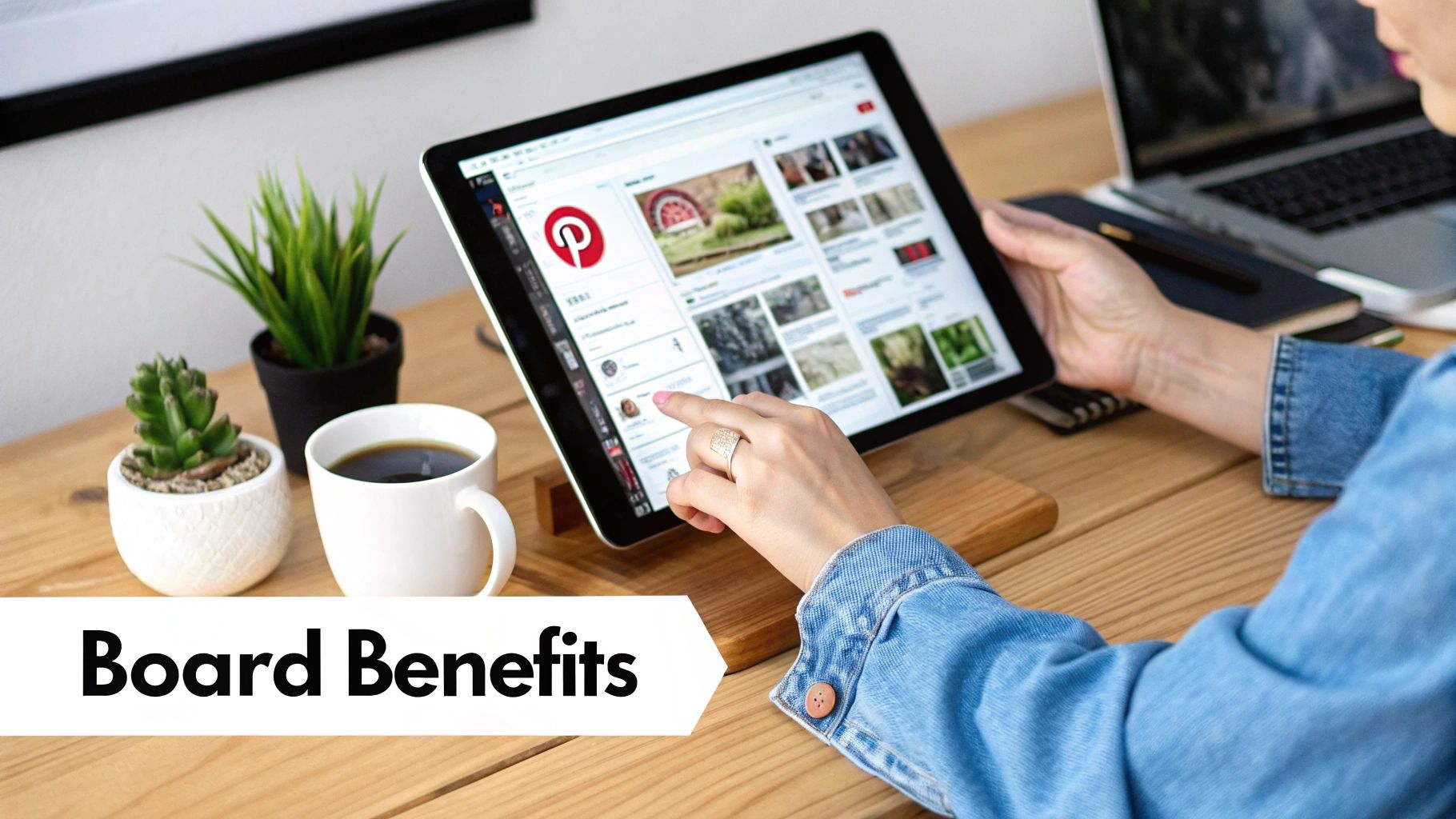
As you can see, the title and description are front and center, playing a huge role in how your board is found and understood on the platform.
When you take the time to optimize every part of your board—from the main title down to the individual sections—you’re not just creating a better experience for your followers.
You’re also sending clear, powerful signals to Pinterest about what your content is about, which is key for discoverability.
Once you grasp these fundamentals, a Pinterest board stops being just a collection of pictures and becomes a powerful tool for connecting with an audience.
Using Pinterest Boards as Powerful Marketing Tools
For businesses and creators, a Pinterest board is so much more than a digital scrapbook.
It’s a powerful marketing asset, a visual playground where you can build your brand’s identity, show off your products in real-world settings, and create content hubs that pull interested visitors straight to your website.
Think about it like this: a home decor brand wouldn’t just have one generic board. They’d get specific, creating targeted boards like ‘Minimalist Living Room Ideas’ or ‘Cozy Bohemian Bedrooms.’
Each board speaks directly to a different type of customer, showing them products that fit the exact vibe they’re looking for. It makes the entire discovery process feel personal and genuinely helpful.
The visual-first nature of Pinterest is its secret sauce. It lets you create these tailored journeys that really connect with people.
In fact, an incredible 85% of weekly users say they’ve bought something based on Pins they saw from brands.
Driving Traffic and Building Authority
Think of a well-curated Pinterest board as a visual gateway to your website. Every single Pin you add is a chance to link back to a blog post, a product page, or a special offer, creating a consistent flow of high-quality referral traffic.
Of course, this only works if you know how to create a Pin for Pinterest that grabs attention and makes people want to click.
When you consistently share valuable and relevant content, something amazing happens: you start building authority.
Your boards become the go-to resource for your niche, which in turn builds deep trust with your audience.
A great marketing board isn’t just a product catalog. It’s a curated lifestyle that solves a problem or fulfills a dream for your ideal customer. It tells a story, and your product gets to be the hero.
To keep your strategy sharp, it’s always a good idea to keep an eye on broader social media marketing trends. This helps you stay relevant and ensures your Pinterest efforts continue to pay off.
How to Create and Organize Your First Pinterest Board
Ready to dive in and build your first digital vision board? It’s a simple process, but a little bit of strategy right at the start can make a world of difference in how people find and interact with your ideas.
Let’s walk through the first few steps to get you going.
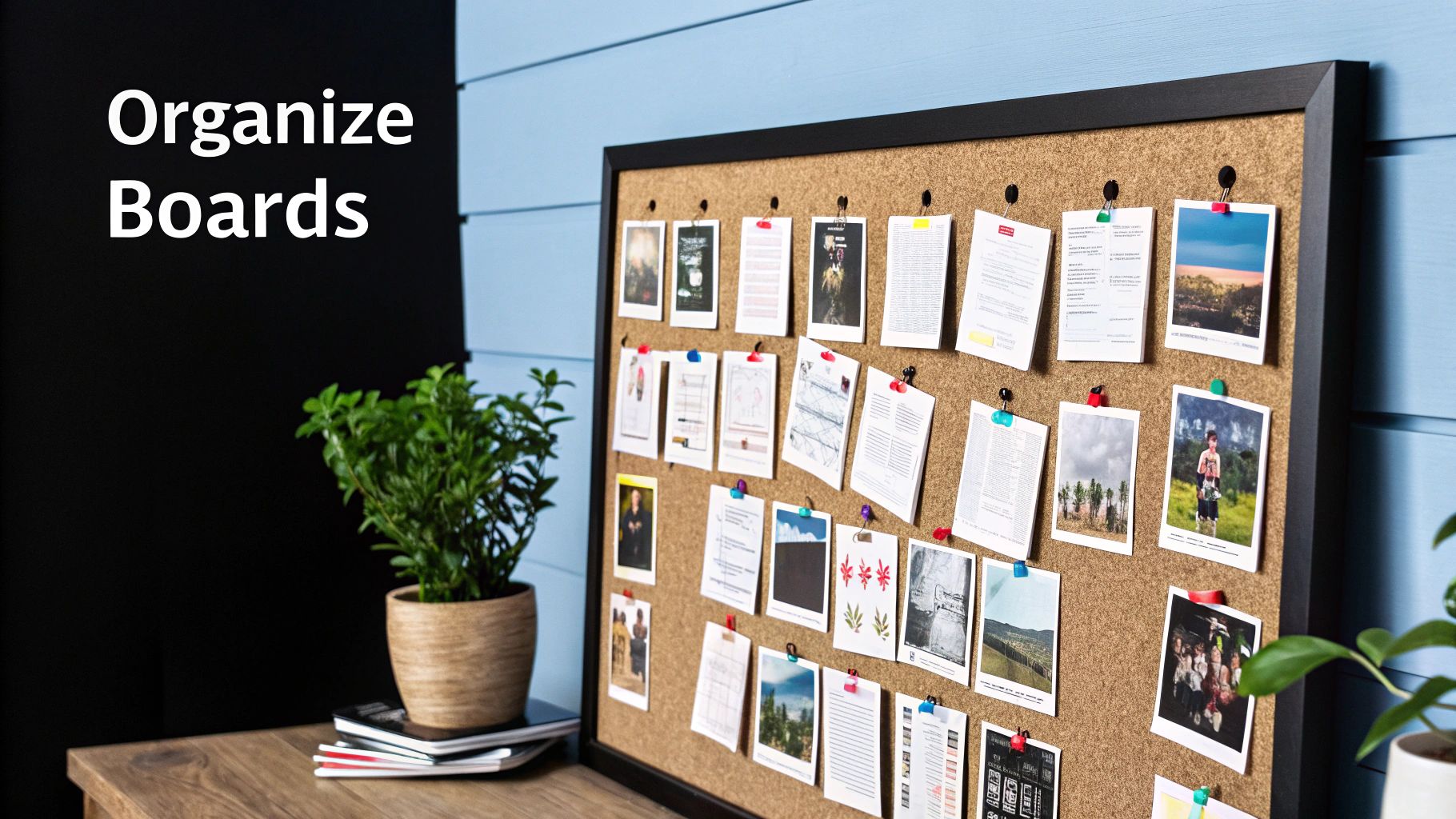
To get started, just head over to your profile, look for the ‘+’ icon, and choose “Board.” This opens up a creation window where the real magic happens—defining what your board is all about.
This is your chance to build a solid foundation for all the ideas you’re about to collect.
The First Steps to a Great Board
This initial setup is more important than you might think. It’s how you signal to both people and the Pinterest algorithm what your content is about. Focus on being clear and easy to find from day one.
- Choose a Strategic Name: Think of your board’s name as its headline. Steer clear of vague titles like “My Ideas” and get specific with something descriptive and full of keywords, like “Minimalist Home Office Inspiration” or “Healthy Weeknight Dinner Recipes.” Ask yourself: what would someone actually type into the search bar to find this?
- Write a Compelling Description: The description is your chance to really flesh out the board’s purpose. This is the place to naturally weave in relevant keywords and related terms, which helps your board show up in more search results. A great description sets the right expectations for anyone who stumbles upon it.
- Decide on Visibility: Is this board going to be public for the world to see, or a secret board just for you? You can always change this setting later, but it’s a key decision to make upfront, especially if you’re planning a surprise or working on a private project.
Once you have these basics covered, you’re ready to start pinning! And if you’re serious about using Pinterest for growth, it’s a smart move to learn how to create a Pinterest business account to unlock valuable analytics and tools.
Pro Tip: Don’t wait until you have hundreds of Pins to get organized. Start using the “Sections” feature right from the beginning.
For a board like “Home Renovation,” you could immediately create sections for “Kitchen,” “Bathroom,” and “Living Room.”
This simple habit keeps your boards clean and makes them much easier for your followers to browse as your collection of ideas grows.
Essential Best Practices for Managing Your Boards
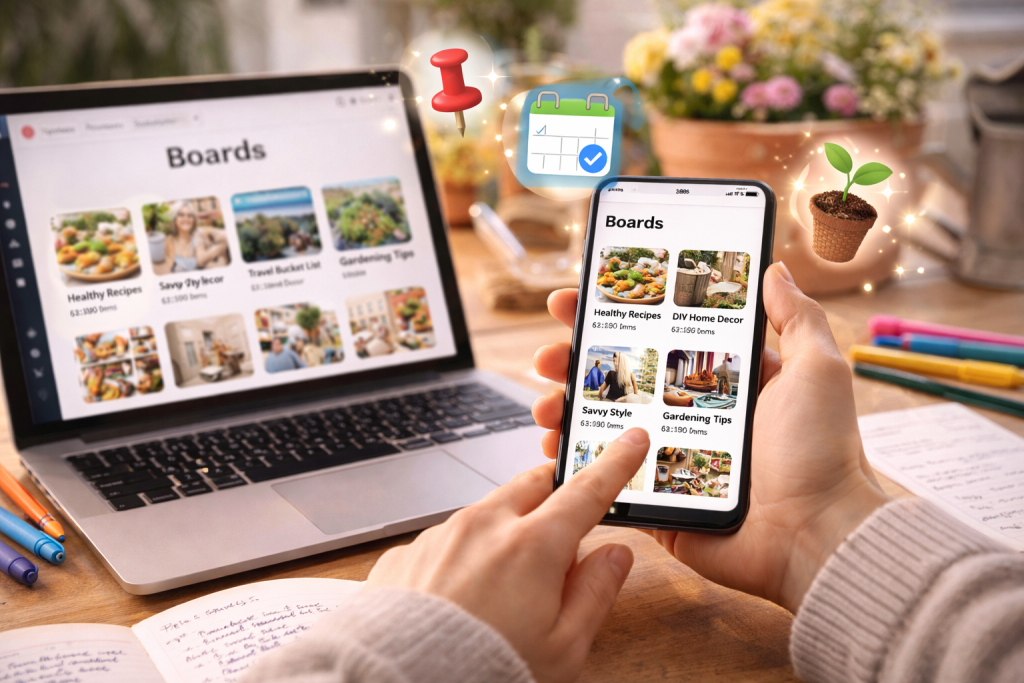
So, you’ve created a few boards. That’s a great start, but the real magic happens in how you manage them over time.
Think of your Pinterest profile as a garden—it needs consistent attention to flourish and become a resource people want to visit again and again.
The single most important habit to build is consistent pinning. The Pinterest algorithm loves active accounts, so adding fresh, relevant Pins to your boards regularly is non-negotiable.
This doesn’t mean you need to be glued to your screen all day; it’s about finding a sustainable rhythm that keeps your content flowing and signals to Pinterest that you’re an active contributor.
Amplify Your Reach and Stay Organized
Once you’ve got a steady pinning routine, you can start working smarter, not just harder. These next few tips are all about getting your content in front of more people and keeping your profile from becoming a chaotic mess.
- Leverage Group Boards: Don’t limit yourself to pinning only on your own boards. Joining collaborative Group Boards is a fantastic way to introduce your content to a whole new audience that already cares about your niche. It’s like being a guest speaker at someone else’s event—instant exposure.”
- Archive, Don’t Delete: What do you do with your “Christmas Gift Guide” board in the middle of July? Don’t delete it! Archiving a board makes it private, cleaning up your public profile while preserving all its hard-earned followers and data. Next holiday season, you can just reactivate it and pick up right where you left off.
The key to long-term success on Pinterest isn’t just creating boards—it’s managing them as living collections of ideas. A well-maintained profile feels dynamic and encourages users to follow along for future inspiration.
Use Data to Refine Your Strategy
Finally, stop guessing what your audience wants and let the data tell you. Pinterest Analytics is your best friend here, offering a goldmine of information on which boards and Pins are actually grabbing people’s attention.
Look at which boards are getting the most impressions, clicks, and saves. This feedback is priceless. It tells you exactly what topics resonate, so you can double down and create more of what people clearly love.
For a deeper dive, check out our complete guide on how to organize Pinterest boards for even more advanced strategies.
By pairing consistency with data-driven insights, you’ll build a polished, effective profile that just keeps growing.
Name, optimize, and organize boards the smart way
Your board title and description do more than “label” your Pins—they help Pinterest understand your topic and decide when to surface your content in search and the home feed.
If you want your boards to look polished and perform better, start with the basics: keyword-friendly board names, clear descriptions, and a clean structure using sections.
Use our Free Pinterest Toolkit to make that setup easy. Generate board names that match real search intent, pull relevant keywords for your niche, and follow a simple optimization checklist so every board is ready for discovery.
Common Questions About Pinterest Boards
Once you get the hang of Pinterest, you’ll still run into some specific questions. Let’s tackle the most common ones so you can pin with confidence.
What Is the Difference Between a Pin and a Board?
The best way to think about this is like an old-school corkboard in your kitchen.
A Board is the entire corkboard. You might label it “Dream Kitchen Remodel” or “Summer Vacation Ideas.” It’s the home for one big idea.
A Pin is anything you’d stick onto that board—a paint swatch, a photo of a beach, a recipe torn from a magazine. On Pinterest, Pins are the individual images and videos you save, and the Board is the collection where they all live together.
Can I Make a Pinterest Board Private?
Absolutely. When you create a board, you can flip a switch to make it a Secret Board. When you do, only you (and anyone you specifically invite) can see what’s on it.
This is incredibly useful for all sorts of things:
- Planning a surprise birthday party.
- Gathering inspiration for a new business idea before you’re ready for feedback.
- Working on a client project behind the scenes.
How Many Pins Should I Have on a Board?
There’s no magic number, but a board with only a handful of Pins can look a little empty. A good starting point is to aim for at least 20-30 quality Pins. This gives the board some weight and makes it feel like a genuinely helpful collection right from the start.
For marketers and creators, focus on relevance over sheer numbers. A board with 50 perfectly chosen Pins will always outperform one with 500 random ones. The key is to keep adding great content over time, not just dump everything in at once.
The goal is to create a valuable resource, not just a massive collection. Focus on adding Pins that genuinely fit the board’s theme and serve your audience’s needs.
Can Other People Add Pins to My Board?
Yes, but only if you invite them! You can turn any of your boards into a Group Board. Just send an invitation to another Pinterest user, and if they accept, they can start adding their own Pins to your shared collection.
This is perfect for team projects, brainstorming with a client, or even planning a potluck with friends. It’s collaboration, Pinterest-style.