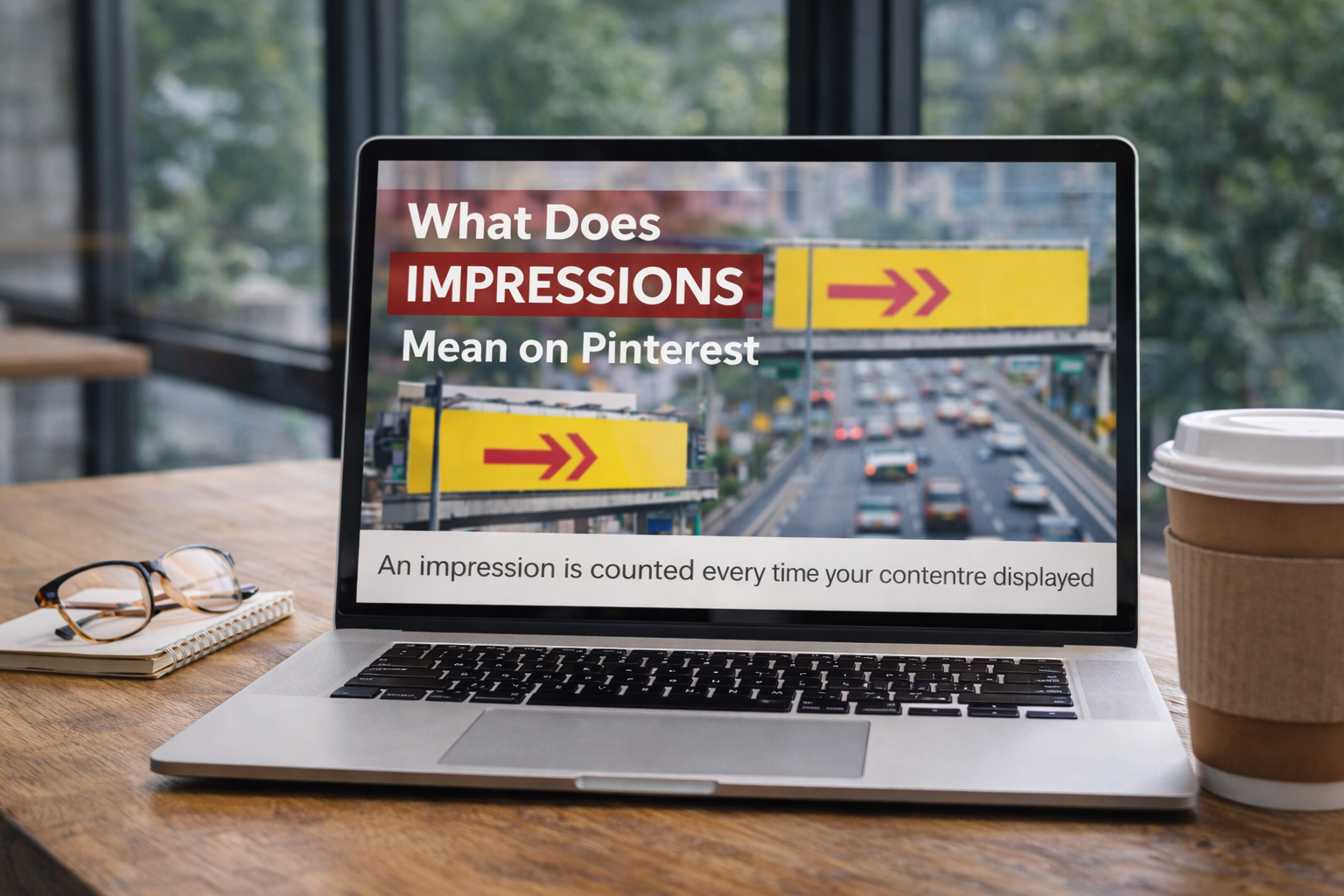
On Pinterest, an impression is simply an eyeball. It’s counted every single time one of your Pins shows up on someone’s screen.
Think of it like a billboard on the side of a highway. Every car that drives by is an impression. The driver doesn’t have to stop, read the sign, or even glance at it for long.
The fact that it was in their line of sight is what counts. Same thing on Pinterest—if your Pin scrolls into view in a user’s feed, a search result, or on a board, that’s one impression.
Understanding Pinterest Impressions
Getting a handle on what impressions mean is your first real step toward mastering Pinterest analytics. They’re the very top of your marketing funnel.
Without impressions, you get no clicks, no saves, and no new followers. It’s that simple.
High impression counts are a good sign—it means the Pinterest algorithm sees your content as relevant and is showing it to people.
But here’s the crucial part: impressions are not the whole story. They only measure potential reach and visibility.
They don’t tell you a thing about whether people actually liked your Pin or took action. Distinguishing between visibility (impressions) and action (engagement) is key to building a strategy that actually drives results.
If you want to go a bit deeper on this, we’ve got a full guide that unpacks everything you need to know about what impressions mean on Pinterest and how to read the data.
To make this even clearer, let’s put impressions side-by-side with other important Pinterest metrics.
Pinterest Key Metrics At A Glance
This table breaks down the core metrics so you can see exactly what each one tells you about your performance. Think of it as your quick-reference cheat sheet.
| Metric | What It Measures | Why It’s Important |
|---|---|---|
| Impressions | The total number of times your Pin was shown on screen. | Indicates your Pin’s visibility and overall distribution by the algorithm. |
| Reach | The number of unique accounts that have seen your Pin. | Shows the actual size of your audience for a specific Pin. |
| Engagements | The total interactions on your Pin (saves, clicks, comments). | Reveals how compelling your content is and whether users find it valuable. |
| Outbound Clicks | The number of clicks from your Pin to a destination URL. | Measures your Pin’s effectiveness at driving traffic off Pinterest. |
Seeing these metrics together helps you understand how a user’s journey progresses from just seeing your Pin to actually visiting your website. Each one tells a different part of the story.
What a Pinterest Impression Really Means
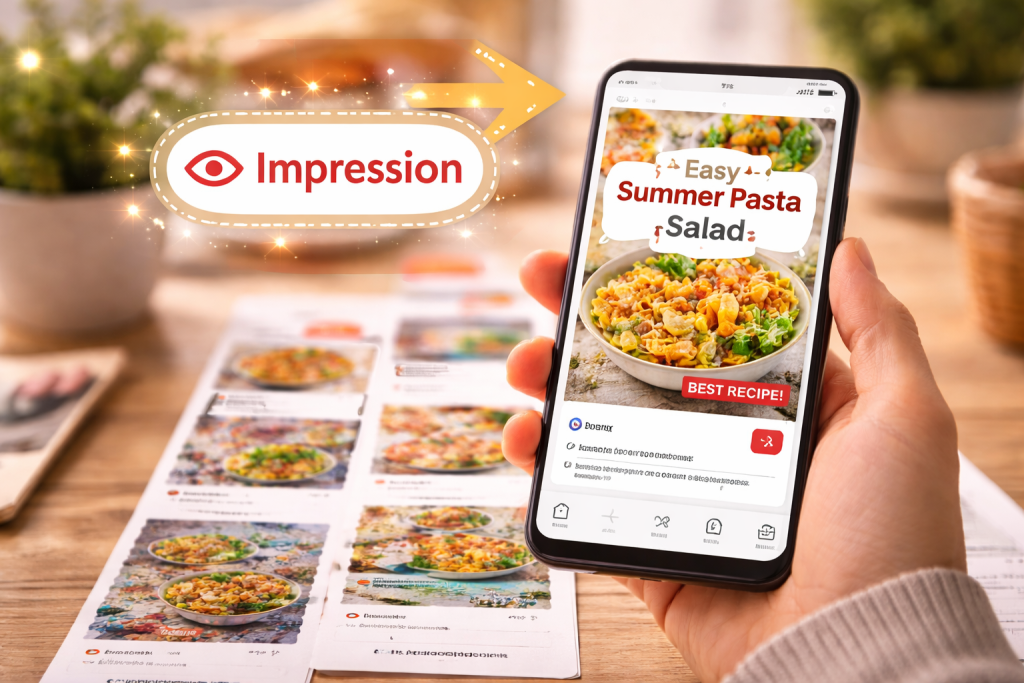
Let’s get straight to the point: what exactly is a Pinterest impression? The platform is surprisingly specific about this.
An impression is counted the moment at least one pixel of your Pin is visible on a user’s screen for one continuous second.
Think of it like this: your Pin is a billboard on a super busy digital highway. It doesn’t matter if someone slows down to read every word or just glances at it as they speed by.
If the billboard was in their line of sight, it was seen. The same goes for Pinterest—even if a user scrolls past your Pin in a blur, it still gets counted as an impression.
This little detail is a game-changer because it separates pure visibility from actual attention. Your Pin could get thousands of impressions, but that doesn’t mean anyone truly stopped to look at it.
Key Takeaway: An impression is a thumbs-up from the Pinterest algorithm, showing that your content is being distributed. It’s a measure of potential reach, not a sign of user interest or engagement.
How an Impression is Counted
So, how does this play out in the real world? An impression gets logged in a couple of common ways:
- When someone is searching: A user types “summer dinner recipes” into the search bar, and your Pin shows up in the results. Boom, that’s an impression the second it appears on their screen.
- During casual scrolling: Someone is just browsing their home feed, and as they scroll, your Pin flashes into view. That counts too.
This distinction is what separates a good strategy from a great one. With a projected 570 million monthly active users hitting the platform in 2025, the opportunity to get your content seen is huge.
Pinners are incredibly active, saving a mind-boggling 1.5 billion Pins every single week. This creates a whirlwind of activity where impressions can pile up fast, even without someone directly interacting with your content.
You can discover more fascinating Pinterest user stats to see just how big the audience is.
Grasping this difference helps you understand that a high impression count means Pinterest is doing its job and showing your content around. It’s the first step on the ladder, but it’s definitely not the top.
Impressions Vs Engagements On Pinterest
While impressions tell you that your content is getting seen, they don’t tell the whole story. Think of an impression like someone walking past a bakery window.
They see the pastries, they register that the shop exists, but they keep walking. It’s pure visibility.
Engagements, on the other hand, are the people who stop, press their nose to the glass, and then decide to come inside. These are the meaningful actions that signal genuine interest in what you’re offering.
This infographic gives you a peek behind the curtain at how Pinterest technically counts an impression.
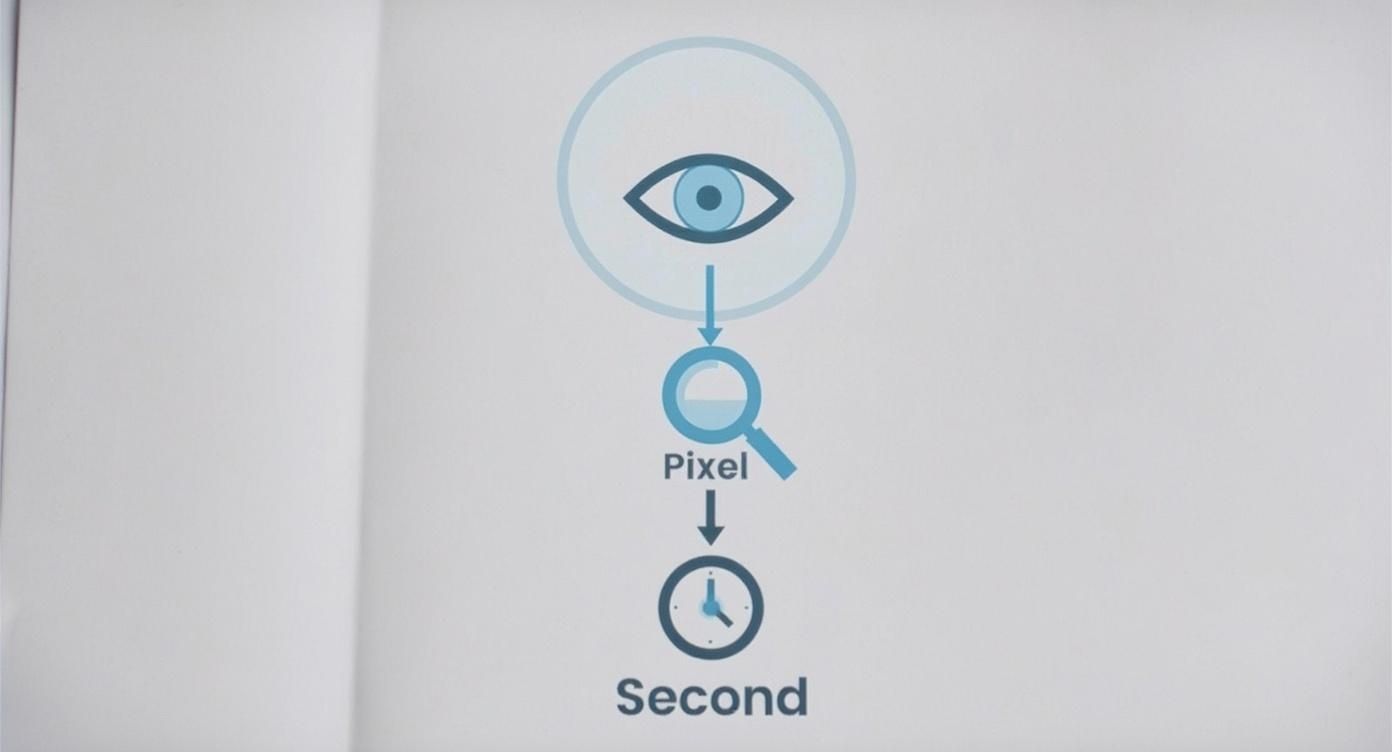
As you can see, an impression is a simple, fleeting event—your Pin’s pixels just have to appear on a screen for a moment. It’s the very first step, happening long before a user decides to do anything else.
Key Engagement Actions
On Pinterest, several key actions turn that passive glance into an active engagement. Each one tells you something different about what the user is thinking:
- Saves: This is the digital equivalent of tearing a page out of a magazine. When someone saves your Pin, they’re bookmarking it for later, signaling they find your content valuable and want to come back to it.
- Outbound Clicks: This is the big one. A user clicking through your Pin to visit your website, blog, or online store is a massive sign of intent. They’re moving from inspiration to action.
- Close-ups: This happens when someone taps on your Pin to get a better look. It shows more than just passing curiosity—they’re intrigued enough to pause their scroll and zoom in.
While impressions give you a sense of your potential audience size, getting people to actually do something is the real goal.
You can explore a variety of strategies to improve social media engagement to help turn those views into valuable actions.
Interpreting Pinterest Metrics Impressions Vs Engagement
To truly understand your Pin’s performance, you need to look at how impressions and engagements work together. This table breaks down what each metric really tells you.
| Metric | What It Indicates | Strategic Value |
|---|---|---|
| Impressions | How many times your Pin has been displayed on a screen. | Gauges brand awareness and content visibility. A high number means your Pin is being surfaced effectively by the algorithm. |
| Saves | A user finds your content valuable enough to keep for later. | Signals that your content resonates and is seen as a long-term resource, which can boost its future reach. |
| Outbound Clicks | A user is interested enough to leave Pinterest to visit your site. | Directly measures your ability to drive traffic and potential leads or sales. This is a core “bottom-of-the-funnel” metric. |
| Close-ups | A user is curious and wants to see your Pin in more detail. | Shows initial interest and that your Pin’s imagery or title was compelling enough to stop a user from scrolling. |
Ultimately, impressions are the starting line, while engagements are the milestones that show your content is actually hitting the mark with your audience.
Impressions are a fantastic top-of-funnel metric for measuring potential reach, but you can’t take them to the bank.
Think about it: Pinterest’s ad platform can reach an incredible 340 million people, but only a fraction of those views will lead to a direct action.
Even with powerful stats like 85% of weekly Pinners buying something based on a brand’s Pins, that decision doesn’t happen on the first glance.
A user might see a Pin multiple times—racking up impressions—before they finally decide to save it or click through.
Here’s the rewritten section, designed to sound like an experienced human expert.
Why High Impressions Matter On Pinterest
It’s easy to dismiss impressions as a vanity metric, but on Pinterest, they’re the bedrock of your entire strategy.
Think of it like this: if you set up a shop in the desert, it doesn’t matter how great your products are if no one ever walks by. Impressions are your foot traffic.
Without that initial visibility, you simply can’t get the clicks, saves, or sales that follow. A high impression count is a huge green flag from the Pinterest algorithm, telling you that it sees your content as high-quality and is actively showing it to people.
It’s proof that your keyword strategy, Pin designs, and board organization are all hitting the mark.
Driving Brand Awareness
Pinterest is all about visual discovery, which makes consistent exposure incredibly powerful. Every single time your Pin flashes across someone’s screen, it subtly reinforces your brand’s look and feel.
It builds familiarity, and over time, that familiarity turns into trust.
The next time that user sees your Pin, they’re much more likely to stop scrolling and pay attention.
Here’s the magic of Pinterest: a huge chunk of searches are unbranded. People aren’t looking for “Nike running shoes”; they’re searching for “spring running outfit ideas.”
This gives smaller creators and new brands a massive opportunity to get discovered right alongside the big players.
Creating Engagement Opportunities
Impressions are the spark that ignites the customer journey. You can’t get a save or a click if no one sees your Pin in the first place. It’s a numbers game, plain and simple.
More impressions mean more eyeballs, which directly translates into more chances for someone to save your Pin for later or click through to your website.
The bigger your reach, the more opportunities you create to grow your audience and drive real traffic.
Strategies To Boost Pinterest Impressions
Knowing what Pinterest impressions are is the easy part. The real challenge—and where the growth happens—is figuring out how to make those numbers go up.
Boosting your impressions isn’t about finding a magic trick or trying to outsmart the system. It’s all about creating content that lines up perfectly with what real people and the Pinterest algorithm are looking for.
This means playing the long game with solid, white-hat tactics that build your account’s authority and visibility over time.
The goal is simple: make high-quality, discoverable content that naturally earns its spot in front of more and more people. Let’s dig into five key strategies that will help you get there.
Perform Smart Keyword Research
Your path to more impressions starts with good old-fashioned keyword research. Think of keywords as the signposts that guide users directly to your content.
Since Pinterest is, at its heart, a visual search engine, you need to speak its language to get found.
A great place to start is right in the Pinterest search bar. Type in a broad term related to your niche and watch what happens.
The auto-suggested phrases that pop up are a goldmine—they’re the exact terms people are using to find ideas.
For instance, searching for “healthy dinner” might lead you to “healthy dinner recipes for family” or “healthy dinner ideas quick.”
Sprinkling these specific, long-tail keywords into your Pin titles and descriptions helps the algorithm instantly understand what your content is about, making it much easier to serve it to the right audience.
Craft SEO-Rich Titles and Descriptions
With your keywords in hand, it’s time to put them to work. Your Pin’s title and description are your most valuable SEO assets.
The key is to avoid just stuffing them with keywords. Instead, write natural, compelling sentences that not only signal relevance to Pinterest but also make someone want to click.
A great description does more than just describe—it tells a story. It provides context, answers a user’s unspoken question, and includes a clear call to action, all while weaving in your target keywords.
For example, a title like “Easy Lemon Herb Roasted Chicken Recipe” is miles better than just “Chicken Recipe.” It’s specific and directly matches what a user might be searching for.
A well-written description seals the deal, dramatically increasing the chances your Pin will show up in search results and earn that all-important impression.
Our full guide on how to create a Pin for Pinterest walks you through optimizing every single element.
Design Eye-Catching Visuals
Let’s not forget the most obvious thing: Pinterest is a visual platform. Your Pin has to be a scroll-stopper. With over 85% of Pinners browsing on their phones, designing for mobile isn’t just a good idea—it’s essential.
- Stick to a 2:3 aspect ratio (think 1000 x 1500 pixels) to claim as much screen real estate as possible.
- Add bold, clear text overlays that instantly communicate the value of your Pin.
- Use bright, high-quality images with good contrast to make your design pop in a busy feed.
A Pin that’s easy on the eyes is far more likely to get noticed, and a Pin that gets noticed is one that racks up impressions.
Analyzing Impressions in Pinterest Analytics
Knowing what impressions mean is one thing, but the real magic happens when you turn that number into a concrete strategy.
Your command center for this is the Pinterest Analytics dashboard, a powerful tool that shows you exactly what’s catching people’s eyes.
The best place to start is the “Overview” tab. Think of this as your 30,000-foot view of account performance.
You can filter by different date ranges to see how you’re doing over time. Was there a sudden spike in impressions after you tried a new Pin format?
Did that holiday-themed board you created last month suddenly take off? This is where you’ll spot those big-picture trends.
The Pinterest Analytics Overview tab gives you a clean snapshot of your most important metrics, with impressions front and center.
This dashboard makes it incredibly simple to compare different time periods. You can quickly see your growth or pinpoint any dips in visibility that might need a closer look.
Drilling Down for Deeper Insights
To get to the good stuff, you need to go beyond the overview. Head over to the “Top Pins” section and sort them by impressions.
This tells you which specific pieces of content are your all-stars. These are the Pins the Pinterest algorithm is loving, so study them! What keywords did you use? What do the visuals look like? Dissect their success so you can repeat it.
Do the same for your “Top Boards”. This will show you which of your curated topics are gaining the most traction with users.
This data is your roadmap, telling you exactly where to focus your pinning energy for the biggest impact.
This process is what shifts you from being just a content creator to a content strategist. When you understand which Pins and boards are driving the most impressions, you can double down on what’s working and fine-tune your approach elsewhere.
For a more holistic view, it’s worth learning how to measure content performance across all your channels.
And if you’re in the e-commerce world, exploring how advanced e-commerce analytics tools like Tripple Whale can connect the dots between your Pinterest activity and actual sales is a total game-changer.
Find trending Pinterest keywords that drive more impressions
If you want more impressions, you need two things: the right keywords and consistent publishing.
Post Paddle helps you plan, optimize, and schedule Pins faster so you can stay active without living on Pinterest.
Start by using our free Pinterest Keyword Research tool to uncover terms people are searching right now, then create multiple fresh Pin designs for your best links and schedule them in minutes.
Got Questions About Pinterest Impressions? We’ve Got Answers.
As you start digging into your Pinterest analytics, a few common questions always seem to surface.
Getting these sorted out is key to understanding what your numbers are really telling you and making smarter moves for your account. Let’s clear up the most common head-scratchers.
Are Impressions and Reach the Same Thing?
Nope, and it’s a super important distinction. Think of it like a billboard on a highway.
- Impressions count every single time your Pin shows up on someone’s screen. If one person drives by that billboard on their way to work Monday and again on their way home, that’s two impressions.
- Reach counts the unique people who saw your Pin. In that same billboard scenario, your reach is just one person.
So, impressions tell you about your overall visibility, while reach tells you how many individual people your content connected with.
A ton of impressions but much lower reach often means a smaller, but very engaged, group is seeing your stuff over and over.
Help! Why Did My Pinterest Impressions Suddenly Drop?
It’s easy to panic when you see a sudden nosedive in your stats, but there’s usually a logical reason behind it. Often, it’s just seasonality at play—that pumpkin spice recipe Pin that was on fire in October is naturally going to cool off by January.
Algorithm updates can also cause a stir, as Pinterest periodically tweaks what kinds of content it wants to show people.
Don’t forget to look in the mirror, too. If you’ve slacked off on your pinning schedule, the algorithm might think your account is getting sleepy and pull back on showing your content. A good first step is to pinpoint which specific Pins or boards took the biggest hit to see if you can spot a pattern.
Pro Tip: Try not to sweat the small dips. Pinterest is a marathon, not a sprint. Look for consistent trends over several weeks, not just a day or two, before you decide to overhaul your entire strategy.
How Long Does It Take to Actually Increase Impressions?
Everyone wants to see that hockey-stick growth overnight, but building a presence on Pinterest is all about patience.
Once you start nailing your keyword strategy and pinning consistently, you’ll likely see some small bumps in impressions within a few weeks.
But for that real, lasting growth? You should plan on it taking 3 to 6 months. That’s the sweet spot for the algorithm to really learn what you’re all about, see that you’re in it for the long haul, and start showing your content to a much wider audience.