
Scheduling Pins on Pinterest isn’t just a handy tool; it’s a whole new way to think about how you use the platform.
Imagine tending a garden: occasional watering might keep a few plants alive, but regular care creates a flourishing space.
Consistent posting on Pinterest does the same for your brand, cultivating a thriving online presence and an engaged audience.
This is because Pinterest’s algorithm favors consistent, high-quality content over sporadic bursts of activity, unlike other social media platforms.
Consistency Is Key for Pinterest Success
Strategically scheduling your Pins can significantly boost your reach and visibility.
Instead of rushing to post at random times, you can plan your content ahead of time and optimize its distribution throughout the week.
This consistent flow of content keeps your audience engaged and signals to Pinterest that your profile is active and relevant.
For example, a bakery that posts pictures of tempting pastries every morning at 8 AM creates anticipation among followers and trains the algorithm to display their content to users who are active at that time.
Additionally, scheduling helps you connect with audiences in different time zones. If your target market spans various countries, manual posting becomes a logistical nightmare.
Scheduling tools let you tailor your posting times to when your audience is most active, no matter where they are.
This maximizes the number of people who see your Pins, increasing their potential impact.
The Benefits of a Consistent Pinterest Presence
Pinterest is a powerful platform for content discovery, with over 553 million monthly active users by Q4 2024.
This represents an 11% year-over-year increase and 35 million more users than in Q1 2024.
This rapid growth, particularly in Western markets where Pinterest dominates e-commerce and product discovery, highlights its global reach.
You can find more detailed statistics here: Learn more about Pinterest Statistics. Reaching this vast user base requires a strategic approach, and consistent posting is crucial.
From Sporadic to Strategic: The Power of Scheduling

Consistency also builds trust and familiarity with your audience. Regular, predictable content lets users know when to expect your posts, strengthening their connection with your brand.
This fosters a sense of community and encourages more consistent engagement with your Pins. This engagement, in turn, signals to Pinterest that your content is valuable, further increasing your reach.
Ultimately, brands that embrace scheduled posting see much better long-term results than those posting randomly.
Scheduling transforms your Pinterest strategy from sporadic posting to systematic growth.
By planning and scheduling your Pins strategically, you create a predictable and engaging experience for your audience while maximizing your visibility and reach.
Mastering Pinterest’s Built-In Scheduling Tools
Pinterest’s native scheduler offers a solid base for any pinning strategy.
While it appears simple, understanding its capabilities and limitations is key to maximizing effectiveness.
Let’s explore how to use Pinterest’s built-in tools, from accessing core features to streamlining your content pipeline.
Accessing and Utilizing the Native Scheduler
Scheduling pins on Pinterest is easy. Whether you’re on desktop or mobile, the process involves creating a pin, selecting your board, writing a captivating title and description, and choosing your publishing time.
You can schedule pins up to 30 days in advance, giving you flexibility in your content planning.
This built-in feature simplifies maintaining a consistent Pinterest presence without constant manual posting.
For a refresher on pin creation, check out this helpful resource: How to master creating a pin on Pinterest.
Understanding Scheduling Limitations and Workarounds
While Pinterest’s native scheduler is useful, it does have limitations. Currently, you can only schedule one pin at a time, and editing scheduled pins isn’t possible.
This means any changes require deleting and recreating the scheduled pin.
To handle the sheer volume of content—users pin over 1.5 billion Pins weekly to more than 10 billion Pinterest boards—Pinterest introduced these native scheduling tools, allowing up to 100 scheduled pins at a time, up to 30 days in advance.
These features are now vital for brands and creators maintaining consistent engagement across different time zones and audiences. Find more detailed statistics here.
However, savvy marketers often use batch scheduling. This involves preparing multiple pins and scheduling them strategically across the week to simulate a more automated approach.
To help illustrate the differences between Pinterest’s native scheduler and third-party tools, let’s look at a comparison table:
Pinterest Native Scheduler vs Third-Party Tools Comparison
A detailed comparison of features, limitations, and capabilities between Pinterest’s built-in scheduler and popular third-party alternatives
| Feature | Pinterest Native | Third-Party Tools | Best Use Case |
|---|---|---|---|
| Scheduling Multiple Pins | Limited to 1 at a time | Bulk scheduling available | Managing a high volume of pins |
| Editing Scheduled Pins | Not available | Usually available | Frequent content updates/adjustments |
| Analytics Integration | Basic analytics provided | More advanced analytics often included | In-depth performance tracking & reporting |
| Content Curation & Collaboration | Limited | Often includes team features | Team-based Pinterest management |
| Cost | Free | Varies; free and paid options available | Depends on budget and feature needs |
As you can see, while Pinterest’s native scheduler is a good starting point, third-party tools offer more advanced features, particularly for those managing larger volumes of content or requiring detailed analytics.
Maximizing Algorithmic Favor with Scheduled Content
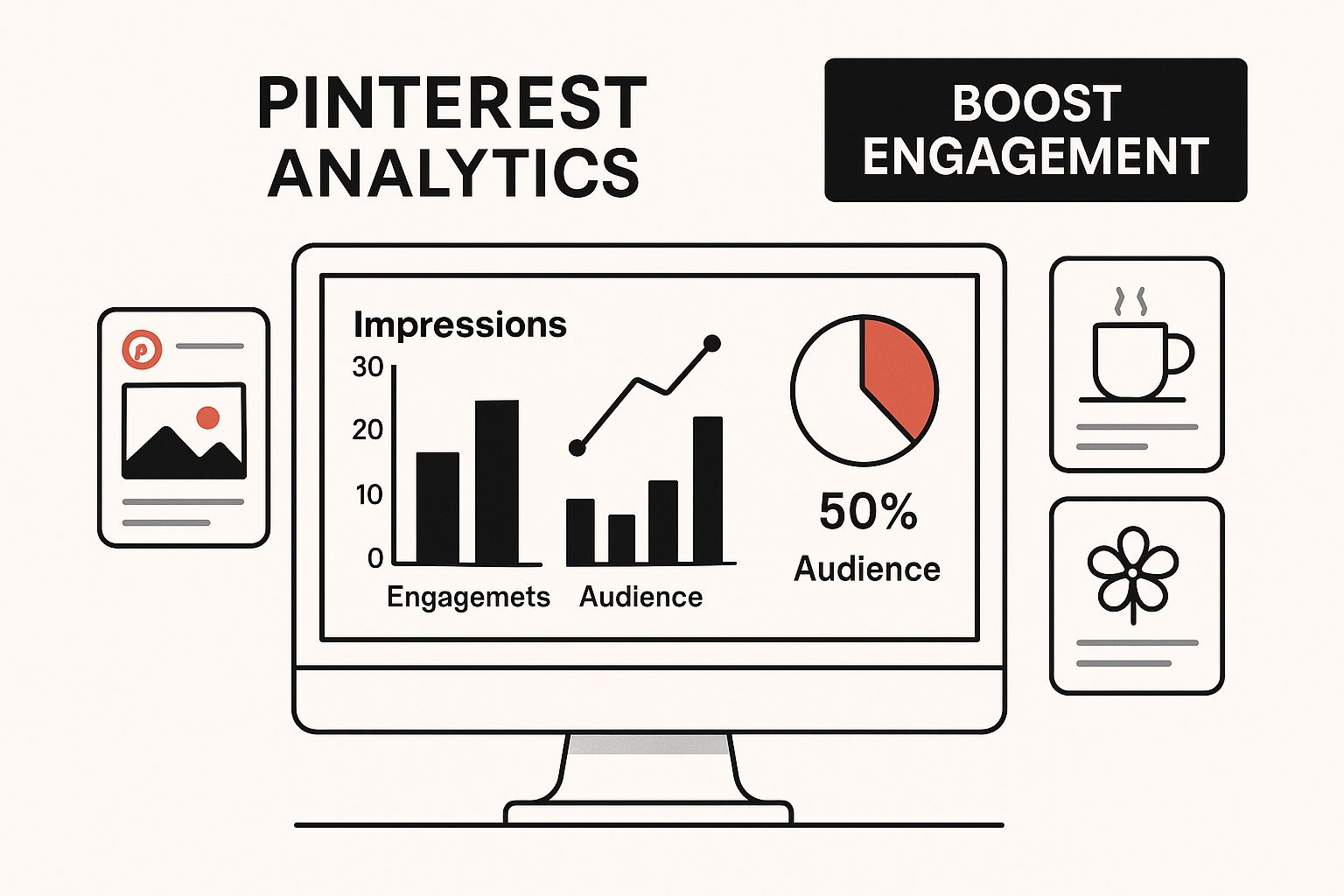
The infographic above shows a computer screen displaying Pinterest analytics, surrounded by pins, and highlighting “Boost Engagement”.
This visual emphasizes the importance of data-driven decisions in Pinterest marketing, demonstrating how analytics can guide your scheduling strategy for maximum impact.
Analyzing engagement patterns and other metrics allows you to tailor your posting schedule for optimal performance.
Overlooked Native Features for Enhanced Scheduling
Many Pinterest users miss valuable native features that can boost their scheduling strategy.
Rich Pins, for example, provide more context and information within the pin, improving user experience and click-through rates.
Using Pinterest’s analytics dashboard gives crucial data on audience activity, allowing you to adjust your schedule to peak engagement times.
By fully understanding these built-in tools, you can transform your approach to scheduling from a simple task to a powerful strategy for driving engagement and growth on Pinterest.
Finding Your Perfect Posting Schedule Sweet Spot

Timing is everything when it comes to Pinterest marketing. It’s not just about when you schedule your Pins, but also about understanding when your target audience is most likely to engage with your content.
This requires a deep dive into Pinterest Analytics to discover optimal posting patterns specific to your industry and content type.
It’s like finding the perfect fishing spot – you need to know where the fish are biting!
Identifying Peak Engagement Windows with Pinterest Analytics
Pinterest provides built-in analytics tools offering valuable insights into your audience’s activity.
These tools can help you identify your peak engagement windows, which are the times when your audience is most active and likely to interact with your Pins.
Using a data-driven approach lets you move away from generic advice and customize your posting schedule for your specific audience.
For instance, if your analytics reveal high engagement on weekdays between 5 PM and 7 PM, then that’s a prime time to schedule your Pins.
Testing and Refining Your Posting Frequency
Finding the ideal posting frequency takes experimentation. Begin with a reasonable posting frequency, such as 5-10 Pins per day, distributed throughout your peak engagement windows.
Then, utilize A/B testing to refine your schedule. This involves comparing the performance of Pins scheduled at different times and frequencies to determine what resonates best with your audience.
Remember, consistency is key. Regular posting helps train the Pinterest algorithm to prioritize your content.
Seasonal Timing Strategies for Amplified Reach
Just as the changing seasons affect our daily lives, they also influence Pinterest user behavior. Implementing seasonal timing strategies can significantly amplify your reach and engagement.
For example, if you’re a fashion retailer, scheduling Pins featuring summer dresses in the spring will likely yield better results than posting them in the winter.
This proactive approach ensures your content aligns with current user search trends.
The impact of strategic Pin scheduling is evident in Pinterest’s user behavior and content management statistics.
With users saving over 1.5 billion Pins weekly to up to 2,000 boards per user, the sheer volume of content necessitates smart, automated tools to manage high-frequency posting.
For more in-depth statistics, you can explore this topic further: Find more detailed statistics here.
Adapting Your Schedule Based on Performance Data
Don’t be afraid to adjust your posting schedule based on actual performance data.
Regularly review your Pinterest analytics to identify high-performing Pins and those that aren’t resonating with your audience.
This ongoing analysis helps identify trends and informs your future scheduling strategy.
Your posting schedule should be a living document, constantly evolving based on audience engagement and the ever-changing dynamics of the Pinterest platform.
This dynamic approach is vital for maximizing your Pinterest success. By combining data analysis with strategic planning, you can establish a strong Pinterest presence that consistently delivers results.
Advanced Scheduling Strategies That Actually Work
Effective Pinterest marketing goes beyond simply pinning images. Truly successful marketers utilize advanced scheduling strategies to optimize their reach and engagement.
Let’s explore some of these techniques that can elevate your Pinterest performance.
Content Batching for Seasonal Campaigns
Content batching is a highly efficient strategy, particularly beneficial for seasonal campaigns. This involves creating a large volume of content focused on a specific theme or period, like a holiday or season.
Imagine a home decor business preparing for the holiday season. They might create a batch of Pins showcasing festive decorations, cozy interiors, and gift ideas.
These Pins can then be scheduled for release throughout the holiday period, ensuring a consistent stream of relevant content.
This approach not only saves time but also maintains a cohesive and engaging presence on Pinterest.
Cross-Board Promotion for Increased Visibility
Maximize your Pin’s reach by utilizing cross-board promotion. This involves sharing your Pins across multiple relevant boards on your profile.
Going back to our home decor example, the business could share holiday-themed Pins on boards like “Holiday Decor,” “Winter Home Inspiration,” and “Gift Guides.”
By strategically distributing content across relevant boards, you expose your Pins to a wider audience and increase their potential for engagement.
Supporting Your Broader Marketing Funnel with Scheduled Pins
Scheduled Pins can effectively support different stages of the marketing funnel. By aligning Pins with specific customer journey phases, you can guide users towards conversion.
For instance, at the top of the funnel, you might share inspirational Pins showcasing home decor trends.
As users move down the funnel, you can introduce product-focused Pins with direct links to your online store. This creates a seamless path from discovery to purchase.
Timing Trends and Seasonal Content Preparation
Staying ahead of trends and preparing seasonal content is crucial for maximizing engagement.
Analyzing Pinterest trends and anticipating upcoming events allows you to create relevant content that captures user interest at the right time.
Proactive planning is key. Prepare your content well in advance, enabling you to schedule timely Pins that capitalize on peak interest.
For helpful information, explore resources on automating your Pinterest strategy.
Scaling Your Scheduling Workflow
As your business and Pinterest activity grow, scaling your scheduling workflow becomes essential. Efficient processes are vital for managing increased content volume and maintaining consistency.
Consider using third-party scheduling tools like Tailwind for bulk uploads or develop internal systems for content creation and scheduling.
User activity on Pinterest highlights the importance of efficient scheduling: users save over 1.5 billion Pins per week to as many as 2,000 boards each.
This volume necessitates effective tools for managing frequent posting. Learn more about Pinterest statistics here.
Strategic scheduling on Pinterest builds authentic engagement and maintains consistent visibility.
By implementing these advanced techniques, you can enhance your Pinterest presence and achieve impactful results.
Third-Party Tools Worth Your Investment
While Pinterest’s native scheduler offers a basic level of scheduling, third-party tools provide advanced features essential for scaling Pinterest marketing strategies.
These tools often offer more robust scheduling, in-depth analytics, and features that streamline your workflow.
Think of it like this: while both a bicycle and a car will get you to your destination, the car provides a more efficient and feature-rich experience.
Key Features to Look For in a Third-Party Tool
Choosing the right third-party tool for scheduling pins on Pinterest hinges on selecting one with the right features. Here are some essential features to consider:
- Bulk Uploading: This feature allows you to upload and schedule multiple pins at once, saving you considerable time. Imagine scheduling a month’s worth of content in a single sitting! You might be interested in: How to master bulk uploading on Pinterest.
- Advanced Analytics: Go beyond Pinterest’s native analytics and gain a deeper understanding of pin performance. This data helps inform future content creation and scheduling strategies.
- Team Collaboration: For teams managing Pinterest accounts, collaboration features are crucial. Look for tools that offer shared calendars, approval workflows, and integrated communication.
- Pinterest API Integration: Seamless integration with the Pinterest API is essential for reliability and consistent functionality, especially as Pinterest updates its platform.
Evaluating Popular Scheduling Platforms
Numerous third-party scheduling platforms cater to different needs and budgets. To help you navigate the options, let’s analyze some popular choices.
The following table provides a comprehensive breakdown of features, pricing, and capabilities of leading Pinterest scheduling platforms.
Top Pinterest Scheduling Tools Feature Analysis
| Tool Name | Key Features | Pricing | Best For | Pros | Cons |
|---|---|---|---|---|---|
| Tailwind | SmartLoop, Tribes, Analytics | Varies based on features | Bloggers, Small Businesses | User-friendly interface, robust community features | Can be expensive for larger businesses |
| Planoly | Visual planner, hashtag manager, analytics | Varies based on features | Visual brands, influencers | Strong visual planning tools, good for Instagram integration | Limited Pinterest-specific features |
| Later | Visual planner, linkinbio, analytics | Varies based on features | Instagram-focused businesses | Excellent Instagram integration | Primarily geared towards Instagram |
| MeetEdgar | Automated scheduling, content recycling | Varies based on features | Businesses with large content libraries | Time-saving automation features | Can be less flexible for highly customized scheduling |
| Post Paddle | AI-powered pin creation, bulk scheduling, analytics | Varies based on features | Businesses of all sizes | Streamlines entire Pinterest workflow | Newer platform, still developing some features |
This table highlights the strengths and weaknesses of each platform, enabling you to choose the best fit for your specific requirements.
Consider factors such as your budget, the size of your business, and the level of control you need over your scheduling.
Balancing Cost and Functionality
Pricing for third-party tools varies significantly. Some platforms offer free plans with limited features, while others operate on a paid subscription model.
Evaluate the features offered against their cost to find the best balance for your budget and business goals.
A small business might prioritize affordability, while a larger enterprise might invest in a more comprehensive platform.
Long-Term Viability and Support
Consider the long-term viability of the platform. Choose a platform with a proven track record, active development, and reliable customer support.
This ensures your investment is secure and you have access to assistance when needed.
Making the Right Choice for Your Business
Choosing the right tool depends on your unique business needs, budget, and current Pinterest marketing strategy.
Assess your goals and available resources to select a platform that effectively elevates your Pinterest marketing efforts.

Measuring What Matters and Optimizing for Growth
Scheduling pins on Pinterest is only the first step. The real key to success lies in tracking the right metrics and using that data to refine your strategy.
This is how you move from simply posting content to strategically growing your Pinterest presence.
Think of it as navigating a ship: scheduling sets your initial course, while data analysis allows you to adjust your sails and reach your destination.
Key Pinterest Analytics for Scheduling Success
Understanding which Pinterest analytics truly matter is essential for optimizing your scheduling strategy.
It’s not enough to just schedule pins; you need to track their performance. These key metrics offer valuable insights:
- Impressions: This metric shows how many times your Pins have been seen. High impressions indicate strong visibility.
- Saves: This reveals how often users are saving your Pins to their own boards. A high save rate suggests your content resonates with your audience and they find it valuable.
- Click-Throughs: This indicates how many times users are clicking on your Pins to visit your website. Strong click-through performance suggests effective calls-to-action and compelling visuals.
- Conversions: This tracks actions taken on your website after a user clicks a Pin, such as purchases or newsletter sign-ups. Conversion tracking demonstrates how effectively your Pins are driving desired actions.
By monitoring these metrics, you can identify what’s working well and where you can improve.
Setting Up Attribution Tracking for Scheduled Content
Accurate attribution tracking is vital for understanding the performance of your scheduled content.
This involves linking your Pinterest analytics with your website analytics tools like Google Analytics, enabling you to trace conversions and other valuable actions back to specific Pins.
For example, if you’re running a promotion linked to a specific set of scheduled Pins, attribution tracking will reveal how much traffic and how many conversions those Pins are generating.
Decoding the Pinterest Analytics Dashboard
Learning to interpret the Pinterest analytics dashboard is like unlocking a wealth of information.
The dashboard provides comprehensive data on your Pin performance, audience demographics, and overall profile engagement.
This data helps you understand what resonates with your audience, which boards are performing best, and the ideal times to schedule your Pins, allowing you to make data-driven decisions.
A/B Testing for Scheduled Pins
A/B testing is a powerful technique for optimizing your scheduled Pins.
This involves creating two slightly different versions of a Pin, perhaps with varying images or descriptions, and scheduling them both to see which performs better.
For example, you could test two different Pin titles: one descriptive and one more catchy.
By analyzing the click-through rates and engagement for each version, you can identify the title that resonates most effectively with your audience.
Identifying Top-Performing Content and Optimizing Future Decisions
Analyzing your Pinterest analytics will reveal your highest-performing content types. This information helps shape future scheduling decisions and content creation.
For example, if you discover that DIY project Pins generate significantly more saves and click-throughs than product-focused Pins, you can prioritize scheduling more DIY content to maximize engagement.
By consistently analyzing your Pinterest data and adjusting your scheduling strategy based on these insights, you can ensure your Pinterest presence isn’t just active, but also effectively driving growth and achieving your marketing goals.
Ready to turn scheduled Pins into more clicks and engagement?
Grab the Pin Optimization Checklist and use it to fine-tune every Pin you publish (from your design and text overlay to your title, description, keywords, and call-to-action) so your scheduled content performs better and drives more traffic.
Download the Pin Optimization Checklist now and make every scheduled Pin count.
Frequently Asked Questions
1. Can I schedule Pins directly on Pinterest without using any tools?
Yes. Pinterest has a built-in scheduler that lets you schedule Pins up to 30 days in advance, and you can keep up to 100 Pins scheduled at one time. It’s a great option if you’re pinning at a lower volume and don’t need bulk uploads or advanced analytics.
2. How far in advance should I schedule Pins for best results?
A good rule is to schedule at least one to two weeks ahead so you can stay consistent without scrambling. If you run seasonal campaigns, plan even earlier so your content has time to gain traction before the peak search window hits.
3. What’s the best time of day to schedule Pins on Pinterest?
There isn’t one universal “best time” because it depends on your audience. The best approach is to use Pinterest Analytics to spot when your followers are most active, then schedule your Pins during those peak engagement windows.
4. How many Pins should I schedule per day to grow consistently?
Most accounts see strong results when they post consistently with a steady daily pace rather than big bursts. Start with a manageable range (like a few Pins per day), track performance, and increase gradually as you find what your audience responds to.
5. What should I track to know if my scheduled Pins are actually working?
Focus on the metrics that reflect real performance: impressions (visibility), saves (content value), outbound clicks (traffic), and conversions (results). Reviewing these regularly helps you double down on what performs and adjust what doesn’t.