
Pinterest isn’t just a platform for inspiration; it’s a visual search engine with massive potential to drive organic traffic. But to truly unlock this potential, you need to master its algorithm.
This is where Pinterest SEO comes in.
It’s the art and science of optimizing your Pins, boards, and profile to rank higher in search results, connecting your content with millions of users actively looking for ideas and solutions.
Unlike other social platforms where content has a fleeting lifespan, an optimized Pin can drive traffic for months or even years.
However, manually identifying trending keywords, analyzing competitors, and optimizing every single Pin is a monumental task. That’s why leveraging the right Pinterest SEO tools is no longer a luxury, it’s a necessity for any serious marketer, blogger, or business owner.
These specialized tools streamline your workflow, provide data-driven insights, and automate tedious tasks, allowing you to focus on strategy and creation.
This guide cuts directly to the best options available. We will dive into a curated list of the top 12 tools that can transform your Pinterest presence from passive to powerful, complete with screenshots, direct links, and practical use cases.
Our goal is to help you find the perfect tool for your specific needs, saving you time while maximizing your reach and traffic.
12 Premier Pinterest SEO Tools
Choosing the right Pinterest SEO tool can be the difference between guesswork and a predictable stream of traffic.
Below, you’ll find a curated mix of automation suites, keyword research platforms, and analytics tools—each with its own strengths, pricing, and use cases.
Explore the list to identify which options best match your goals, budget, and current stage of Pinterest growth.
1. Post Paddle: The AI-Powered Automation Suite
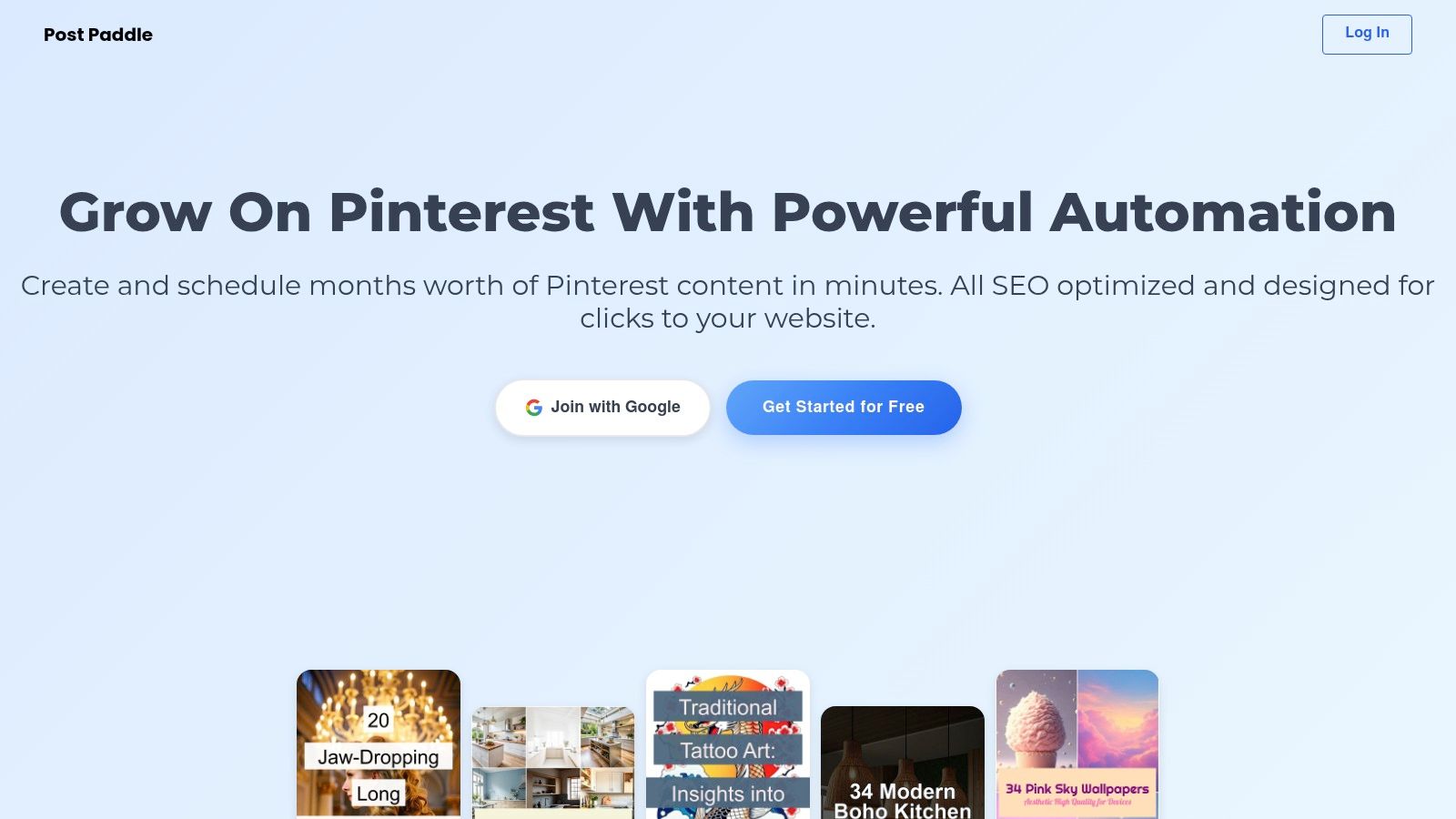
Post Paddle stands out as a premier choice in the landscape of Pinterest SEO tools, offering a comprehensive, AI-driven automation suite.
It’s engineered to transform the often time-consuming task of Pinterest management into a streamlined, highly efficient process.
The platform excels by automatically pulling content from your website to generate bulk, visually appealing pins complete with SEO-optimized titles and descriptions. This core function ensures your content is not just published but is also perfectly aligned with Pinterest’s discovery algorithm for maximum visibility.
Think of it as more than just a scheduler; it acts like a sophisticated AI social media content generator specifically tailored for Pinterest.
Its intelligent system crafts compelling overlay text and uses aesthetic templates to create pins that not only rank well but also drive clicks and audience engagement.
This automated approach to content creation and optimization is what makes it a powerful asset for any serious Pinterest marketer.
Key Features & Use Cases
- AI-Powered Bulk Pin Creation: Automatically generates hundreds of pins from your blog posts or product pages. This is ideal for e-commerce stores needing to promote an entire product catalog or bloggers wanting to repurpose existing content into fresh pins.
- Automated SEO Optimization: The AI crafts pin titles and descriptions using relevant keywords, ensuring your content aligns with what users are searching for. This directly improves your pin’s ranking potential without manual keyword research.
- Advanced Multi-Board Scheduling: Schedule pins across multiple boards with smart shuffling to maintain a consistent and active presence. Agencies managing several client accounts can use this to automate posting schedules and avoid repetitive content patterns.
- Intuitive Pin Editor: Offers full control over colors, fonts, and layouts to maintain brand consistency across all your pins. Small businesses can easily create a professional and cohesive brand aesthetic on their profile.
| Feature | Primary Benefit | Best For |
|---|---|---|
| Bulk Pin Generation | Saves hours of manual design work | E-commerce, Content Creators |
| SEO Automation | Maximizes organic reach and visibility | All users focused on growth |
| Smart Scheduling | Ensures consistent, optimal posting | Agencies, Social Media Managers |
| Brand Customization | Maintains a cohesive brand identity | Small Businesses, Influencers |
Pricing
Post Paddle offers a flexible pricing structure designed to scale with your needs.
The Starter plan is $19.99/month, making it accessible for individual bloggers and small businesses. For larger operations, the Agency plan at$ 99.99/month includes white-label options and higher pin limits.
A no-credit-card trial is available to test the platform’s capabilities.
Pros:
- AI-driven bulk pin generation with built-in SEO optimization.
- Flexible pricing plans cater to everyone from solo creators to large agencies.
- Advanced scheduling automates posting and maximizes visibility.
- Supports unlimited Pinterest accounts and websites for easy scalability.
Cons:
- Higher-tier plans can be a significant investment for casual users.
- Reliance on automation may not suit marketers who prefer granular manual control.
Website: https://postpaddle.com
2. KeySearch
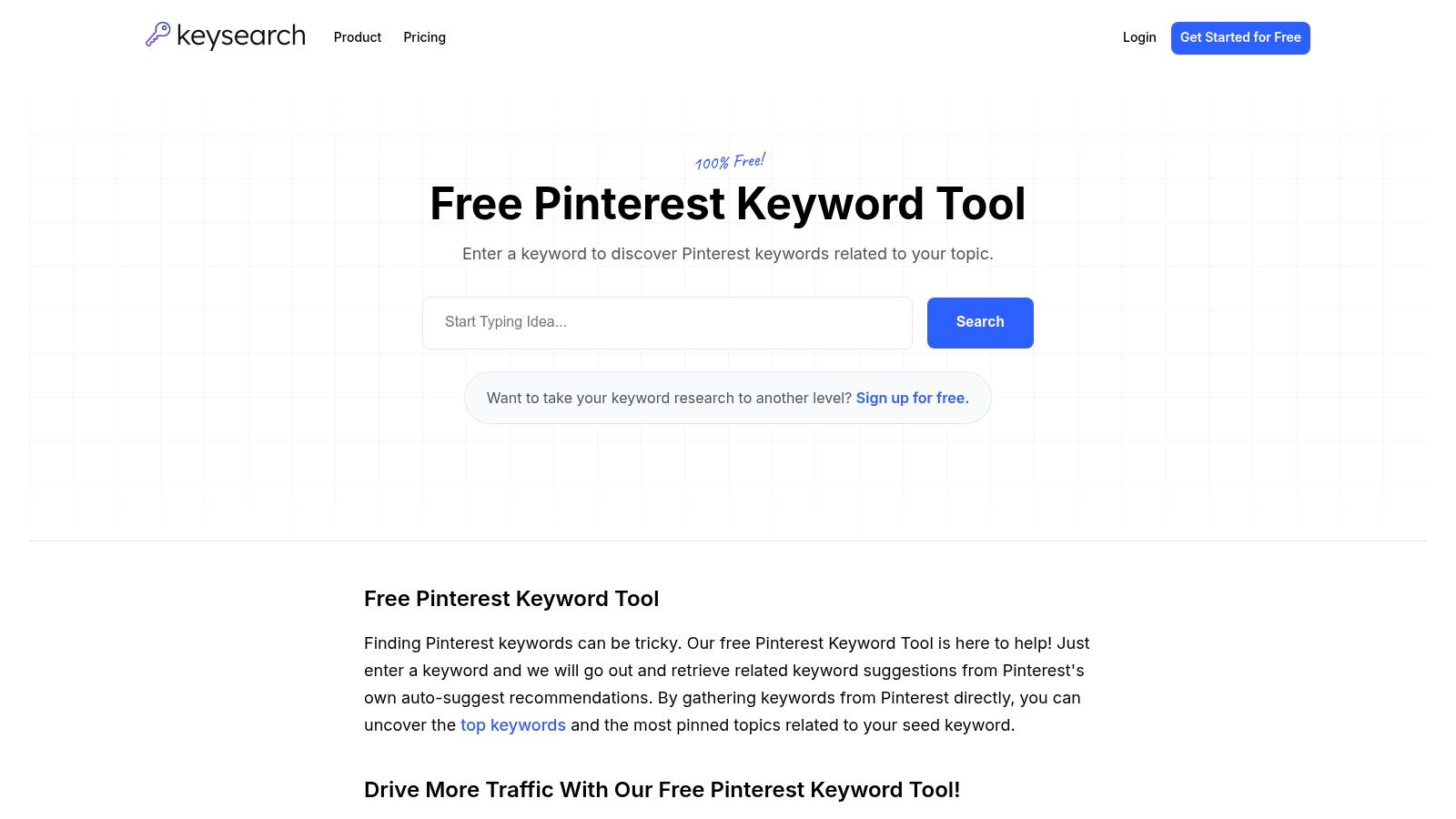
KeySearch is a powerful, multifaceted SEO platform that offers a standout, free Pinterest Keyword Tool.
It directly taps into Pinterest’s auto-suggest feature, providing a treasure trove of keywords that real users are actively searching for. This makes it an invaluable asset for anyone serious about mastering Pinterest SEO.
What sets KeySearch apart from other Pinterest keyword finders is its integration with a broader suite of SEO tools.
While the Pinterest-specific function is free, it exists within a platform designed for comprehensive search engine optimization. This allows for a more holistic approach to your content strategy, connecting your Pinterest efforts with your wider web presence.
Why It’s a Top Pinterest SEO Tool
The user-friendly interface makes keyword research fast and intuitive. You simply enter a seed keyword, and the tool generates a list of related long-tail keywords, which are perfect for Pin titles, descriptions, and board names.
For users who upgrade, KeySearch also provides keyword difficulty scores and content assistance, helping you prioritize keywords that are easier to rank for.
- Pros: User-friendly, provides direct access to Pinterest’s search data, and it’s free.
- Cons: Advanced analytics and competitor analysis features require a paid subscription.
- Website: https://www.keysearch.co/tools/pinterest-keyword-tool
3. Tailwind
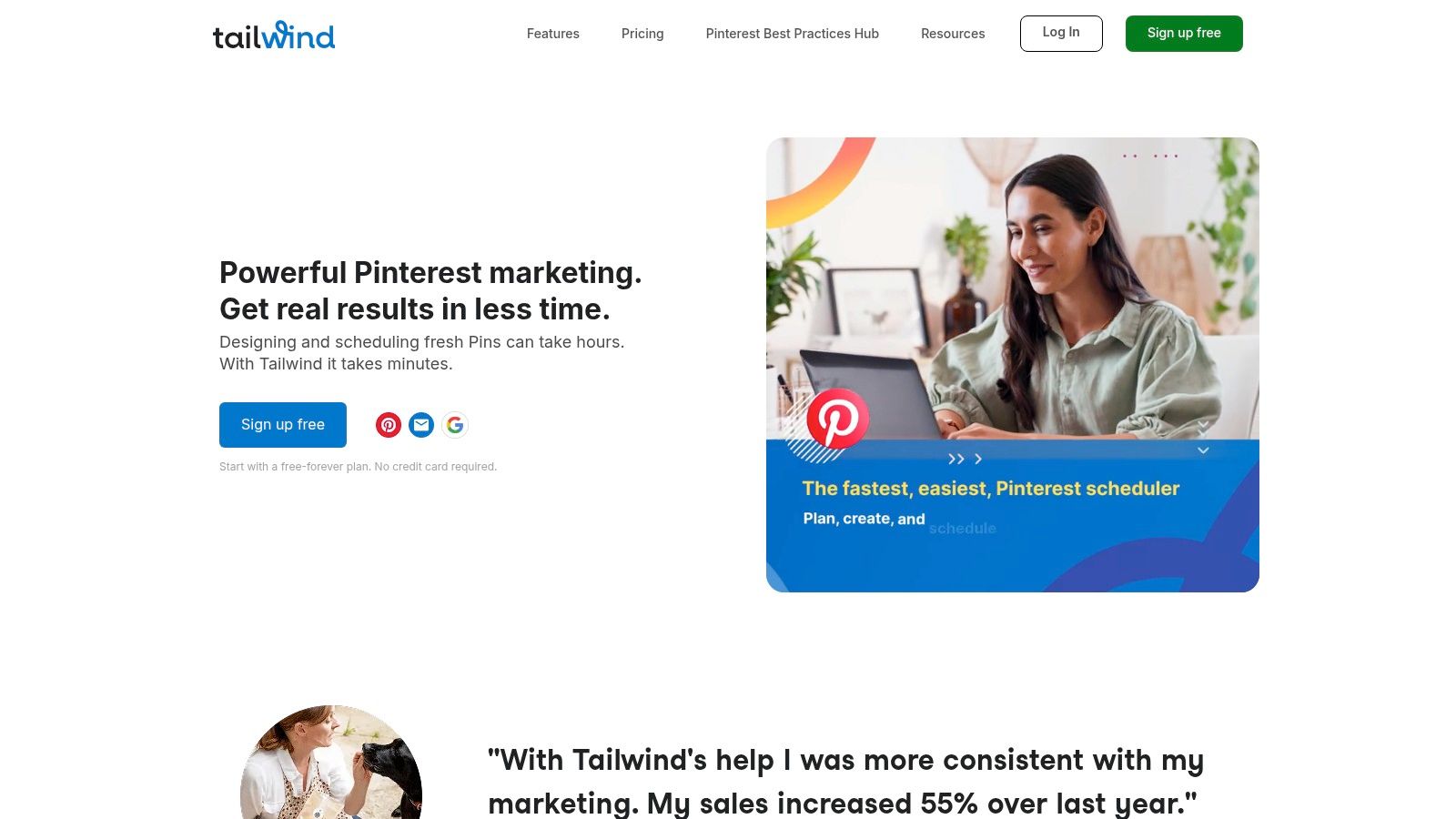
Tailwind is far more than just a scheduler; it’s an official Pinterest partner and a comprehensive marketing suite. Its power as one of the top-tier Pinterest SEO tools comes from its ability to merge content scheduling with deep performance analytics and keyword discovery.
This holistic approach helps users not only save time but also make data-driven decisions to boost their reach.
What makes Tailwind a standout choice is its Smart Scheduler, which analyzes your audience’s activity to suggest the optimal times to post for maximum engagement.
This feature, combined with its built-in Keyword Finder Tool, allows you to target relevant search terms and publish them when your audience is most receptive. The platform offers a seamless workflow from research and creation to scheduling and analysis.
You can learn more about how to schedule Pins on Pinterest effectively with Tailwind.
Why It’s a Top Pinterest SEO Tool
Tailwind’s integration of scheduling and analytics provides a clear picture of what’s working and what isn’t. You can easily track Pin performance, board growth, and follower engagement to refine your strategy over time.
The Keyword Finder helps you discover relevant, trending keywords to incorporate into your Pin descriptions and board titles, directly improving your content’s visibility in Pinterest search results. This makes it an indispensable tool for serious marketers and business owners.
- Pros: Official Pinterest partner, powerful analytics and reporting, and time-saving Smart Scheduler.
- Cons: Key features are part of a paid subscription, and the comprehensive interface can take time to master.
- Website: https://www.tailwindapp.com/
4. Pin Inspector
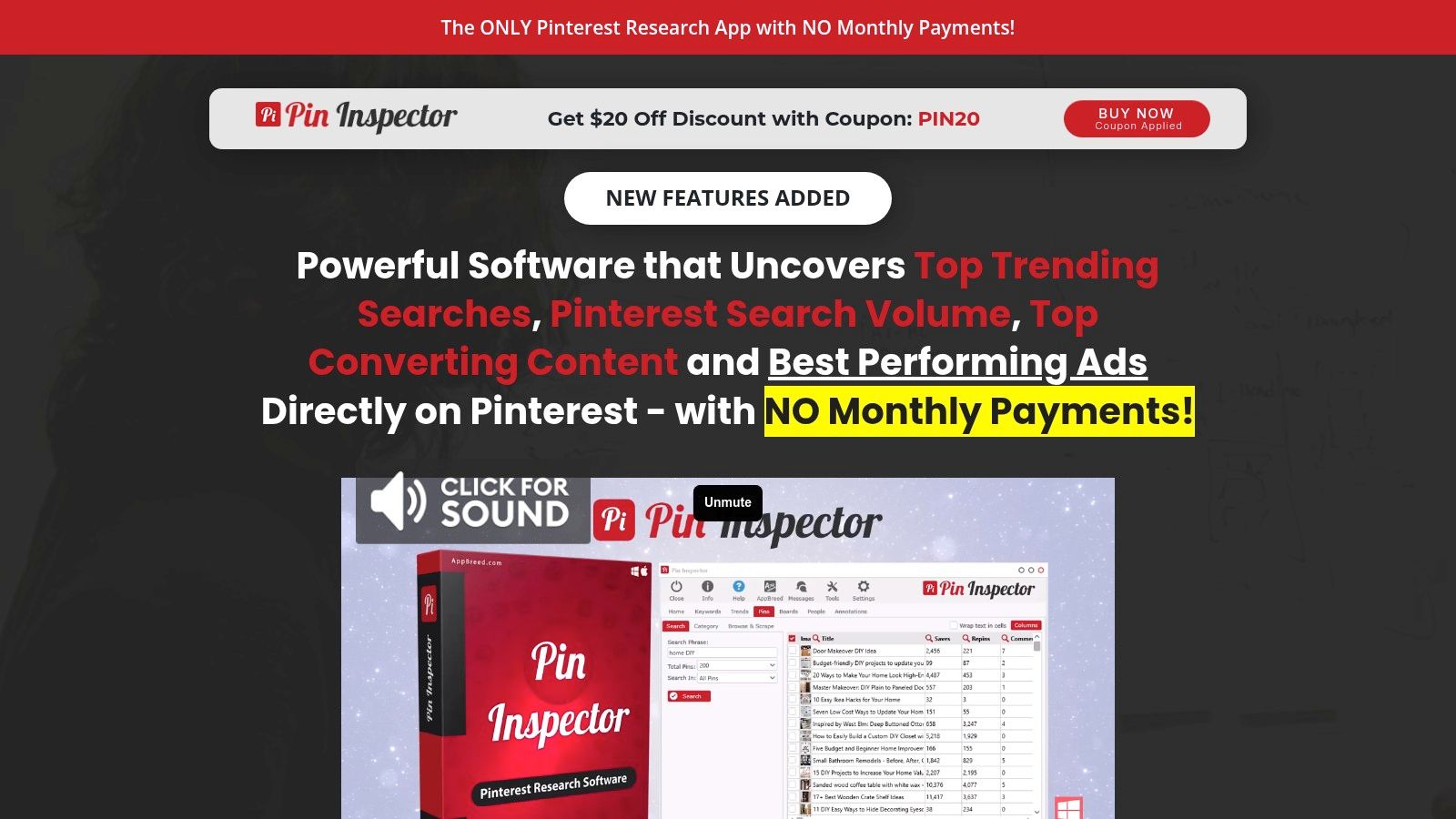
Pin Inspector is a specialized software focused on deep Pinterest research and competitive analysis. It goes beyond simple keyword finding by allowing users to extract and analyze data from top-performing Pins, boards, and even competitor profiles.
This makes it one of the more powerful Pinterest SEO tools for users who want to reverse-engineer success and understand what’s already working on the platform.
The tool operates by extracting keywords directly from Pinterest’s auto-suggest feature and providing performance metrics on existing content.
This granular data helps you uncover hidden keyword opportunities and analyze the strategies behind viral Pins, giving you a clear roadmap for creating content that resonates with the Pinterest audience. Its one-time purchase model is also a significant departure from the common subscription-based tools.
Why It’s a Top Pinterest SEO Tool
Pin Inspector’s strength lies in its comprehensive data extraction capabilities. You can analyze top Pins for a specific keyword to see their save counts, comments, and repin data, providing invaluable insights into content formats and topics that perform well.
This is particularly useful for e-commerce sellers and bloggers trying to identify trending products or popular content themes within their niche. However, it’s critical to note that this is not an officially approved Pinterest partner tool, so using it requires caution.
- Pros: Deep data analysis, great for competitor research, and a one-time fee instead of monthly subscriptions.
- Cons: Not an approved Pinterest tool, which carries some risk; it is recommended to use it with a secondary Pinterest account.
- Website: https://pininspector.com/
5. KeywordTool.io
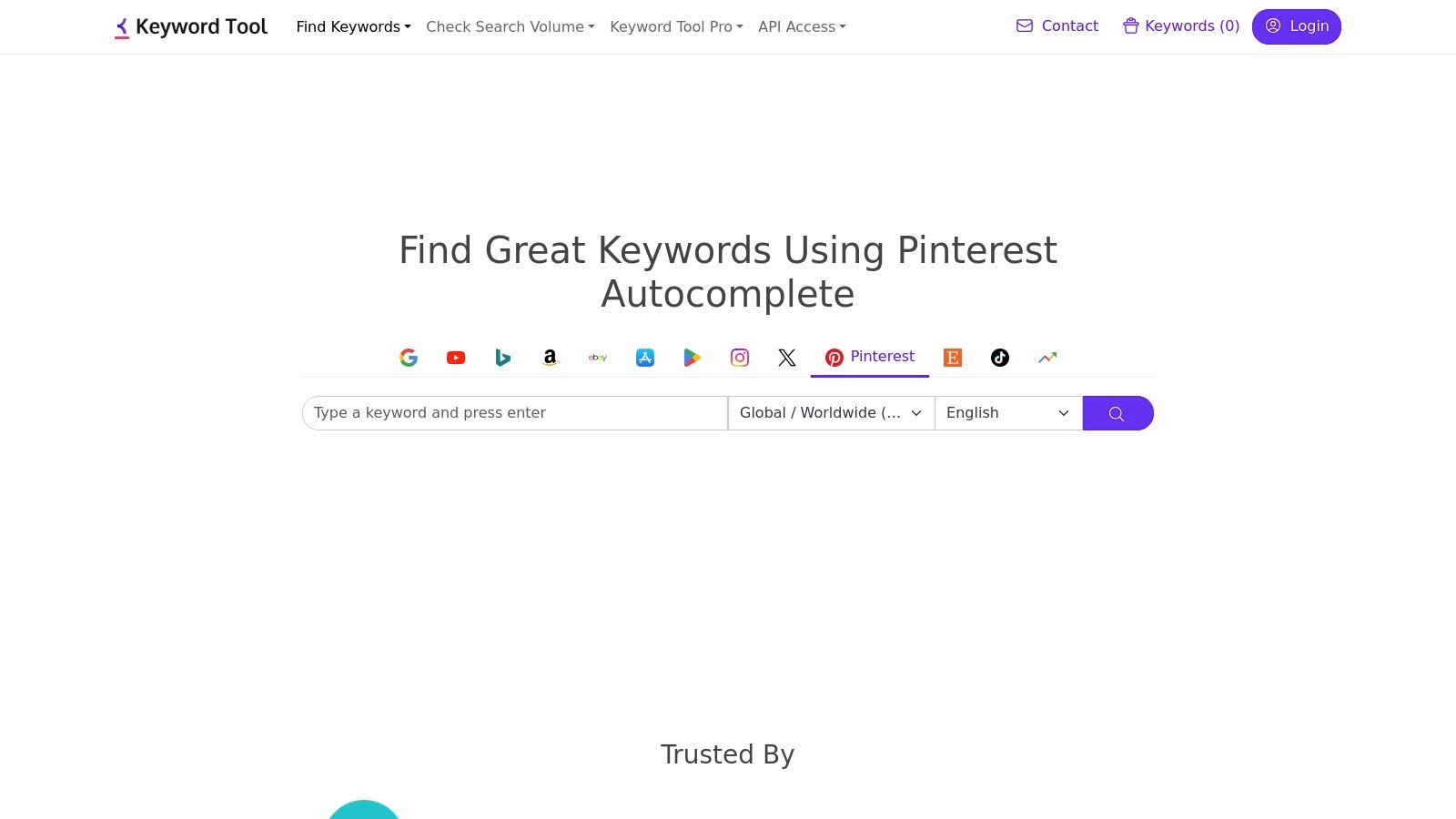
KeywordTool.io is a highly reliable and versatile keyword research platform that uses Pinterest’s autocomplete feature to generate a vast number of long-tail keyword suggestions.
It excels at uncovering the precise phrases and questions your target audience is using on the platform, providing a direct line into user intent.
This focus on long-tail variations is crucial for creating hyper-relevant Pin titles, descriptions, and board names that resonate with niche audiences.
The platform’s strength lies in its simplicity and the sheer volume of keyword ideas it can produce from a single seed term.
While many tools offer similar functionality, KeywordTool.io is renowned for its clean interface and straightforward process, making it one of the most accessible Pinterest SEO tools for beginners and seasoned marketers alike.
For a deeper dive into its applications, you can learn more about Pinterest keyword research strategies.
Why It’s a Top Pinterest SEO Tool
The free version provides an extensive list of keyword suggestions, which is often sufficient for basic content planning.
However, the paid Pro version unlocks critical data points, including search volume, trend data, cost-per-click (CPC), and competition levels.
This comprehensive data allows you to move beyond simple keyword discovery and make strategic decisions based on keyword value and difficulty, optimizing your efforts for maximum impact and reach.
- Pros: Very easy to use with a clean interface, a generous free version is available, and provides comprehensive keyword data with a pro subscription.
- Cons: Advanced data and metrics are locked behind a paid plan, which can be pricey for smaller businesses or solo creators.
- Website: https://keywordtool.io/pinterest
6. PinMagic
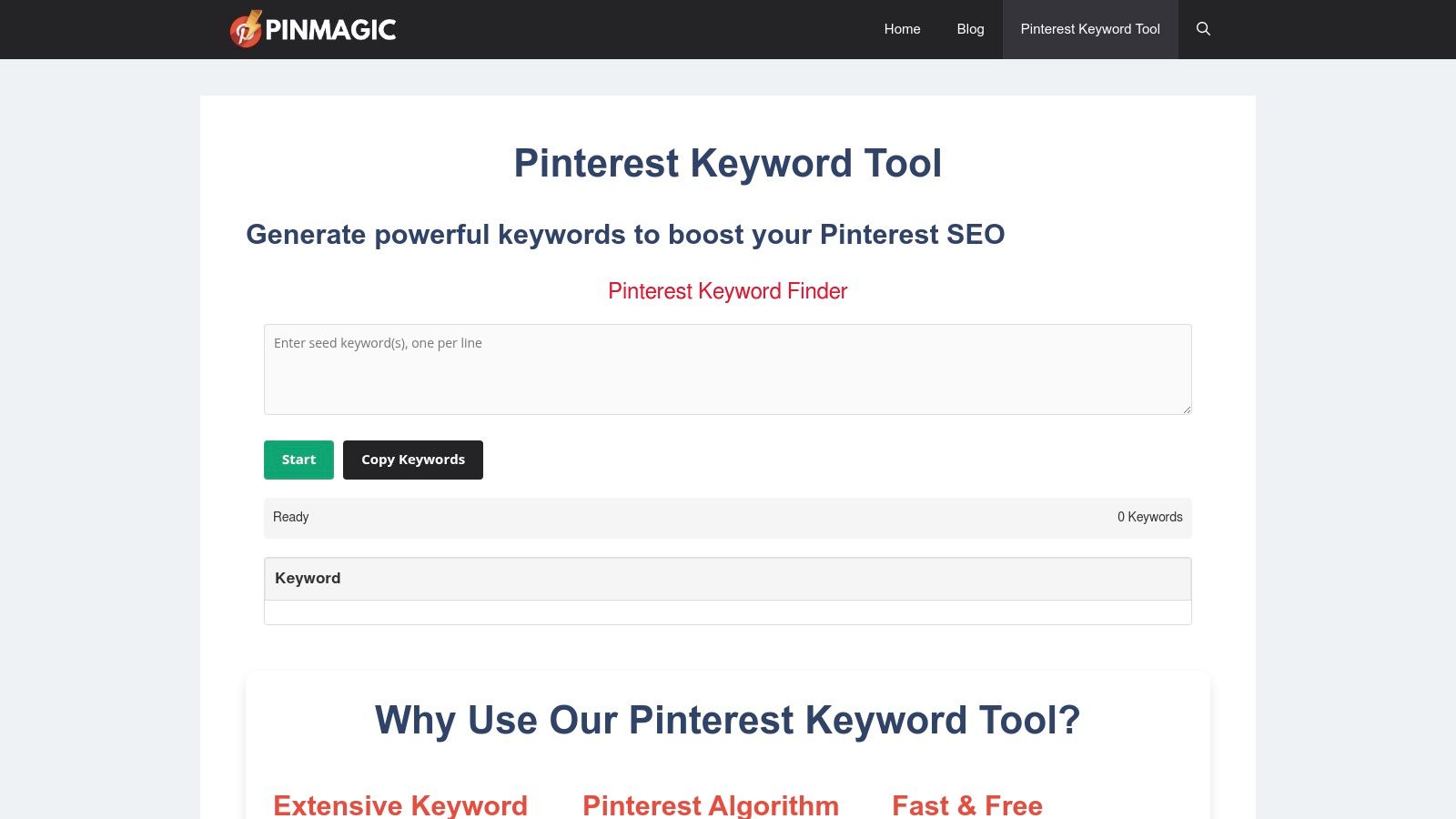
PinMagic offers a refreshingly direct and free Pinterest Keyword Tool, designed for users who need quick, effective keyword ideas without the complexity of a full SEO suite.
It leverages an advanced analysis of Pinterest’s search algorithm to provide relevant keywords, helping content creators align their strategy with what users are actively searching for on the platform.
What makes PinMagic a standout choice is its commitment to simplicity and accessibility. There are no registration requirements, usage limits, or hidden fees.
This no-barrier approach makes it one of the most straightforward Pinterest SEO tools available, ideal for quickly brainstorming Pin titles, descriptions, and board themes without any upfront commitment or learning curve.
Why It’s a Top Pinterest SEO Tool
The tool’s primary strength lies in its speed and ease of use. You enter a seed keyword, and it instantly generates an extensive list of related terms and long-tail variations.
This is perfect for marketers, bloggers, and business owners who need to perform keyword research on the fly. Its singular focus on keyword generation ensures an uncluttered, distraction-free user experience.
- Pros: Completely free with no registration or usage limits, fast keyword generation, and a very user-friendly interface.
- Cons: It’s a dedicated keyword generator and lacks other SEO functionalities like analytics or difficulty scores.
- Website: https://pinmagic.co/pinterest-keyword-tool/
7. Pindodo
Pindodo is a convenient Chrome extension that embeds powerful keyword research capabilities directly into your Pinterest browsing experience.
It’s designed to uncover hidden keywords and tags that aren’t immediately visible, providing you with the data needed to optimize your Pins for better visibility and reach. It works by overlaying search volume and competition data onto Pinterest’s native interface.
What makes Pindodo a unique entry among Pinterest SEO tools is its browser-based integration. Instead of navigating to a separate website, the tool works in real-time as you use Pinterest.
This seamless workflow allows for on-the-fly keyword discovery and analysis, making it exceptionally efficient for content creators who want to optimize their strategy without breaking their creative flow.
Why It’s a Top Pinterest SEO Tool
The primary advantage of Pindodo is its ease of use and immediate access to actionable data. As you type in the Pinterest search bar, the extension reveals keyword suggestions along with their search volume.
This helps you quickly identify high-demand, low-competition terms to target in your Pin titles, descriptions, and on your boards. Its ability to handle multiple keyword inputs at once further streamlines the research process.
- Pros: Easy integration with Chrome, offers both free and paid versions, and features a user-friendly interface.
- Cons: Advanced features require a paid subscription, and its use is limited to those using the Chrome browser.
- Website: https://chrome.google.com/webstore/detail/pindodo-pinterest-keyword/
8. SeoStack Keyword Tool
SeoStack Keyword Tool is a free and remarkably versatile Chrome extension that pulls long-tail keyword ideas directly from various search engines, including Pinterest.
It is perfect for creators who need quick, on-the-fly keyword research without navigating to a separate platform. Its strength lies in its ability to generate hundreds of keyword variations from multiple seed keywords simultaneously.
What makes SeoStack a unique addition to your Pinterest SEO tools is its simplicity and integration into your browser.
Instead of being a standalone website, it works right within Chrome, allowing you to conduct research across Pinterest, Google, YouTube, and more. This multi-platform approach helps you create a cohesive keyword strategy that spans your entire digital footprint, not just Pinterest.
Why It’s a Top Pinterest SEO Tool
This tool excels at uncovering low-competition, long-tail keywords that users are actively searching for. You can easily filter results by country and language to tailor your content to specific audiences.
Once installed, you simply input your topic, select Pinterest as the source, and receive a downloadable list of keyword ideas perfect for Pin titles, descriptions, and board optimization.
- Pros: Completely free, easy to install and use as a Chrome extension, and supports multiple platforms for comprehensive research.
- Cons: Limited to Chrome users and lacks the advanced analytics, like search volume or difficulty scores, found in paid tools.
- Website: https://chrome.google.com/webstore/detail/seostack-keyword-tool/
9. Pinterest Trends

Pinterest Trends is the platform’s official, native tool for understanding what’s currently captivating its user base.
Rather than providing static keyword volume, it visualizes the popularity of search terms over time, allowing creators to pinpoint seasonal peaks and emerging interests directly from the source. This makes it an essential, free resource for strategic content planning.
What makes Pinterest Trends a unique and invaluable part of any Pinterest SEO toolkit is its focus on momentum and seasonality.
It empowers you to align your content calendar with user behavior, creating Pins that tap into rising tides of interest. You can compare the popularity of different search terms to decide which topics have the most potential for a specific time of year.
Why It’s a Top Pinterest SEO Tool
The tool’s strength lies in its simplicity and authority. You can see precisely when searches for “fall recipes” or “summer outfits” begin to climb, giving you a head start on content creation.
It also suggests related trending keywords, uncovering new content angles you might have missed.
By understanding these patterns, you can optimize your strategy effectively; you can learn more about how to use these insights by exploring these Pinterest SEO tips.
- Pros: It is completely free, provides authoritative data directly from Pinterest, and requires no registration.
- Cons: It offers limited in-depth keyword analysis and lacks the volume metrics found in dedicated SEO tools.
- Website: https://trends.pinterest.com/
10. PinClicks
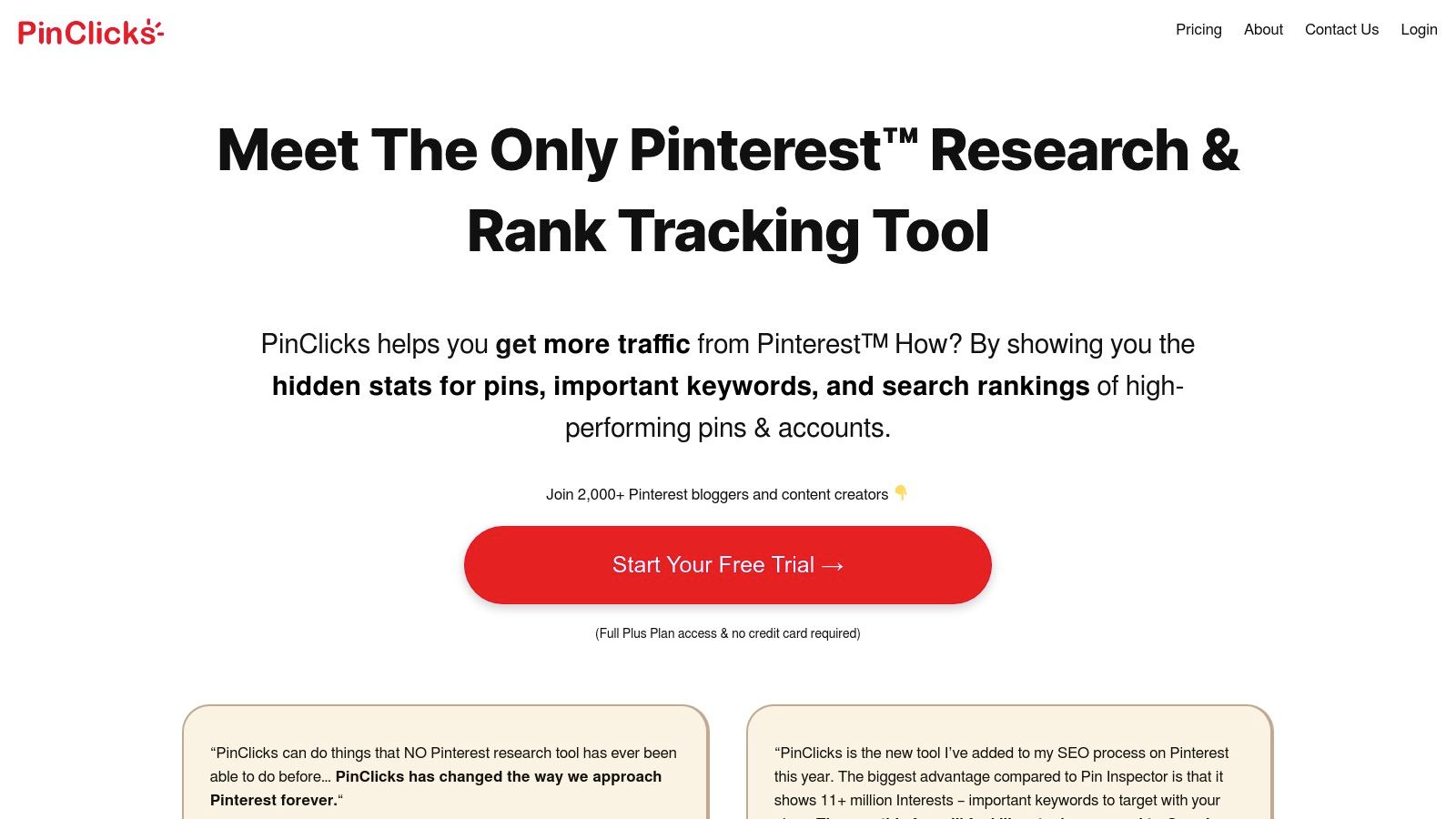
PinClicks is an analytical tool specifically engineered to deconstruct the success of high-performing Pins.
It delves into the “hidden” data behind popular content, revealing the exact keywords, search rankings, and other metrics that contribute to a Pin’s visibility. This reverse-engineering approach makes it a valuable asset for creating content that is already proven to resonate with the Pinterest algorithm and its users.
What makes PinClicks a unique player among Pinterest SEO tools is its proprietary ‘Pin Score’.
This feature provides a single, easy-to-understand metric to quickly assess a Pin’s potential popularity and SEO strength.
By analyzing the scores of competitor Pins, you can gain actionable insights to fine-tune your own titles, descriptions, and overall content strategy for maximum impact.
Why It’s a Top Pinterest SEO Tool
The platform excels at turning competitor analysis into a clear, actionable roadmap. Instead of guessing which keywords will perform well, you can identify what’s already working for the top Pins in your niche.
This data-driven approach removes much of the guesswork from Pinterest SEO, allowing you to focus your efforts on strategies with a higher probability of success.
The interface is clean and focused, making it simple to track your rankings and evaluate Pin performance over time.
- Pros: Offers a free trial, provides actionable insights for optimization, and has a user-friendly interface.
- Cons: Full features require a paid subscription, and the pricing may be high for small businesses or individual creators.
- Website: https://pinclicks.com/
11. Pingenerator Keyword Research Tool
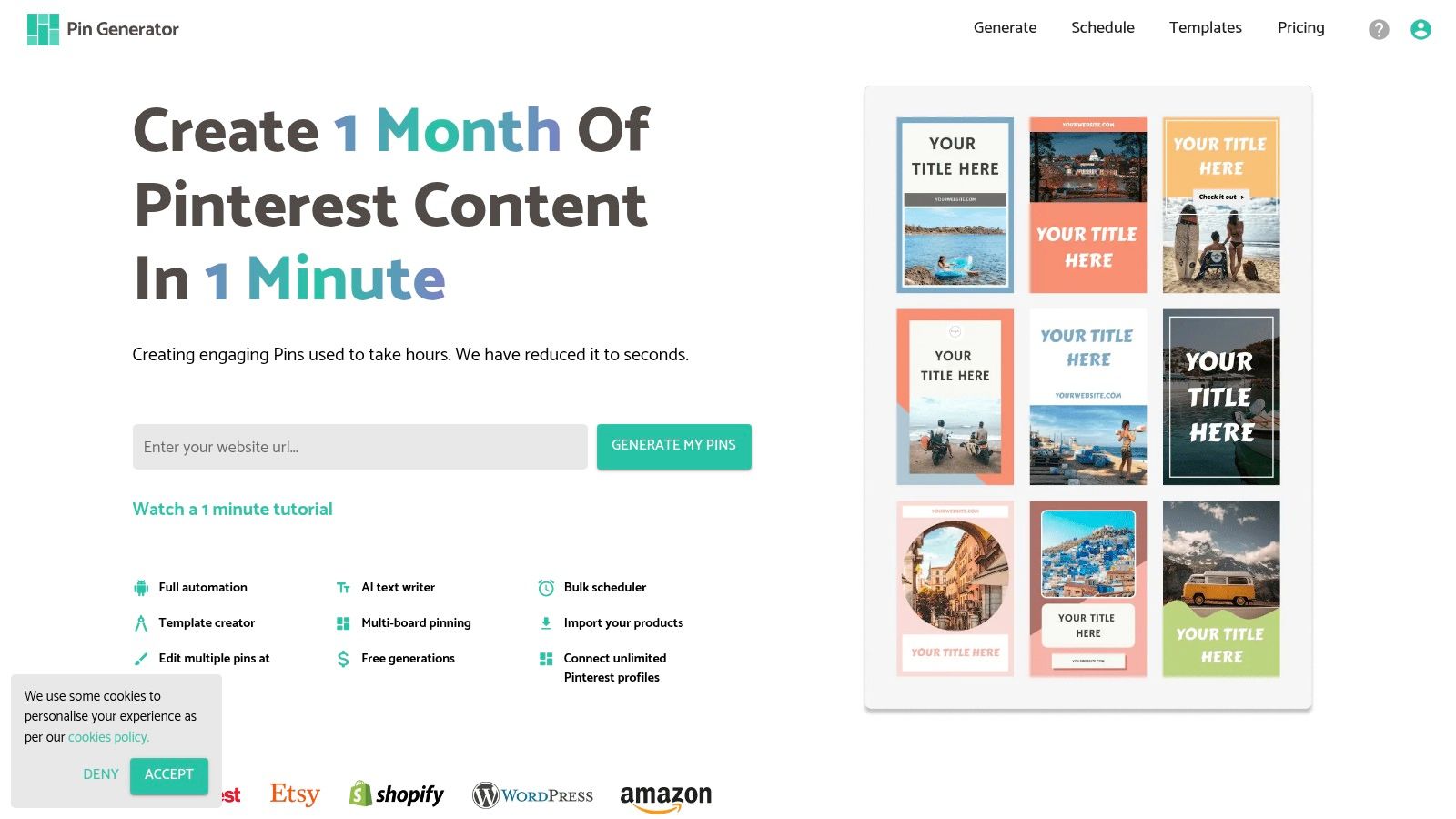
Pingenerator offers one of the most straightforward and accessible Pinterest SEO tools available.
It provides a simple, no-frills keyword research function that is perfect for creators who need quick insights without the complexity of a full SEO suite.
Its core value lies in its simplicity and speed, making it an excellent starting point for brainstorming and validating content ideas directly for the Pinterest platform.
What makes Pingenerator stand out is its barrier-free access. There is no registration required and no paywall, allowing anyone to immediately start their research.
You simply enter a seed keyword, and the tool generates a list of related terms along with their estimated monthly search volume on Pinterest. This direct, no-fuss approach is ideal for quick checks and content planning on the fly.
Why It’s a Top Pinterest SEO Tool
The tool’s strength is its focused utility. It does one thing, keyword generation, and it does it well.
By providing search volume data, it helps you prioritize which keywords have the most potential to drive traffic.
This is crucial for optimizing Pin titles and descriptions to align with what users are actively searching for, enhancing discoverability without needing to invest time or money in more advanced platforms.
- Pros: Completely free to use, no registration needed, provides useful search volume data, and offers a clean, user-friendly interface.
- Cons: Limited to basic keyword suggestions; lacks advanced features like difficulty scores, competitor analysis, or trend data.
- Website: https://pingenerator.com/
12. Google Keyword Planner
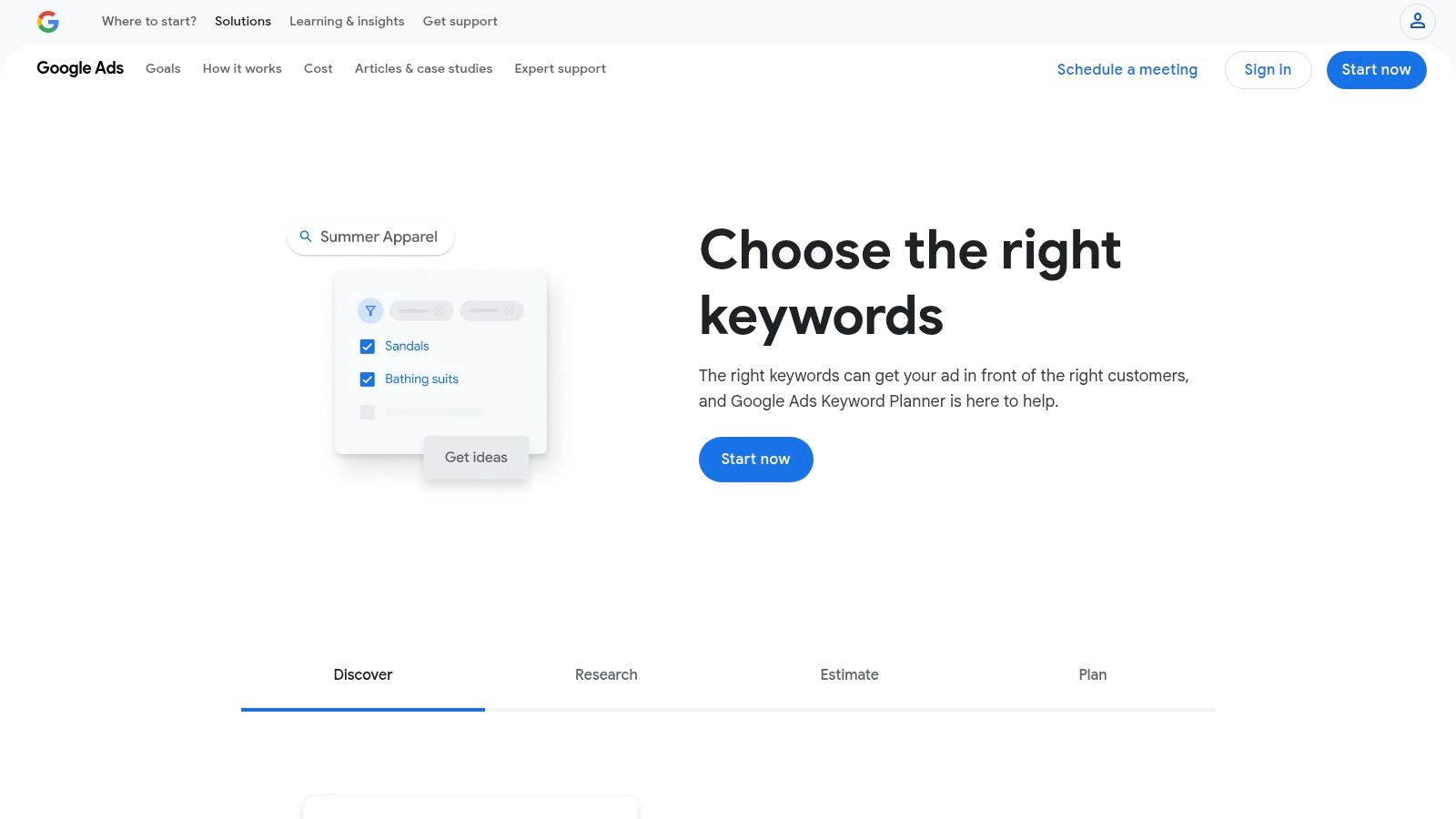
While not a direct Pinterest SEO tool, Google’s Keyword Planner is an essential resource for understanding broader search trends.
It provides invaluable data on what users are searching for on the world’s largest search engine, and these trends often translate to Pinterest.
This makes it a powerful asset for foundational keyword research that can inform your entire content strategy, not just your Pins.
What makes the Keyword Planner a unique addition to this list is its focus on cross-platform intent.
By understanding what people are searching for on Google, you can identify high-volume topics and pain points.
This insight allows you to create Pinterest content that answers these queries, capturing traffic from users who might start their journey on Google but turn to Pinterest for visual inspiration and solutions.
Why It’s a Top Pinterest SEO Tool
Its strength lies in providing a macro-level view of keyword popularity and competition. You can discover related keywords and long-tail phrases that might not be obvious on Pinterest itself.
This is especially useful for bloggers and e-commerce businesses looking to align their product or content topics with proven demand, ensuring their Pinterest efforts target a receptive audience from the very beginning.
- Pros: Free to use (with a Google account), provides comprehensive keyword volume data, and excellent for cross-platform strategy.
- Cons: Requires a Google Ads account to access, data is Google-centric and not specific to Pinterest, and can be less intuitive for beginners.
- Website: https://ads.google.com/home/tools/keyword-planner/
Pinterest SEO Tools Feature Comparison
| Platform | Core Features & Automation | User Experience & Quality ★★★★☆ | Value & Pricing 💰 | Target Audience 👥 | Unique Selling Points ✨ |
|---|---|---|---|---|---|
| 🏆 Post Paddle | AI-powered bulk pin creation, SEO titles, smart multi-board scheduling | Intuitive editor, priority support | Starter $19.99–Agency$ 99.99, flexible plans | Bloggers, small biz, agencies | AI-driven SEO optimization, unlimited accounts |
| KeySearch | Pinterest keyword suggestions, SEO toolkit | User-friendly, multi-tool access | Free with optional paid upgrades | SEO marketers, content creators | Pinterest keyword & broader SEO combo |
| Tailwind | Keyword finder, smart scheduler, analytics | Seamless Pinterest integration, detailed reports | Paid plans, saves time | Marketers, agencies, businesses | Official Pinterest partner with analytics |
| Pin Inspector | In-depth keyword & competitor analysis | Easy to use, one-time purchase | One-time payment, no subscription | SEO analysts, competitive researchers | Comprehensive competitor insights |
| KeywordTool.io | Keyword suggestions, multi-platform support | Clean, easy-to-use interface | Free basic, paid advanced | SEO professionals, marketers | Multi-platform keyword data (+CPC & trends) |
| PinMagic | Pinterest keyword suggestions, no sign-up required | Fast, free, no limits | Completely free | Beginners, casual users | Fully free, no registration |
| Pindodo | Hidden keywords, volume & competition data | Chrome extension, easy interface | Free & paid versions | Chrome users, keyword researchers | Chrome-based keyword research tool |
| SeoStack Keyword Tool | Long-tail keyword ideas, multi-platform, filtering | Simple, free Chrome extension | Completely free | Small businesses, multi-platform users | Multi-platform filtering & keyword ideas |
| Pinterest Trends | Trending search terms, seasonal insights | Free, no sign-up needed | Free | Content planners, marketers | Direct Pinterest trend data |
| PinClicks | Hidden stats, keyword insights, Pin Score | User-friendly, free trial available | Paid plans required | Optimizers, marketers | Pin popularity score & rankings |
| Pingenerator Keyword Tool | Keyword suggestions, search volume | Simple, no registration | Free | Beginners, quick keyword needs | Easy, no-frills Pinterest keyword data |
| Google Keyword Planner | Search volume, competition, related keywords | Free with Google Ads account | Free (with Google Ads) | Cross-platform SEO & PPC users | Comprehensive keyword research beyond Pinterest |
How to Choose the Right Pinterest SEO Tool for Your Needs

Navigating the landscape of Pinterest SEO tools can feel overwhelming, but making an informed choice is the critical first step toward transforming your Pinterest strategy from a hopeful guess into a predictable traffic-driving machine. Throughout this guide, we’ve explored a diverse range of platforms, from all-in-one automation suites like Post Paddle and Tailwind to specialized keyword research powerhouses like KeySearch and Pin Inspector. The key takeaway is that there is no single “best” tool for everyone; the ideal solution is entirely dependent on your unique business needs, workflow, budget, and primary objectives.
Your decision-making process should begin with a clear assessment of your biggest challenges. By identifying your primary pain points, you can align them with the specific solutions offered by the tools we’ve covered.
Matching Tools to Your Business Goals
To simplify your choice, consider which of these user profiles best describes you:
- For the Time-Strapped Blogger or Small Business Owner: If your main obstacle is a lack of time for content creation, keyword research, and consistent scheduling, an all-in-one platform is your best bet. A tool like Post Paddle excels here, integrating AI-powered Pin creation, advanced SEO features, and smart scheduling to automate the most time-consuming aspects of Pinterest management. This allows you to focus on strategy while the tool handles the heavy lifting.
- For the Data-Driven Marketer or Agency: If you thrive on deep analytics, competitor intelligence, and granular keyword data, a specialized research tool is indispensable. Pin Inspector offers unparalleled insights into top-performing content and competitor strategies, while KeySearch provides robust keyword difficulty and SERP analysis that can inform both your Pinterest and broader SEO efforts.
- For the Budget-Conscious Beginner: If you’re just starting out or have a limited budget, free tools are the perfect entry point. Pinterest Trends is essential for understanding seasonal search patterns directly from the source. Combining it with a free option like the SeoStack Keyword Tool or PinMagic can provide a solid foundation for basic keyword research and optimization without any financial commitment.
Creating Your Pinterest SEO “Tool Stack”
Ultimately, the most effective approach often involves creating a “tool stack” by combining the strengths of multiple platforms.
A powerful workflow might involve using Pinterest Trends for high-level seasonal planning, a dedicated tool like KeywordTool.io for deep keyword discovery, and an automation platform like Post Paddle to execute and schedule your entire content strategy flawlessly.
This hybrid approach ensures you cover all your bases, from ideation and research to creation and analysis.
Before you commit, take advantage of free trials to get a feel for the user interface and features.
The best Pinterest SEO tools will not only provide powerful data but also streamline your workflow and feel intuitive to use. For an alternative perspective and additional recommendations, you can review another list of the 12 best Pinterest SEO tool options for 2025.
By carefully evaluating your needs against the solutions available, you can select the right tools to unlock sustainable growth, drive targeted traffic, and finally conquer the Pinterest algorithm.
Ready to Make Every Pin Truly SEO-Ready?
Tools are powerful—but only if each Pin you publish actually uses what they uncover.
PostPaddle’s free Pinterest Pin Checklist helps you quickly review every Pin before you hit “publish,” so you don’t skip key steps and your hard-earned traffic doesn’t slip through the cracks.
Use it alongside the tools in this guide to turn Pinterest SEO from a one-time audit into a repeatable habit for every single Pin.
FAQs
What are Pinterest SEO tools?
Pinterest SEO tools are platforms, apps, or browser extensions that help you research keywords, analyze performance, optimize Pins and boards, and better understand how the Pinterest algorithm works. They’re designed to make it easier to get your content seen by the right audience.
How can Pinterest SEO tools help grow my traffic?
These tools help you find the keywords your audience is actually searching for, optimize your titles and descriptions, and track which Pins perform best. When you consistently use these insights, your content becomes more discoverable, which can lead to more saves, clicks, and steady referral traffic.
Do I need paid tools, or are free Pinterest SEO tools enough?
You can start with free tools for basic keyword research, trend discovery, and simple analytics. Paid tools typically add deeper data, automation, and time-saving features, which become more important as your Pinterest strategy grows and you want to scale results faster.
Are Pinterest SEO tools only for big brands or agencies?
No. Bloggers, small business owners, creators, and solo marketers can all benefit from Pinterest SEO tools. Many options are beginner-friendly and offer free tiers, so you can start small and upgrade only if you need more advanced features.
How do I choose the right Pinterest SEO tool for my needs?
Start by clarifying your main goal—whether it’s keyword research, bulk Pin creation, analytics, competitive research, or scheduling. Then look for tools that specialize in that area, fit your budget, and match your current level of expertise, instead of trying to use everything at once.