
Selling on Pinterest isn’t just about posting pretty pictures.
It’s about tapping into a visual search engine where people are actively planning their next purchase.
Your goal is to create compelling, shoppable Product Pins that solve a problem or inspire a future project.
Why Pinterest Is an E-Commerce Powerhouse
Let’s get one thing straight: Pinterest is far more than a digital mood board for recipes and home decor.
It has evolved into a massive visual search engine where millions of people come not just to browse, but to actively discover, plan, and most importantly, shop.
For any e-commerce brand, learning how to sell products on Pinterest is like unlocking a new audience that’s primed to buy.
On most social media platforms, ads can feel like an annoying interruption. On Pinterest, your product-focused content is the main event.
People are literally there to find new ideas and products for their lives. They’re thinking about the future—planning an outfit, a vacation, or a complete home remodel, which makes them incredibly receptive to brands that fit into those plans.
The Mindset of a Pinterest Shopper
Think about the user’s frame of mind. Someone scrolling through Instagram or Facebook is usually there to catch up with friends and see what’s happening in the moment.
Their intent is social. A Pinterest user, on the other hand, is a planner.
- They’re in discovery mode: Users are actively searching for new ideas and are very open to finding brands they’ve never heard of before.
- They’re action-oriented: Pinners don’t just “like” content; they save it to specific boards, which basically function as visual shopping lists for things they intend to buy.
- They have high purchase intent: This isn’t passive scrolling. It’s active research. They are making decisions, and your product could be the final piece of their puzzle.
This is a huge distinction. When you get your product in front of someone who is already looking for a solution like yours, the journey from discovery to checkout gets a whole lot shorter.
The entire platform is built to encourage shopping. It’s less about social likes and more about personal curation, which makes your branded content feel genuinely helpful, not intrusive.
To really understand the difference, let’s look at how user intent breaks down across platforms.
User Mindset on Pinterest vs Other Social Platforms
| Platform | Primary User Intent | Commercial Activity |
|---|---|---|
| Discovering ideas, planning future projects, and finding products. | Users actively search for and save shoppable content. Intent is high. | |
| Connecting with friends, sharing personal moments, and entertainment. | Shopping is often an impulse buy or discovery through influencer content. | |
| Staying in touch with friends/family and consuming news/entertainment. | Ads interrupt social feeds; shopping is secondary to connection. | |
| X (Twitter) | Real-time news, public conversation, and breaking updates. | Commerce is minimal; not a primary destination for product discovery. |
This table makes it clear: Pinterest is where people go when they’re getting ready to spend money.
The Numbers That Back It Up
The data tells a compelling story. By early 2025, Pinterest’s user base had swelled to a record 570 million monthly active users—a 10% jump from the previous year.
But here’s the number that really matters for your business: a staggering 85% of weekly users say they’ve bought something based on Pins they saw from brands. That’s not just inspiration; that’s a direct line to sales.
These stats prove that Pinterest isn’t just a discovery tool; it’s a powerful driver of e-commerce revenue.
For a closer look at what this means in the real world, check out our detailed Pinterest case study to see the kind of traffic and sales growth a smart strategy can deliver.
With its massive, engaged audience and a shopping-first mentality, it’s a channel your brand can’t afford to ignore.
Building Your Pinterest Storefront for Sales
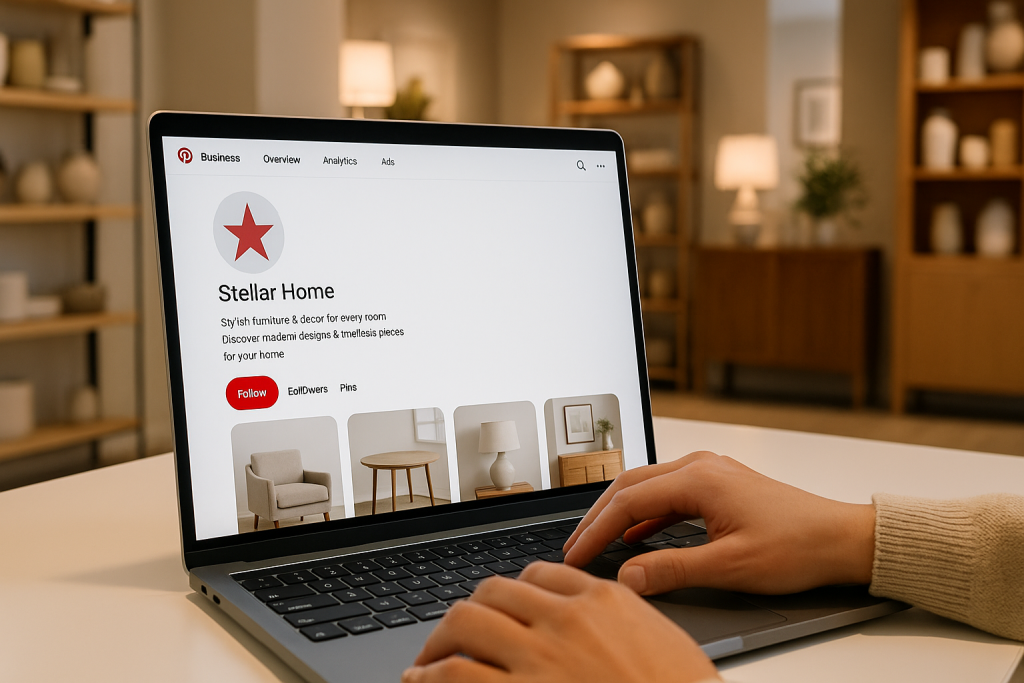
Before you can even think about making sales, you need to build a professional and trustworthy home for your brand on Pinterest.
This isn’t just about slapping up a profile; it’s about methodically constructing a digital storefront that turns casual browsers into loyal customers.
The very first, non-negotiable step? Setting up a Pinterest Business account.
If you already have a personal account, you can convert it in just a few minutes. Starting from scratch is just as easy.
A business account is absolutely essential because it unlocks a whole suite of powerful tools that personal users can’t access—we’re talking detailed analytics, the ability to run ads, and special Pin formats designed specifically for selling products.
Setting Up Your Business Foundation
Once your business account is live, your next immediate task is to claim your website. This is a critical verification step that proves you own your e-commerce store’s domain, and it’s something a lot of people skip. Don’t.
Claiming your site gives you access to a goldmine of website-specific analytics, showing you which of your products and content pieces are actually resonating with the Pinterest audience and driving traffic.
It also stamps your profile picture on any Pin created from your site—even if someone else pinned it. This small detail acts as a constant brand reinforcement and builds credibility across the platform.
It’s your key to understanding how Pinners are interacting with your brand well beyond the Pinterest app itself.
Think of your Pinterest profile as the front window of a physical shop. It needs to be clean, inviting, and instantly tell people what you’re all about.
Every element, from your bio to your board covers, should work together to create a cohesive brand experience.
Optimizing your profile is the next piece of the puzzle. This goes way beyond just uploading a logo.
- Your Profile Picture: Use a crisp, high-resolution logo that’s easily recognizable, even as a tiny circle. If you’re a personal brand, a professional headshot often builds a much stronger connection.
- Your Bio: You’ve got 160 characters to make an impact. Clearly state what you sell and who you serve, weaving in your main keywords naturally. A sustainable clothing brand, for instance, might write: “Ethically made organic cotton apparel for the conscious consumer. Shop timeless styles & eco-friendly basics.”
- Your Username: Keep it consistent with your brand name and your handles on other social media platforms. You want people to find you easily.
The infographic below drives home the point that creating eye-catching Pins is your next move for grabbing a user’s attention.
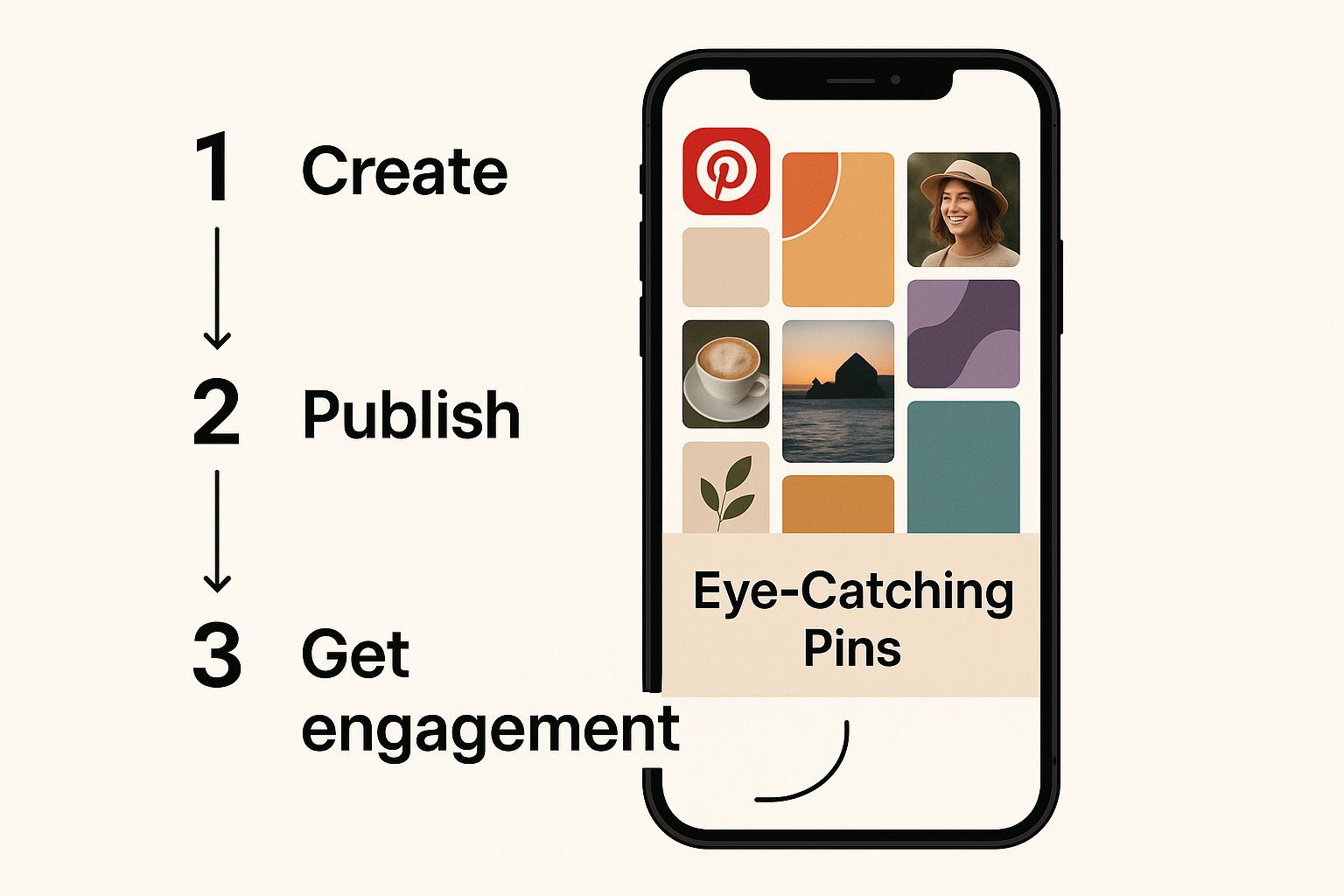
As you can see, powerful visuals are the heart of any good Pinterest strategy. They’re the hook that pulls people into your digital storefront.
Activating Your Shoppable Gallery
One of the most powerful features for any e-commerce brand is the Shop Tab.
This is a dedicated tab that appears right on your profile, automatically pulling in all of your Product Pins to create an instant, shoppable catalog. It’s brilliant. It lets users browse your entire product line without ever having to leave your profile.
To get this feature, you’ll need to set up a product catalog by connecting a data source, like your Shopify or Etsy store.
Once you’ve linked them, Pinterest automatically creates shoppable Product Pins for every single item you sell.
This makes getting your products onto the platform incredibly efficient and is an absolute game-changer for anyone serious about selling on Pinterest at scale.
Organizing Your Boards for Discovery
Finally, let’s talk about your Pinterest boards. They need to be organized with real strategy. Please, don’t just create a single board called “My Products.”
You have to think like your customer. How are they actually searching for what you sell?
Create thematic boards that show your products in different contexts and solve a problem for the user. A furniture store, for example, could have boards like:
- Small Living Room Ideas: Featuring their compact sofas and multi-functional tables.
- Modern Farmhouse Decor: Highlighting rustic-chic items from their collection.
- Cozy Bedroom Inspiration: Showcasing their bedding, nightstands, and lighting.
Each board needs a keyword-rich title and a clear description explaining what people will find inside. This not only helps with Pinterest’s own search engine (making you more discoverable) but it also provides genuine value to your audience.
You’re helping them visualize how your products fit into their lives, transforming your profile from a simple product feed into an inspirational resource they’ll actually want to follow.
Creating Product Pins That Actually Convert
Alright, with your Pinterest storefront ready to go, it’s time to get down to the fun part: creating the Pins that will actually drive your sales.
A standard Pin is great, but a Product Pin is a whole different beast—it’s specifically built for e-commerce. Mastering these is the secret to selling effectively on Pinterest.
The magic behind a Product Pin is something called a Rich Pin. Think of it as a direct line from your website to your Pinterest account.
When you update a price or note that an item is low in stock on your Shopify store, for instance, the connected Product Pin on Pinterest updates automatically.
This is a huge trust-builder because your customers always see current, accurate information.
Setting up Rich Pins is a one-time technical tweak. You just need to add a bit of metadata to your website.
Most e-commerce platforms like Shopify have simple plugins or integrations that do the heavy lifting for you.
Once it’s on, every product you share from your site will transform into a Rich Pin, complete with bold pricing, availability status, and a direct link to your product page.
Crafting Scroll-Stopping Product Imagery
Let’s be blunt: Pinterest is a visual game. If your product photos are weak, your sales will be, too. People scroll through their feeds at lightning speed, so your images have to be a thumb-stopper.
Here’s what I’ve found works best for high-performing Pin visuals:
- Go Vertical. Seriously, always. Use a 2:3 aspect ratio (think 1000 x 1500 pixels). This format dominates the screen on mobile phones, making your Pin impossible to miss.
- Use High-Quality Photos. Blurry, dark, or poorly lit shots just look unprofessional and untrustworthy. Your photos need to be crisp and clear. If you’re not a pro photographer, it’s worth learning how to take good product shots that sell more.
- Show, Don’t Just Tell. A product on a plain white background is fine for your website, but it’s boring on Pinterest. Show your product in a real-world, aspirational setting. If you sell a handbag, show a model carrying it on a chic city street. If you sell coffee, create a cozy morning scene. You want people to imagine your product in their own lives.
A fantastic image is the hook. Now, let’s make it even more powerful.
The Power of Text Overlays and Branding
Adding text directly onto your Pin image is a game-changer. It gives instant context and tells people why they should care, all before they even read the description.
Your text needs to be bold, super easy to read, and highlight a clear benefit.
For example, a Pin for a skincare product might have an overlay that says, “Get Glowing Skin in 7 Days.”
That’s so much more compelling than just a picture of the bottle. Also, make it a habit to subtly place your logo or website URL on every Pin.
It’s a simple way to build brand recognition over time. For more design tips and templates, check out our deep-dive guide on https://www.postpaddle.com/blog/creating-pins-for-pinterest.
Writing Descriptions That Drive Clicks
Your image grabs the attention; your description seals the deal and helps your Pin get found in search.
Think like your customer. What keywords would they type into the search bar to find what you’re selling?
Weave those terms naturally into your description. But don’t just list features—talk about the benefits. Tell a story. Solve a problem.
Pro Tip: Your Pin description is your mini sales pitch. Always end it with a clear, direct call to action (CTA). Don’t just hope they’ll click—tell them exactly what to do next.
Even simple CTAs can make a massive difference:
- “Shop the look now.”
- “Click to see all available colors.”
- “Get the recipe on our blog.”
- “Discover your new favorite dress.”
This direct language pushes people to take that next step. And that step is more important than ever. By 2025, Pinterest has cemented its place as a top platform for product discovery.
In fact, over 50% of users now use it to find new products before they even think about visiting a traditional e-commerce site.
With 1.8 billion shoppable Pins on the platform and a user shopping intent that’s 10 times higher than on other social media, it’s clear why optimizing every single part of your Pin is so crucial.
Crafting Your Winning Pinterest Content Strategy
If you’re just pinning your products on a loop, you’re on a fast track to being ignored. To actually sell on Pinterest, you have to build a world around your brand.
It’s about creating a mix of content that inspires and helps your audience, gently guiding them toward a purchase without the constant, in-your-face sales pitch.
Think bigger than a simple product catalog. Your real goal is to become a go-to resource, the kind of profile people follow for ideas, not just to see your products.
This is how you build trust and stay top-of-mind, so when they are ready to buy, you’re their first thought.
Finding Out What Your Audience Really Wants
Before you even think about creating a Pin, you need to do some detective work. And the best place to start is with Pinterest’s own powerful, built-in search tools.
Seriously, they’re a goldmine for understanding what people are looking for.
Just pop a broad keyword related to your product into the Pinterest search bar. Let’s say you sell handmade ceramic mugs. Type in “coffee.”
Instantly, Pinterest will show you a list of popular related searches like “coffee bar ideas,” “iced coffee recipes,” or “cozy coffee aesthetic.”
These aren’t just random guesses. These are the exact phrases millions of real people are typing into the search bar.
This is your content roadmap, handed to you on a silver platter. It shows you that your audience isn’t just searching for a mug; they’re searching for the entire experience that comes with it.
Another fantastic tool is Pinterest Trends. It lets you see how popular certain keywords are over time, which is perfect for spotting seasonal patterns or jumping on a trend before it peaks.
Planning your content around these insights is what gets your Pins seen when people are most interested.
Building a Balanced Content Mix
A killer content strategy is all about variety. If your profile is just an endless scroll of Product Pins, it feels like a sterile, boring catalog.
You need to mix things up with different types of content that actually provide value and help you build a relationship with your followers.
Here’s a look at the types of content that consistently perform well:
- Product Pins: Of course, these are your bread and butter. The key is to always feature them in lifestyle settings, not just floating on a white background.
- Blog Post Graphics: Create stunning, vertical graphics that link back to genuinely helpful articles on your website. This is a fantastic way to drive traffic and establish yourself as an expert.
- Infographics: People love to share these. They’re perfect for breaking down information into a visually appealing, easy-to-digest format.
- Video Pins: Short-form videos are scroll-stoppers. Use them to show your product in action, share a quick tip, or give a behind-the-scenes peek. They can do wonders for engagement.
This mix ensures you’re connecting with your audience at every stage, not just yelling “buy now!” at them. And the data backs this up—Pinterest’s impact on e-commerce is no joke.
According to 2025 data, Pinterest drives 33% more traffic to e-commerce websites than Facebook does. On top of that, for every $1 spent on the platform, advertisers see an average return of$ 4.30 in sales.
You can dig into more of these powerful Pinterest statistics to see just how much potential is there.
The Art of Curating Thematic Boards
Your Pinterest boards are where your brand’s story truly comes to life. Please, don’t just dump all your products onto one generic board.
Instead, curate thematic boards that organize your content around specific lifestyles, problems, or aesthetics that your ideal customer will connect with.
Think of your boards like curated collections in a high-end boutique, not just aisles in a warehouse. Each one should tell a story and help your audience see how your products fit into their dream life.
Let’s take a brand that sells outdoor gear. They could create boards like:
- “Weekend Hiking Essentials”
- “Cozy Cabin Getaways”
- “Beginner Camping Tips & Tricks”
- “Epic National Park Adventures”
Each board would feature their own Product Pins right alongside related content like trail guides, packing checklists, and breathtaking landscape photos.
This strategy instantly transforms your profile from a simple storefront into an inspirational hub. You’re no longer just selling a tent; you’re selling the entire experience of adventure and escape.
Now that is how you sell products on Pinterest.
Scaling Your Sales with Automation and Analytics
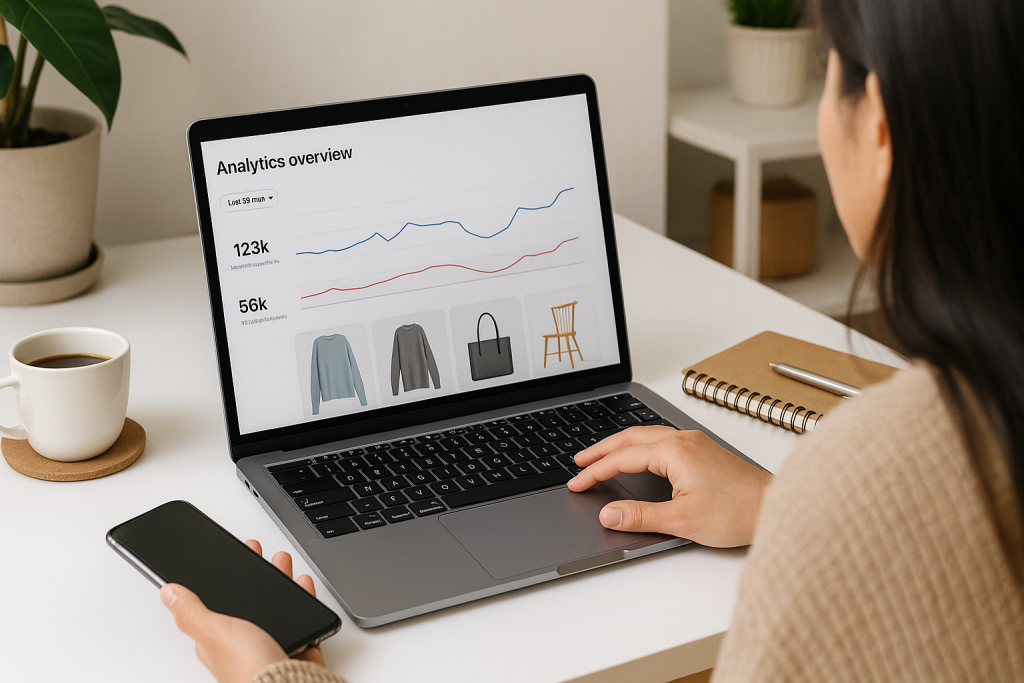
Creating beautiful, high-converting Pins is a huge win, but it’s only half the battle. If you really want to sell products on Pinterest, you need two things: consistency and insight.
This means showing up regularly without being chained to your screen, and truly understanding what’s working so you can do more of it.
This is where automation and analytics come in to turn your Pinterest efforts from a hobby into a genuine sales machine.
The Pinterest algorithm loves consistency. Pinning regularly signals that you’re an active, valuable creator, which is your ticket to getting your content seen. The problem?
Manually pinning multiple times a day is a one-way trip to burnout. The solution is to work smarter, not harder, and that means using the right tools.
Streamline Your Workflow with Automation
Automation is all about maintaining an active, optimized presence on Pinterest without the daily grind.
Instead of pinning in real-time, you can batch-create your content for the entire week or month and let a tool handle the posting.
This frees you up to focus on strategy, product development, and customer service—the things that actually grow your business.
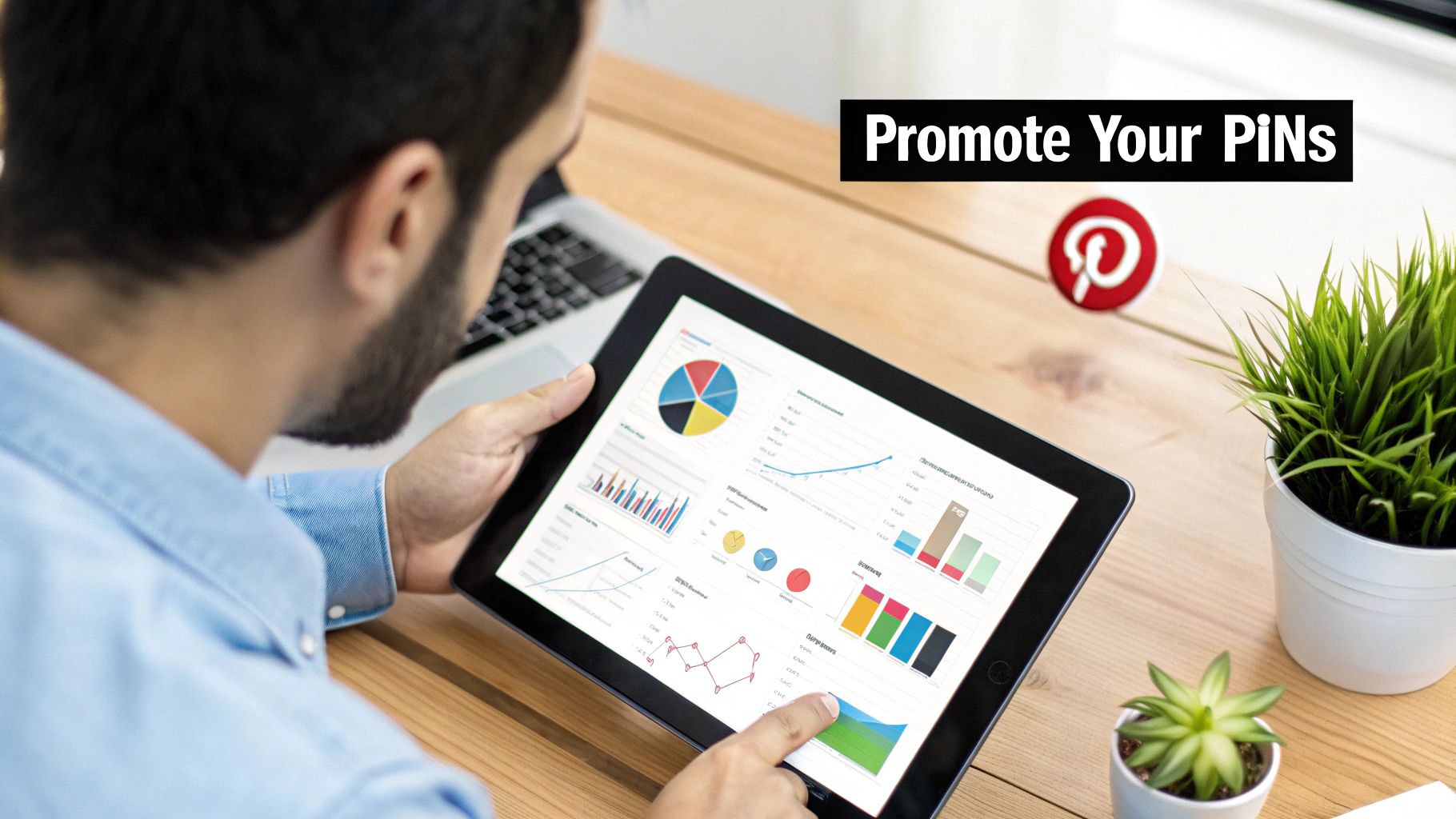
Tools built for this do more than just post on a schedule. Many, like Post Paddle, can automatically create multiple unique Pin variations from a single product link, complete with different text overlays and designs.
This is a game-changer. It stops your feed from looking repetitive and helps you A/B test which visuals actually connect with your audience.
For a deeper look, our guide on choosing a https://www.postpaddle.com/blog/pinterest-scheduler breaks down the features that really matter.
The goal of automation isn’t to “set it and forget it.” It’s to free up your time so you can focus on high-impact strategic tasks, like analyzing your data and refining your content, instead of getting bogged down in repetitive manual posting.
By planning your content calendar in advance and scheduling your Pins, you ensure a steady flow of fresh content that keeps your brand visible and drives a continuous stream of traffic to your store.
Diving into Pinterest Analytics
When it comes to selling on Pinterest, data is your best friend. Without it, you’re just guessing.
Pinterest Analytics is a powerful, free tool available to all business accounts, and it’s where you’ll find the gold—the insights you need to make smart, profitable decisions.
Forget vanity metrics like monthly viewers; we’re talking about the numbers that directly impact your bottom line.
To get started, just head over to the “Analytics” tab in your Pinterest profile. You’ll find a dashboard packed with information, but it’s easy to get overwhelmed. Let’s zero in on what truly matters for an e-commerce brand.
To really understand how your Pins are contributing to your business goals, you need to look beyond surface-level numbers.
The table below breaks down the metrics that tell the real story of your sales funnel on Pinterest.
Key Pinterest Analytics Metrics for E-Commerce
| Metric | What It Measures | Why It Matters for Sales |
|---|---|---|
| Impressions | The total number of times your Pins were shown on screen. | This is your top-of-funnel reach. It tells you how many people are seeing your brand, which is the first step toward a sale. |
| Saves | The number of times users saved your Pin to one of their boards. | Saves are a powerful indicator of purchase intent. Someone saving your product Pin is essentially bookmarking it for later. |
| Outbound Clicks | The number of clicks from your Pin directly to your website. | This is your most critical conversion metric. It’s the direct link between a Pin and potential revenue, showing who is interested enough to visit your store. |
By keeping a close eye on these specific metrics, you can get a clear picture of what’s working and where you need to make adjustments.
An increase in Outbound Clicks, for example, is a direct signal that your Pins are successfully driving qualified traffic.
Turning Data into Actionable Insights
Knowing your numbers is one thing; using them to make better decisions is what separates the successful sellers from everyone else.
Your analytics dashboard tells a story about what your audience loves. Your job is to listen.
Take a hard look at your top-performing Pins. What do they have in common?
- Visual Style: Are they lifestyle photos or clean product shots on a white background? Do they feature bright, bold colors or a more muted, aesthetic palette?
- Text Overlay: What kind of headlines are grabbing attention? Are you asking a question, stating a clear benefit (“5 Ways to Style…”), or creating urgency?
- Product Type: Are certain product categories consistently outperforming others? This is a huge clue about where to focus your marketing energy and ad spend.
By identifying these common threads, you can create a data-backed formula for what a “good” Pin looks like for your specific brand.
This lets you double down on what works and stop wasting time on content that falls flat.
As you expand your presence, it’s also smart to understand broader strategies on how to scale your e-commerce business for sustainable, long-term success.
This cycle—creating, scheduling, analyzing, and refining—is the engine of a successful Pinterest strategy.
It transforms your efforts from random acts of pinning into a predictable system for driving traffic and scaling your sales.
Ready to turn Pinterest browsers into buyers?
If you want your Product Pins to actually show up in front of buyers, don’t guess your keywords.
Before you publish your next batch of Pins, plug your niche, products, or board ideas into our free Pinterest Keyword Research tool.
In a few seconds you’ll see trending shopper keywords, long-tail phrases, and content angles your ideal customers are already searching for, so you can rewrite your titles, descriptions, and board names to match real demand.
Start with your best-selling collection, run it through the tool, and use those insights to refresh your Product Pins and Shop tab so every Pin works harder to bring in sales.
Got Questions About Selling on Pinterest? We’ve Got Answers.
Jumping onto any new platform can feel a bit overwhelming. You’ve got your strategy down, but then the practical, day-to-day questions start popping up. It’s completely normal.
Let’s walk through some of the most common hurdles people face when they first start selling on Pinterest.
Getting these cleared up from the get-go will save you a ton of headaches and help you build momentum much faster.
How Much Does It Actually Cost to Sell on Pinterest?
This is usually the first thing people ask, and I’ve got great news. Getting your store set up on Pinterest is completely free.
That means creating a Business account, setting up your product catalog with Rich Pins, and getting that coveted Shop tab on your profile won’t cost you a dime.
You can build a fully functional, shoppable presence and start pulling in organic traffic without touching your marketing budget.
The only time you’ll spend money is if you choose to run Pinterest Ads (Promoted Pins). Think of this as pouring fuel on the fire.
It’s a fantastic way to get your products in front of a massive, highly-targeted audience, but it’s entirely optional. You can start with a tiny ad budget—even just a few dollars a day—to see what works.
Do I Really Need My Own E-commerce Website?
Yes, 100%. This is non-negotiable. Pinterest is an incredible tool for discovery and driving traffic, but it’s not a marketplace. The entire point of your Pins is to entice someone to click over to your website to complete the purchase.
Some platforms work better with Pinterest than others. I’ve seen clients have the most success with:
- **Shopify:** This is the gold standard for Pinterest integration. The connection is practically seamless and makes syncing your products a breeze.
- **WooCommerce:** If you’re running on WordPress, this is your best bet. There are great plugins that bridge the gap between your store and Pinterest.
- Etsy: You can link to your Etsy shop, but I always recommend having your own site. It gives you complete control over your branding, customer data, and the overall shopping experience.
The actual sale doesn’t happen on Pinterest. Your website is where the magic happens.
My Two Cents: Think of Pinterest as the most beautiful window display for your shop. It’s designed to make people stop, look, and want to come inside.
But if there’s no “store” (your website) for them to enter, you’re just showing off products with no way to sell them.
How Long Until I Start Seeing Sales?
Ah, the million-dollar question. The honest answer? It depends. Pinterest isn’t about the instant hit you might get from an Instagram Reel.
It’s a long game, much more like SEO than social media. A Pin you publish today could be driving traffic and sales for you months, or even years, from now.
From my experience, you should plan on putting in consistent work for at least 3-6 months before you see a steady, predictable stream of traffic and sales.
This isn’t a “post and ghost” platform. It requires regularly creating new, optimized Pins and paying attention to your analytics to double down on what’s working.
Consistency is the name of the game. Pinning once a week isn’t going to cut it. The algorithm favors active accounts, so steady, sustained effort is what builds momentum.
Don’t get bummed out if you don’t make a sale in week one. Trust the process.
Can I Sell Services on Pinterest?
Absolutely! While Pinterest is famous for products, it’s a goldmine for service-based businesses if you approach it the right way.
Your strategy just needs a little tweak. Instead of linking directly to a product, you’ll be creating Pins that lead to high-value content on your website.
A great example is a business coach I worked with. They created Pins that drove traffic to:
- Blog posts like “5 Brutal Mistakes New Entrepreneurs Make.”
- Free downloadable checklists and workbooks.
- Case studies highlighting huge client wins.
- Registration pages for upcoming webinars.
Your goal here is to solve a problem and build trust. You use your Pins to guide potential clients to your lead magnets, blog posts, and booking pages.
It’s incredibly effective because you’re meeting people when they’re actively planning and looking for solutions. You’re not just selling a service; you’re offering the answer they’ve been searching for.