Before you even think about pinning, your Pinterest profile needs to be a well-oiled machine designed to pull in your ideal followers.
It’s the first impression, the handshake, the digital storefront that tells people instantly if they’ve found what they’re looking for.
Getting this right from the start is non-negotiable. Let’s dig into how to turn a basic profile into a follower-generating powerhouse.
Building Your Profile as a Follower Magnet
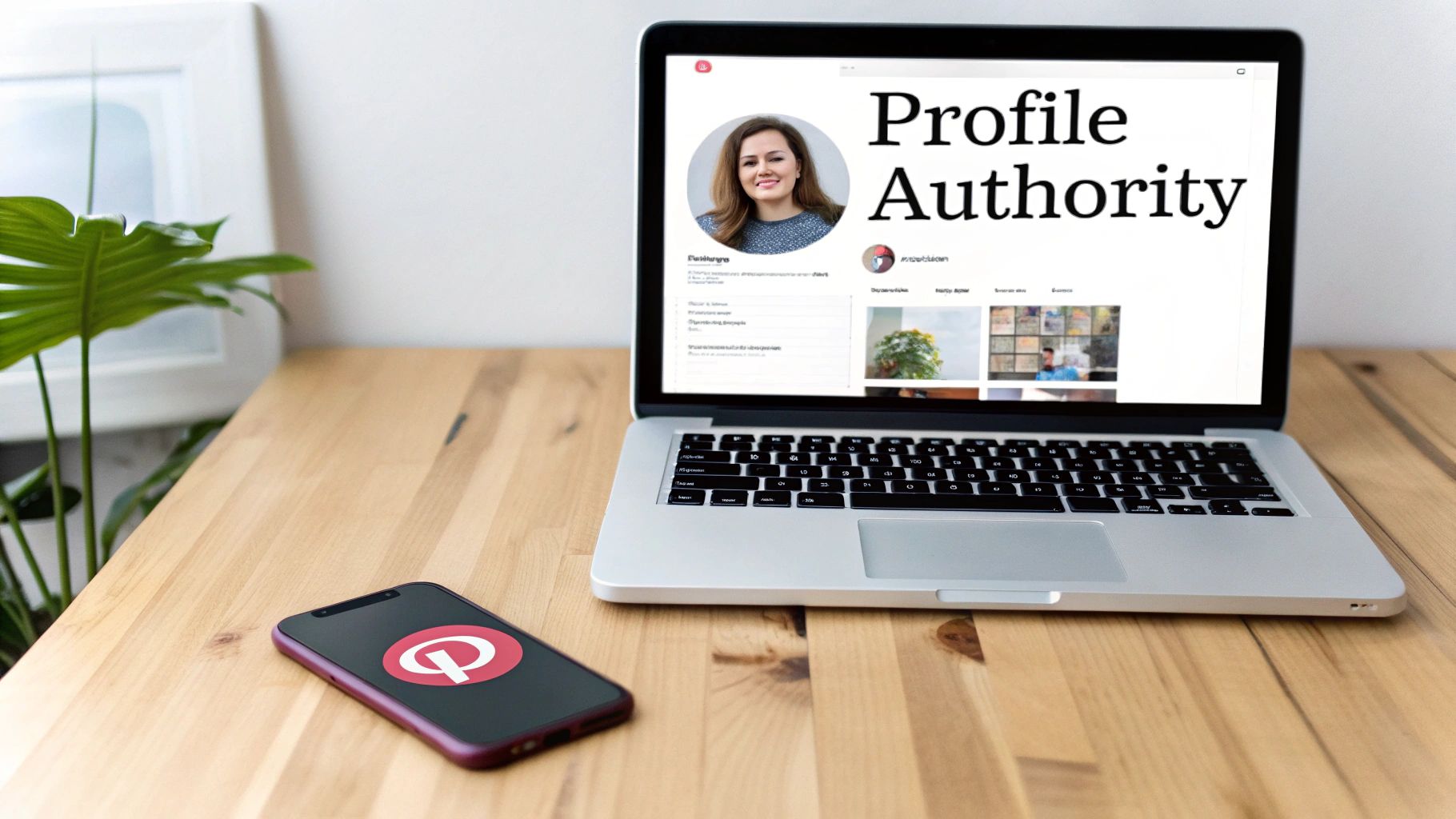
Think about it: when someone lands on your page, you have mere seconds to convince them to stick around.
A polished, professional, and crystal-clear profile immediately builds trust and invites them to explore. A messy or vague one? They’re gone.
That first glance is everything. It’s built on smart branding, strategic keywords, and a layout that answers a visitor’s most important question: “What’s in it for me?”
Crafting a Keyword-Optimized Bio
Your bio isn’t just a place for a witty one-liner; it’s prime real estate for Pinterest SEO. Use this space to clearly state who you are, what you do, and who you help.
Most importantly, weave in the keywords your audience is actively searching for.
For instance, a food blogger shouldn’t just say “I love to cook.” Instead, try something like: “Easy gluten-free recipes for busy families.
Find simple weeknight dinners, healthy meal prep ideas, and delicious desserts.” This bio instantly tells people what to expect and hits key search terms like “gluten-free recipes” and “healthy meal prep.”
Designing Your Visual Identity
A strong visual identity is what separates amateur accounts from professional brands on Pinterest.
This is about more than just your logo; it’s about creating a cohesive look and feel across your entire profile.
- Profile Image: Keep it clear and recognizable. A professional headshot is perfect for personal brands, while companies should use their logo.
- Cover Photo: This is your billboard! Use it to showcase your brand’s aesthetic and make your profile pop. We’ve got a whole guide on getting the perfect Pinterest cover photo size to help you nail it.
- Board Covers: Custom, branded covers for your boards create a clean, organized grid that reinforces your brand identity and looks incredibly professional.
To make this easier, here’s a quick checklist to run through.
Pinterest Profile Optimization Checklist
| Profile Element | Optimization Tactic | Why It Matters |
|---|---|---|
| Profile Image | Use a clear, high-quality headshot or logo. | Instantly builds recognition and trust. |
| Bio | Weave in 2-3 primary keywords naturally. | Helps your target audience find you via search. |
| Cover Photo | Design a branded image that reflects your niche. | Creates a professional first impression. |
| Claimed Website | Verify your website through Pinterest settings. | Unlocks analytics, Rich Pins, and adds credibility. |
| Board Titles | Use descriptive, keyword-rich titles. | Makes your boards discoverable in search results. |
| Board Covers | Create custom, cohesive cover images for boards. | Reinforces your brand’s visual identity. |
Following these steps ensures every part of your profile is working to attract and retain followers.
Claim Your Website and Organize Your Boards
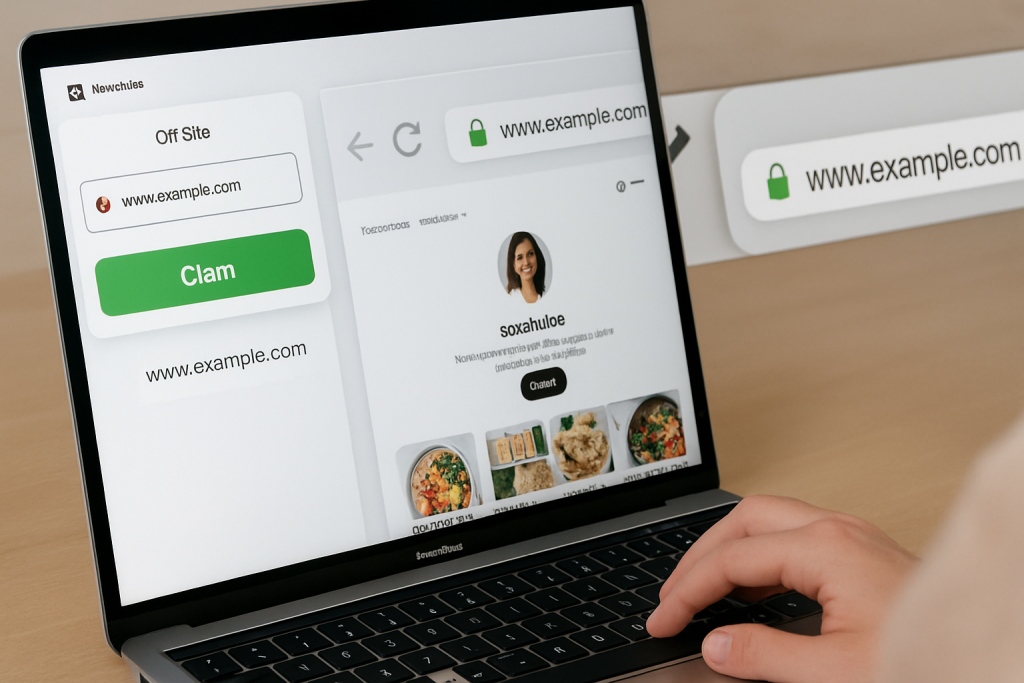
Don’t skip this part: claiming your website is a crucial step that unlocks powerful analytics and enables Rich Pins, which automatically pull extra info from your site onto your Pins.
This not only adds a layer of credibility but also makes your content more useful for pinners.
Finally, get your boards in order. A generic board named “Recipes” is a missed opportunity. “Healthy Vegan Dinner Recipes,” on the other hand, is specific, searchable, and attracts exactly the right kind of person.
This kind of strategic organization turns your profile into a discovery hub—essential on a platform where 85% of weekly users have bought something based on brand Pins.
Your Pinterest profile is the first and most powerful signal you send to both the algorithm and potential followers.
A strong foundation isn’t just nice to have—it’s the bedrock of sustainable growth.
Finding and Connecting with Your Niche Audience
If you try to create content for everyone, you’ll end up connecting with no one. That’s a hard lesson many creators learn.
To attract Pinterest followers who actually stick around and engage, you first have to know exactly who you’re talking to.
Put on your detective hat—it’s time to figure out what your ideal follower dreams about, struggles with, and is actively planning.
First, let’s get a feel for the neighborhood. Pinterest has a unique crowd, and its demographics are pretty telling.
A huge chunk of its user base—about 69.4% of them, in fact—are women. The largest single group is millennial women between 25 and 34.
This doesn’t mean you should ignore everyone else, especially with Gen Z’s presence growing fast, but it’s a solid starting point for understanding the platform’s core audience.
Define Your Ideal Follower Persona
Okay, now it’s time to zoom in from the big picture and get personal.
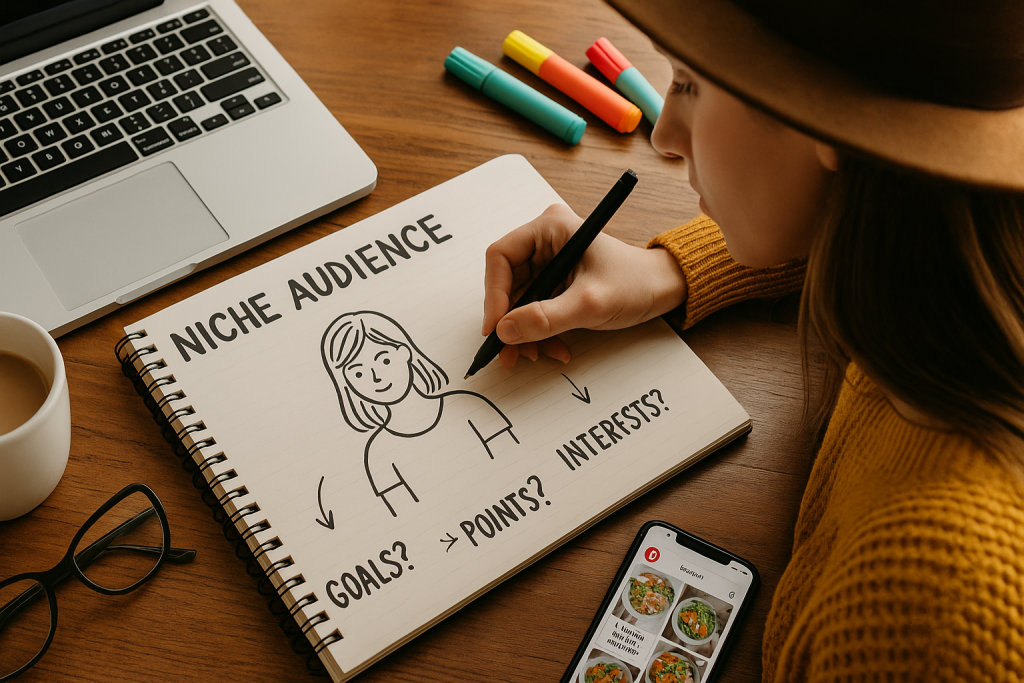
Creating a “user persona” might sound like a stuffy marketing task, but it’s really just about giving a name and a face to the single person you want to help the most.
When you know who you’re creating for, you stop shouting into the void and start having a real conversation.
Get specific. Ask yourself some real questions to bring this person to life:
- Why are they even on Pinterest right now? Are they planning a wedding, trying to find easy dinner recipes, or looking for DIY project inspiration for a long weekend?
- What’s their biggest headache that your content can solve? Are they short on time, working with a shoestring budget, or just stuck in a creative rut?
- What’s their vibe? Do they love clean and minimalist aesthetics, or are they more into bold, bohemian, and colorful styles?
Think of your persona as your North Star. Before you hit “publish” on any Pin, ask yourself: “Would they find this useful? Would they be inspired by this?” If the answer is yes, you’re on the right track.
Uncover What Your Audience is Searching For
Once you have a clear picture of your ideal follower, you can figure out what they’re actually typing into that search bar.
This is where keyword research becomes your secret weapon. Remember, Pinterest is a visual search engine, not just another social feed. People come here with intent.
A great place to start is right in the Pinterest search bar. Type in a broad term from your niche—like “home decor” or “healthy snacks”—and watch the auto-suggestions pop up.
Those aren’t random guesses; they’re the exact phrases people are using.
To dig even deeper, a dedicated Pinterest keyword research tool can help you find those golden opportunities—keywords with high search volume but not a ton of competition.
This data-driven approach is what gets your Pins in front of the right eyeballs and makes hitting that “Follow” button a no-brainer for them.
Designing Pins That Actually Earn Followers

Alright, your profile is polished and you know your audience inside and out.
Now for the fun part—and arguably the most critical—creating the content that makes people stop scrolling, click, and ultimately, hit that follow button.
On Pinterest, the quality of your Pin design is everything.
A weak or generic Pin, no matter how amazing the blog post behind it is, will just get lost in a sea of stunning visuals.
The goal here is to create Pins that not only look fantastic but instantly communicate value.
They need to promise a solution, an idea, or an inspiration so compelling that saving it becomes a reflex.
Master the Fundamentals of Pin Design
Before you start getting too creative, you need to lock down the basics. These are the non-negotiables that give your Pins the best chance to succeed from the get-go.
Remember, Pinterest is a mobile-first platform, so designing for a vertical screen isn’t just a good idea; it’s essential.
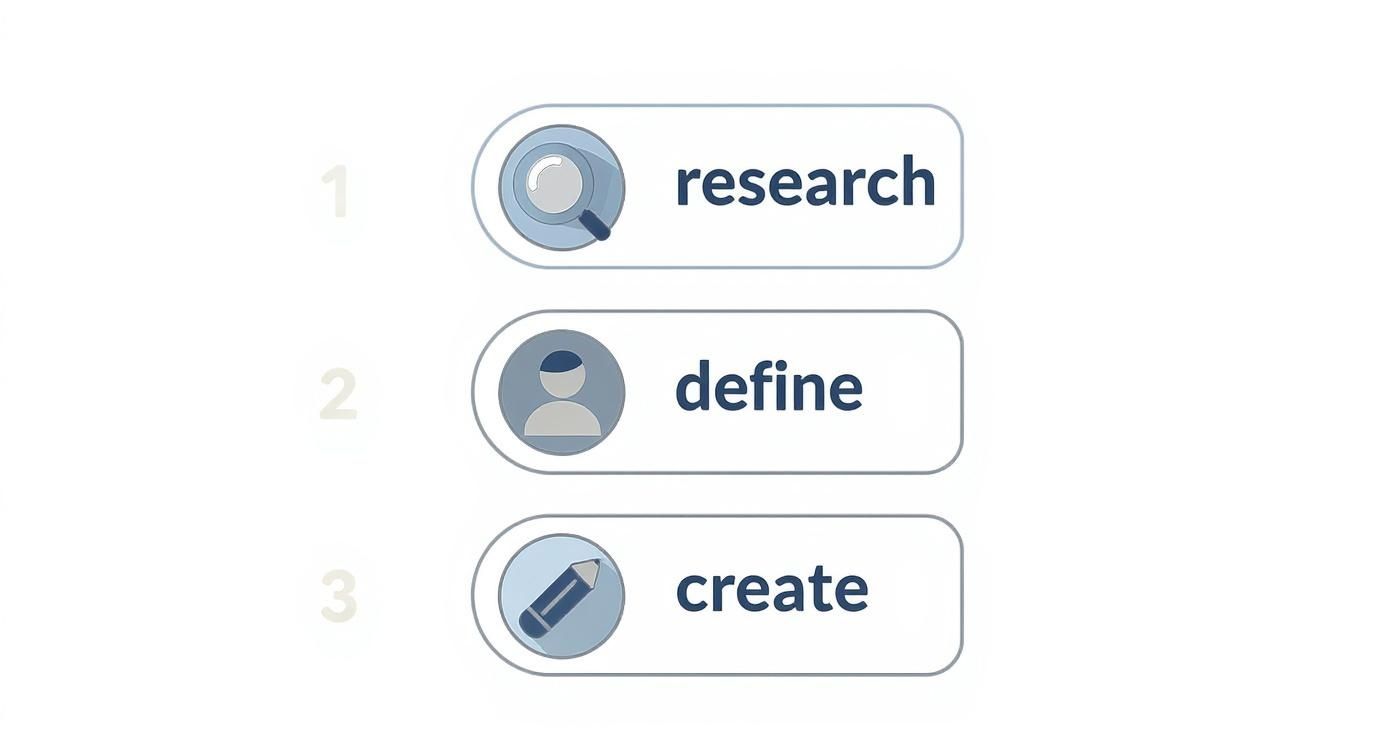
Here’s a quick look at the core workflow you should be following: research, define, and create. It’s a simple but powerful process for making sure your Pins are both strategic and well-executed.
From my experience, the most successful Pins almost always nail these key elements:
- Optimal Dimensions: Stick to a 2:3 aspect ratio (think 1000 x 1500 pixels). This vertical format takes up the most screen real estate on a phone and is exactly what the Pinterest algorithm loves to see.
- High-Quality Imagery: Use crisp, clear, and professional-looking photos or graphics. Nothing screams “amateur” like a blurry or pixelated image, and users will scroll right past it.
- Bold Text Overlays: Your Pin needs a headline. Add clear, easy-to-read text that summarizes the value proposition. It should solve a problem or spark curiosity, like “5-Minute Vegan Lunch Ideas” or “How to Organize a Tiny Closet.”
Your Pin is a mini-advertisement for your content. Its job is to make a powerful promise in under three seconds. If a user has to guess what your Pin is about, you’ve already lost them.
Choose the Right Format for Your Message
Pinterest isn’t just about static images anymore. To keep your strategy fresh and effective, you need to use a mix of the different Pin formats available.
Each one serves a slightly different purpose in your mission to get more followers.
Here’s a quick look at the main types and how they can fit into your follower growth plan.
Pin Format Performance Comparison
| Pin Type | Best For | Follower Growth Impact |
|---|---|---|
| Standard Pin | Driving traffic to blog posts, product pages, or lead magnets. | High. When a user clicks and finds immense value on your site, they’re very likely to return to your profile and follow you for more. |
| Video Pin | Grabbing attention with quick tutorials, product demos, or brand storytelling. | High. The movement in the feed is a scroll-stopper. Great videos can build a strong brand connection, leading to follows. |
| Idea Pin | Telling a story or giving a full tutorial directly within Pinterest. | Very High. These are built for on-platform engagement and are heavily favored by the algorithm for reaching new audiences. A great Idea Pin can lead to a massive influx of new followers. |
As you can see, a balanced approach is best. Standard Pins are your workhorses for traffic, but Video and Idea Pins are powerhouses for building an engaged following directly on the platform.
To create Pins that consistently bring in new followers, you need a solid workflow.
If you’re looking for a step-by-step breakdown, our guide on how to create Pins covers the entire process, from brainstorming ideas to hitting publish.
By combining strong visual design with the right format, you’ll create content that doesn’t just get seen—it earns you loyal followers who can’t wait to see what you post next.
Smart Pinning Strategies for Maximum Reach
Creating a beautiful, value-packed Pin is a huge win, but your work isn’t done when you hit “save.”
A Pin’s real success depends entirely on what happens next. The right pinning strategy is what separates accounts that get seen from those that just get lost in the noise.
It’s less about brute force and more about smart, strategic consistency.
So many creators burn out trying to pin dozens of times a day, thinking more is always better. In reality, the Pinterest algorithm rewards quality and regularity far more than sheer volume.
A solid target to aim for is 5 to 15 high-quality, fresh Pins per day.
This keeps your account active and relevant without forcing you to pump out low-value content just to hit a quota.
Find Your Perfect Pinning Rhythm
The real secret sauce is maintaining a steady presence. Pinning 10 times in a single day and then going silent for a week sends confusing signals to the algorithm.
A consistent schedule, on the other hand, tells both users and Pinterest that you’re a reliable source of fresh ideas. This is where a little automation can be a total game-changer.
While manual pinning is perfect for those spur-of-the-moment ideas, building real momentum requires a scheduler.
Tools like Post Paddle let you map out your content calendar weeks in advance, making sure your Pins go live when your audience is actually online and active.
This frees you up to do what you do best—create amazing content—instead of being chained to a posting schedule.
Pinterest doesn’t penalize automation; in fact, its official partners are there to make your life easier.
Using a scheduler is hands-down the best way to stay consistent enough to grow your followers without living on the platform 24/7.
Tap into Existing Communities
One of the quickest ways to get more eyes on your content is to share it where your ideal audience already hangs out.
This means looking beyond your own boards and jumping into collaborative spaces.
- Group Boards: Think of these as collaborative hubs where multiple creators contribute Pins on a specific topic. Find active, high-quality boards in your niche, follow their rules, and request to join. When you share your content there, it gets exposed to the board owner’s followers, instantly expanding your reach.
- Tailwind Communities: Formerly known as Tribes, these are niche-specific groups built for creators to share each other’s content. It’s a powerful “you scratch my back, I’ll scratch yours” system. You add your best Pins to the Community, and in return, you share content from other members with your audience. This can get your work in front of highly engaged people you might never have reached otherwise.
For new accounts trying to gain traction, joining these communities can give you a significant and much-needed boost.
Proactive Engagement Builds Authority
At the end of the day, Pinterest is still a social platform. Don’t just post and ghost.
Actively engaging with your community tells the algorithm you’re a valuable member, which can do wonders for your visibility.
Set aside a few minutes each day to respond to comments on your Pins. Answering questions and thanking people for their feedback is how you build a loyal following that truly cares about what you have to say.
It’s also a great idea to interact with other creators in your niche by leaving thoughtful comments on their Pins.
This simple act can lead to new collaborations, build goodwill, and introduce your profile to a whole new set of relevant followers. That human touch really does make all the difference.
Using Analytics and Ads to Accelerate Growth
Organic growth is the bedrock of any solid Pinterest strategy, but if you really want to put the pedal to the metal, you need to bring data into the mix.
Guessing what your audience wants is a slow, often frustrating game.
By digging into your analytics and setting aside a small ad budget, you can stop guessing and start making smart decisions that lead to real, measurable growth.
Think of your Pinterest Analytics dashboard as your secret weapon. It’s where the platform literally tells you what’s working and what’s falling flat.
Don’t get overwhelmed by all the charts and numbers; just focus on a few key metrics that tell the story of your content’s health.
Reading the Story in Your Data
First thing’s first: head over to your analytics and look at your top Pins, sorting them by impressions and saves.
Impressions tell you what’s getting seen, but saves tell you what people truly value—the content they want to hold onto for later.
If you see a specific Pin format or topic getting a ton of saves, that’s a massive clue from your audience: “Make more of this, please!”
Next, check out your top boards. A board with consistently high engagement is a content goldmine. It pinpoints which of your niche topics is hitting the mark with pinners.
This is your cue to double down and create more content specifically for that board. You’re simply giving your audience more of what they’ve already told you they love.
Your analytics aren’t just numbers; they are a direct line of communication from your audience. Pay close attention to what they’re saving and clicking—it’s the clearest roadmap you’ll get for what to create next.
Supercharging Growth with Pinterest Ads
Once you’ve identified your star performers—the Pins that are already winning organically—it’s time to give them a boost with Pinterest Ads.
This isn’t about throwing a ton of money at the wall to see what sticks. It’s about smart, strategic investment.
A simple “Consideration” campaign, optimized for Pin engagements or clicks, can push your best content in front of thousands of new people who are already searching for your kind of inspiration.
You’re not starting from scratch; you’re amplifying a proven winner.
This one-two punch of organic success and paid promotion is incredibly powerful.
In fact, Pinterest’s ad platform boasts a 32% higher return on ad spend (ROAS) compared to other social media platforms. It’s an efficient way to get more eyes on your content and, in turn, more followers.
By analyzing your data, you identify your hits. By promoting them, you turn those hits into follower magnets.
Of course, once you’ve put these strategies into motion, it’s essential to track what’s working. There are many effective ways to analyze your content’s performance that will help you refine your approach over time.
This cycle of creating, analyzing, and promoting is how you’ll really speed up your journey to more followers who genuinely care about what you’re sharing.
Give Your Pins a Quick Confidence Check
Sharing a Pin shouldn’t feel like a guessing game. When you’re never sure which ones will work, it’s easy to feel stuck and second-guess every design.
Things start to feel very different once you have a small routine to follow before you hit publish.
A clear image, simple headline, and focused description can nudge more people to save, click, and come back for more.
Think about how reassuring it feels to post a Pin knowing the basics are covered, your message is clear, your link works, and your keywords match what people are searching for.
Those tiny checks can quietly add up to more reach, more trust, and more followers who actually stay.
To make this much easier, I’ve created a free Pinterest Pin Checklist.
Inside, you’ll find straightforward steps to review your image, text, keywords, and link so every Pin is set up to do its job before it goes live.
It’s not about making things complicated, it’s about using one simple checklist to help each new Pin perform a little better than the last.
Common Pinterest Follow-Up Questions
As you get deeper into your Pinterest strategy, you’re bound to have some questions. It’s totally normal to wonder if you’re doing things right or if there’s some secret sauce everyone else knows about.
Let’s dig into some of the most common things creators ask when they’re trying to grow their following.
Getting these answers straight will help you set realistic goals and build a strategy that actually works for the long haul.
So, How Many Times a Day Should I Really Be Pinning?
There’s no single magic number that fits every account, but here’s what I’ve learned: consistency beats volume every single time. The Pinterest algorithm loves to see accounts that are active and reliable.
A solid goal to start with is aiming for 5 to 15 fresh, new Pins per day. The key is to spread them out. This keeps your account active at different times, hitting various parts of your audience when they’re online.
But never forget that Pinterest is all about new, original content. One fantastic, well-designed Pin will always do better than ten lazy repins of old stuff.
My Two Cents: Find a pinning schedule you can actually stick with. It’s far better to post five high-quality Pins every single day than to dump 20 Pins on a Monday and then go quiet for the rest of the week.
Does My Follower Count Actually Matter?
Yes, but probably not in the way you’re thinking. Pinterest is a visual search engine first and a social network second. This means your Pins can get massive reach through search results and recommendations, even if you only have a handful of followers.
It’s not like Instagram, where your feed is your main shot at getting seen.
That said, having a larger, engaged following gives your new content a powerful initial push. When your followers immediately save and click on a new Pin, it tells the Pinterest algorithm, “Hey, this is good stuff!”
This kickstarts the distribution process, getting your Pin shown to a much wider audience beyond your followers.
Think of your followers as your personal launch crew, giving your content the momentum it needs to go big.
How Long Does It Actually Take to See Growth?
Honestly? You have to be patient with Pinterest. This platform is a marathon, not a sprint. While a post on another social platform might die out in a few hours, Pins have an incredibly long shelf life.
I’ve had Pins drive traffic and followers for years after I first published them.
For a brand-new account that’s doing everything right, you can expect to see slow but steady growth for the first 3 to 6 months.
This is the “indexing” phase, where Pinterest is figuring out what your content is about and where to show it. The real, noticeable growth often starts kicking in after that 6-month mark.
It’s easy to get discouraged when you don’t see a huge spike overnight. Just keep your head down, focus on creating valuable content, and let the long-term power of the platform do its thing.