If you want to earn money on Pinterest, stop thinking of it as a social media platform.
It’s a visual search engine, pure and simple.
Your goal is to create a rock-solid business profile and share Pins that lead people back to your blog, affiliate offers, or online store.
The great thing about Pinterest is that success hinges on a smart strategy, not your follower count, which levels the playing field for newcomers.
Building Your Pinterest Foundation for Profit
Before you can even think about making money, you need to lay the proper groundwork. Pinning a few pretty pictures here and there just won’t work.
Your profile has to be engineered to pull in traffic, show the Pinterest algorithm you’re a serious player, and turn casual scrollers into actual customers.
Think of it like building a digital storefront. Getting this initial setup right is the most critical part of the entire process.
A personal account is fine for saving dinner recipes, but for making money, a Pinterest Business account is absolutely non-negotiable.
It’s free to switch and gives you access to the tools you’ll need to actually grow.
- Pinterest Analytics: This is your command center. You can see exactly which Pins and boards are getting the most impressions, saves, and clicks—gold for figuring out what’s working.
- Advertising Tools: A business account lets you run Promoted Pins, so you can pay to get your best content in front of a hyper-specific audience and speed up your growth.
- Rich Pins: This is a game-changer. It automatically pulls extra info from your website right onto your Pins, making them way more useful and enticing to click.
Creating a Professional and Trustworthy Profile
Your profile is your first impression. If it looks half-finished or unprofessional, people will just move on.
You’ve got just a few seconds to communicate who you are and what you offer.
First things first, claim your website. It’s a simple verification step that adds a little globe icon next to your URL, which immediately makes you look more credible.
It also proves to Pinterest that you own the content you’re linking to—a must-have for getting Rich Pins to work.
For a detailed walkthrough, check out our guide on how to create a Pinterest business account.
Next, craft a bio that’s not only descriptive but also packed with keywords. Don’t just say, “I love home decor.”
Think about what your ideal follower is searching for. A home decor blogger, for example, might write: “Helping you create a beautiful home on a budget.
Find simple DIY projects, modern farmhouse inspiration, and affordable decor finds.” It’s clear, helpful, and hits all the right search terms.
The Power of Rich Pins
If there’s one thing you should do right away, it’s enabling Rich Pins.
They pull extra data from your site to give your Pins more context right in the feed, making them stand out.
While there are a few types, the two most important for monetization are:
- Article Pins: These automatically add a headline, author, and a short description to any Pin that links back to a blog post.
- Product Pins: These show real-time pricing, availability, and where to buy a product, pulling the info directly from your e-commerce shop.
This infographic breaks down the core elements you need for a professional Pinterest business profile.
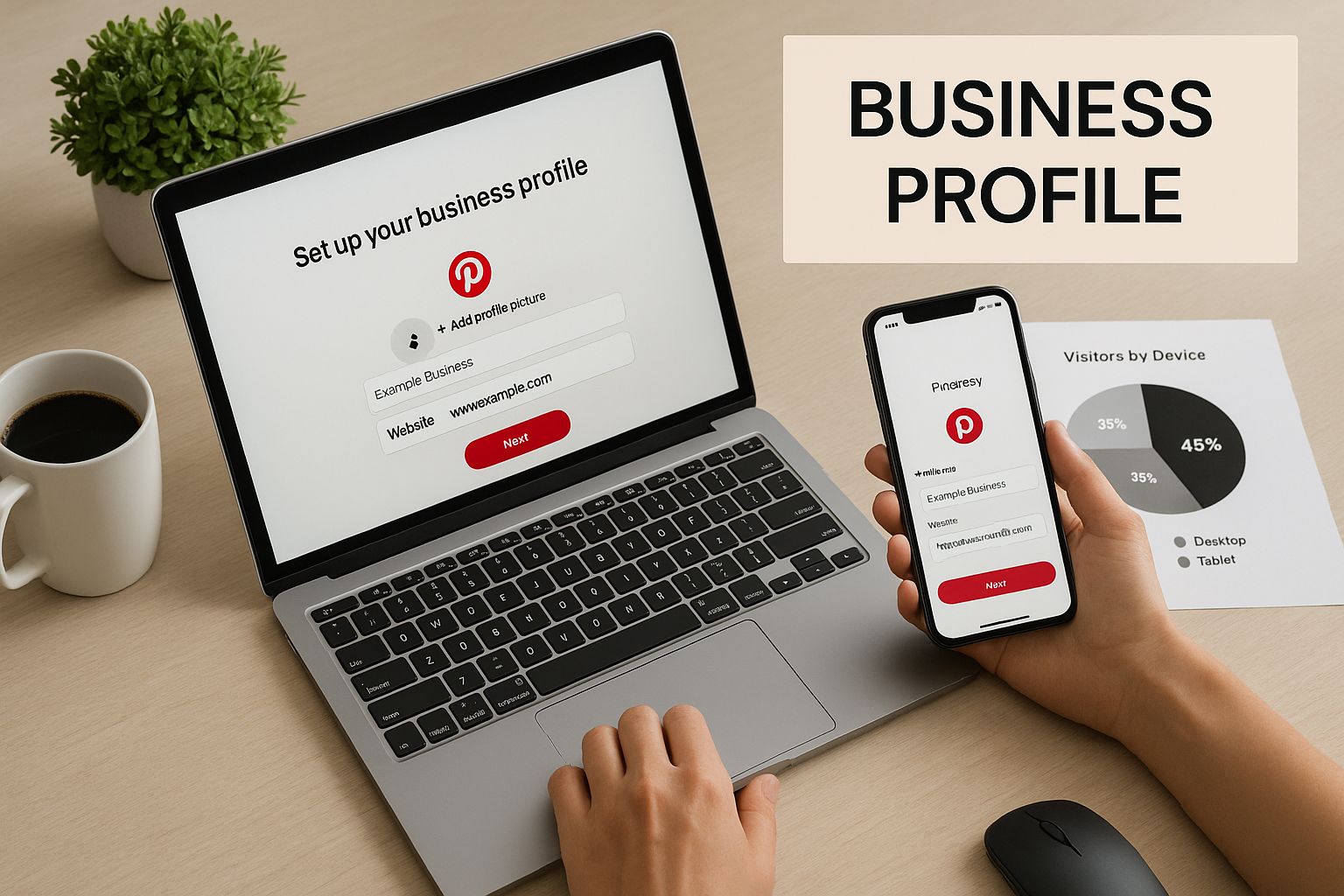
As you can see, a clean, well-organized profile is key to establishing your brand’s presence on both desktop and mobile.
Key Takeaway: A fully optimized business profile with a claimed website and Rich Pins enabled isn’t just a good idea—it’s the launchpad for any successful monetization strategy on Pinterest.
It turns your profile from a passive mood board into an active business asset.
By getting this foundation right, you give every single Pin you create the best possible chance to be discovered, saved, and clicked.
This initial work makes all the other strategies we’ll cover, like affiliate marketing and selling your own products, so much more effective down the line.
Your Guide to Affiliate Marketing on Pinterest
For a lot of creators, affiliate marketing is the most direct path to earning that first dollar from Pinterest.
The idea is simple: you talk about products you genuinely use and love, and when someone buys something through your unique link, you get a small commission.
But let’s be clear, success isn’t about just spamming links everywhere. It’s about skillfully weaving those recommendations into content that actually helps people.
Think of it this way: your first job is to solve a problem or provide inspiration. Selling comes second.
This mindset is what builds trust and gets people to actually click.
Finding Profitable Affiliate Programs
Okay, first things first. You need to partner with the right brands and networks.
What you choose really comes down to your niche and what your audience is into.
If you’re just dipping your toes in, this guide on how to start affiliate marketing is a great primer.
You generally have a few routes you can go:
- Broad Affiliate Networks: Think of places like ShareASale, CJ Affiliate, and Rakuten as massive digital malls. They house thousands of brands under one roof, which is perfect if you’re a lifestyle or home décor blogger who needs variety.
- Individual Brand Programs: Lots of companies—especially smaller, niche ones—run their own affiliate programs. Sometimes the commission rates are better, and you get more direct support. This is a fantastic option if there are a few holy-grail brands you’re already obsessed with.
- Amazon Associates: This is the go-to starting point for many. Because Amazon sells pretty much everything, you can find relevant products for almost any topic. The trade-off is that the commission rates can be on the lower side.
Don’t underestimate Pinterest as a commercial powerhouse. As of early 2025, the platform boasts over 570 million monthly active users.
A whopping 85% of weekly users say they’ve actually bought something because of a brand’s Pin.
For affiliates, this is the kicker: Pinterest drives 33% more referral traffic to e-commerce sites than Facebook.
Plus, video Pins can boost the likelihood of a purchase by 55%.
Weaving Affiliate Links into Your Content
Once you’re approved for a program, the real fun begins.
Your mission is to create Pins that are so inspiring and useful that clicking your affiliate link feels like the natural next step for your audience.
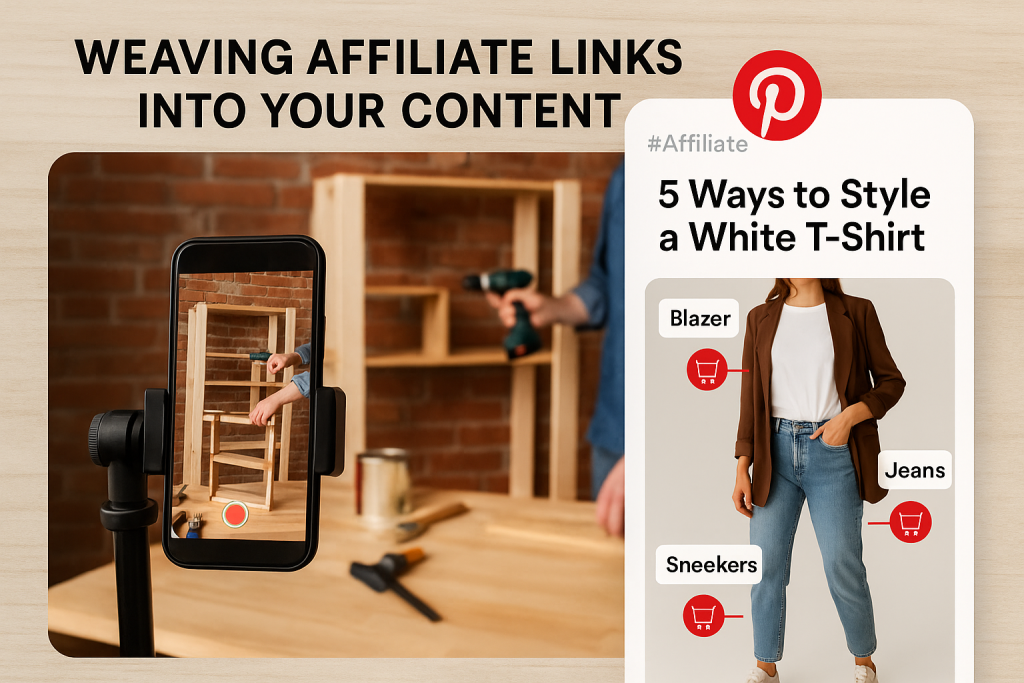
Imagine you’re a DIY blogger. You could film a quick video Pin showing how to build a rustic bookshelf.
In the Pin description, you’d list the exact tools and supplies you used, each with an affiliate link—the power drill, the specific wood stain, even the brackets.
You’re not just selling; you’re providing a complete solution.
Or, if you’re a fashion creator, you could create an Idea Pin on “5 Ways to Style a White T-Shirt.”
Each slide would show a different look, with the blazer, jeans, and sneakers tagged with your affiliate links.
The value is the styling advice; the links are just a helpful bonus.
Pro Tip: Always, always disclose your affiliate links. A simple #ad, #affiliate, or #sponsored in the Pin description does the trick.
It’s not just an FTC rule; it’s how you maintain the trust you’ve worked so hard to build with your audience.
Comparing Popular Affiliate Networks for Pinterest
Finding the right affiliate network can feel a bit like speed dating.
To help you find your match, here’s a quick breakdown of some of the most popular options for Pinterest creators.
| Affiliate Network | Average Commission Rate | Best For Niches | Cookie Duration | Ease of Use |
|---|---|---|---|---|
| ShareASale | 5%-20% | Fashion, Home Goods, Software | 30-90 days | Beginner-friendly with a huge merchant selection. |
| CJ Affiliate | Varies widely | Retail, Travel, Finance | Varies by merchant | More advanced analytics but a steeper learning curve. |
| Amazon Associates | 1%-10% | Almost any niche imaginable | 24 hours | Very easy to start, but cookie duration is short. |
| Rakuten Advertising | 3%-15% | Major retail brands, Electronics | Varies (often 30 days) | Access to premium brands, but approval can be strict. |
Ultimately, the best network is the one that has the brands your audience already loves.
Don’t be afraid to join a few and see which ones perform best for you.
Tracking Performance and Optimizing
The last piece of this puzzle is looking at what works. Dive into your affiliate dashboards to see which products are getting clicks and making you money.
At the same time, keep a close eye on your Pinterest Analytics to see which of your Pins are driving the most outbound clicks.
If you see that a specific Pin about a skincare product is blowing up, that’s your audience telling you what they want. It’s a clear signal to create more content around that product or similar items from that brand.
This data-driven approach takes the guesswork out of your strategy and helps you earn more by simply giving your followers more of what they love.
Selling Your Own Products and Services
While affiliate marketing is a great way to get your feet wet, the real game-changer is selling your own products or services.
This is where you take full control of your brand, your message, and, most importantly, your revenue.
You’re no longer just sending traffic somewhere else; you’re building a sustainable business with much healthier profit margins.
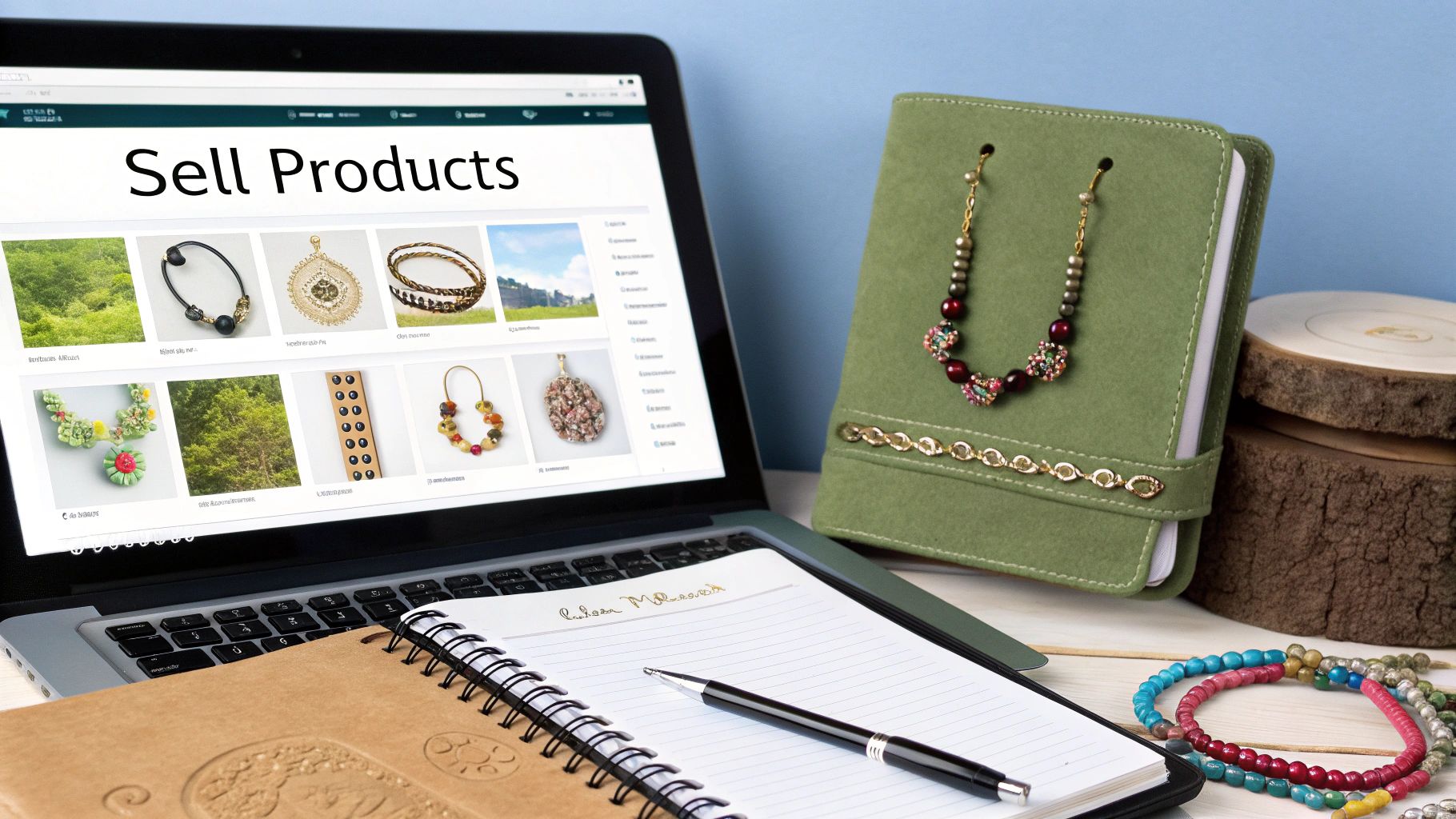
Think about it: whether you’re a creator of handmade jewelry, a designer of digital planners, or a coach offering personalized sessions, Pinterest is brimming with people actively looking for what you have.
With over 537 million active users every month, many of them are in a planning and buying mindset.
Your ideal customer is already there, just waiting to discover you.
The trick is to go beyond just posting a product photo with a price tag. You need to build an entire experience that tells the story behind what you sell and shows its true value.
Setting Up Your Pinterest Storefront
First things first, you have to make it dead simple for people to buy from you. This starts by connecting your e-commerce store directly to Pinterest.
If you use a platform like Shopify, the integration is incredibly smooth and lets you upload your entire product catalog with just a few clicks.
Once you’re connected, you unlock one of the most powerful features for sellers: Product Pins.
These aren’t static images; they’re dynamic Pins that automatically sync with your website to show real-time pricing and stock availability.
This little detail is huge for building trust and removing any hesitation for a potential buyer.
Key Takeaway: When a shopper sees an “In Stock” label on your Pin, their confidence goes way up. They’re far more likely to click through than if they’re left guessing.
It’s all about making the journey from discovery to checkout as seamless as possible.
This simple setup effectively turns your Pinterest profile into a beautiful, browsable, and shoppable catalog.
It’s a non-negotiable step for anyone serious about e-commerce on the platform.
Crafting Pins That Actually Convert
Getting your products on Pinterest is one thing, but getting people to buy them is another. Your content strategy is what bridges that gap.
Let’s be honest, those standard product shots on a plain white background just don’t cut it here. Pinterest users crave context and inspiration.
Instead of just showing your product, demonstrate its benefit. Create Pins that tell a story and help people visualize how your product will fit into their lives.
- Selling physical goods? Show them in action. If you’re a potter, a quick video Pin of a mug being filled with steaming coffee, held comfortably in someone’s hands, is far more compelling than a static photo. A clothing brand? Use an Idea Pin to show five different ways to style that one versatile jacket.
- Offering digital products? Showcase the transformation. For digital planners, create Pins of a beautifully organized weekly spread, filled with completed tasks. If you sell a design template, show a stunning before-and-after of a project made with it.
- Providing a service? Focus on the outcome. As a business coach, you could create Pins with quick, impactful tips or share inspiring client success stories. A graphic designer could walk users through their creative process in a visually engaging Idea Pin that showcases their best work.
This approach fundamentally shifts your message from “buy my thing” to “let me show you how this can improve your life”—a much more powerful way to sell.
For a deeper look at this, our complete guide to selling on Pinterest has even more advanced strategies.
Using Visuals to Tell a Story and Drive Sales
At its heart, Pinterest is a visual search engine. Your success selling on the platform comes down to how well you can tell a story with your images and videos.
Think beyond a single Pin and map out the entire customer journey.
Someone might first find your brand through a Pin that solves a problem for them, like “How to Organize a Small Kitchen.”
You can subtly feature your clever storage solutions within that helpful content.
From that one Pin, you can lead them to a dedicated board that acts as a mini-showroom, featuring your full product line, photos from happy customers, and glowing testimonials.
This builds incredible social proof and helps new visitors see how real people are loving what you offer.
This is how you create a sales funnel directly on the platform and really start to earn money on Pinterest.
Let Pinterest Analytics Guide Your Product Strategy
Your Pinterest Analytics dashboard is a treasure trove of information about what your audience actually wants to buy.
Don’t just glance at the vanity metrics like impressions. Dig into the data behind your product-related Pins.
Zero in on these key metrics:
- Outbound Clicks: Which Pins are sending the most people to your product pages? This tells you exactly which visuals and product styles are hitting the mark.
- Saves: A high number of saves means people see your product as aspirational or are bookmarking it for a future purchase. This is a powerful indicator of buying intent.
- Top Boards: Check which of your boards get the most engagement. If your “Modern Home Decor” board is crushing it, that’s a loud and clear signal to create more content and products for that specific niche.
By consistently analyzing this feedback, you can stop guessing and start making data-driven decisions about what to promote, what to create next, and what kind of content truly connects with your customers.
Cashing In on Your Influence: Brand Deals and Creator Rewards
Once you start gaining real traction on Pinterest and building a loyal following, something exciting happens: brands start to notice you.
This is where your earning potential really kicks into a higher gear, moving beyond affiliate commissions or your own product sales.
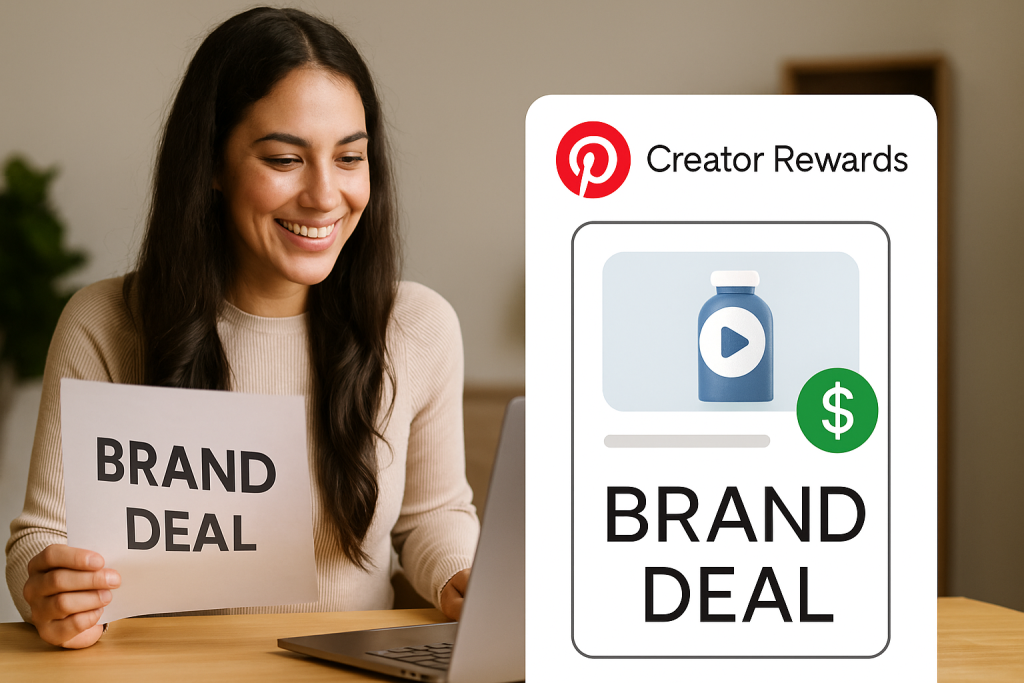
We’re talking about direct brand partnerships and platform programs like Pinterest’s Creator Rewards, which pay you for your unique content and the connection you have with your audience.
These opportunities are a direct payoff for all the hard work you’ve put into building trust. Instead of a small slice of a sale, brands will pay you a flat fee to create content that puts their products in the spotlight.
This might look like a dynamic series of Idea Pins, a stunningly styled static Pin, or a video Pin showing their product in action.
Getting Paid Directly by Pinterest with Creator Rewards
Pinterest has its own program to help you monetize, called Creator Rewards. It’s a pretty straightforward initiative where Pinterest pays you to create content that aligns with their specific monthly goals.
Essentially, they hand you a creative brief and reward you for hitting the mark.
To get in on this, you’ll need to tick a few boxes. While the specifics can change, the general requirements usually look like this:
- You must have a Pinterest Business account.
- There’s typically a minimum follower count to meet.
- The focus is on creating original content, especially Idea Pins.
- You need to be located in an eligible country (like the United States).
Once you’re accepted, you’ll get access to monthly campaigns. You might see a prompt like, “Share your go-to winter soup recipe” or “Create a 5-step morning routine.”
If you create an Idea Pin that fits the campaign and performs well, you can get a direct payout from Pinterest.
It’s often the first real income creators earn directly from the platform.
Don’t Wait—Pitch the Brands You Genuinely Love
Sitting back and waiting for brands to knock on your door is a slow, unpredictable strategy. The creators who are really succeeding are the ones who go out and make it happen.
They pinpoint brands that are a perfect match for their niche and their audience, then they reach out with a killer proposal. This is where a professional media kit is non-negotiable.
Think of your media kit as your creator resume. It’s a clean, professional document (usually a PDF) that spells out exactly why a brand should be excited to work with you.
Here’s what it absolutely needs to include:
- A Quick Bio: Who are you and what is your content all about?
- Audience Deep Dive: Pull key stats from your Pinterest Analytics—age, gender, location, and interests.
- Your Key Numbers: Show off your monthly viewers, engagement rate, and outbound clicks.
- Proof of Work: If you have them, include examples of past brand collaborations.
- Your Menu: Clearly outline your services (e.g., 1 Idea Pin, 3 Static Pins) and your starting rates.
When you write that first outreach email, make it personal. Tell them why you love their brand and come prepared with a specific idea for a collaboration.
A generic “Hey, let’s work together” email is a one-way ticket to the trash folder.
Know What Your Audience is Worth
Brands aren’t just paying for pretty pictures; they’re paying for access to your audience. And the Pinterest audience is a goldmine because they are planners and buyers.
Projections show that by 2025, Gen Z will represent around 42% of Pinterest’s global users, a huge shift towards a younger, more digitally-savvy crowd.
Here’s the kicker for brands: 1 in 3 Pinterest users has an income over $100,000, and a staggering 85% report making purchases based on Pins they’ve seen.
You’re not just selling your creative skills; you’re offering brands a direct line to consumers with serious buying power.
If you want to dive deeper into these trends, you can discover more insights about Pinterest’s user base.
When it’s time to talk numbers and contracts, be confident. Your rate should be a reflection of your audience size, your engagement, the amount of work involved, and how the brand plans to use the content you create.
Landing these partnerships is how you transform your Pinterest hobby into a legitimate, consistent income stream.
Nail Your Pinterest SEO and Content Strategy
Having a great product or affiliate link is only half the battle. If nobody sees your content, you won’t make a dime.
This is where you need to shift your mindset from just being a creator to thinking like a search engine strategist.
At its core, Pinterest is a visual search engine, and getting a handle on its SEO is what separates the pros from the hobbyists.
You don’t need fancy, expensive tools to figure out what people want. The best intel is right there on the platform.
Start typing a broad term from your niche into the search bar—say, “home office ideas”—and just watch what Pinterest suggests.
It’s literally showing you what real people are searching for, like “home office ideas small space” or “home office ideas on a budget.” These aren’t just suggestions; they’re your golden keywords.
The Pinterest Trends tool is another gem. It’s like having a crystal ball that shows you what’s getting popular and what’s about to blow up.
If you can line up your content with these rising trends, you’re putting your Pins in front of a massive, ready-made audience.
The Anatomy of a Pin That Actually Converts
Once you’ve got your keywords, it’s time to build Pins that actually stop the scroll and get that click.
Every single element needs to be working for you, optimized for both the algorithm and the human eye.
Think of each Pin as a mini-billboard for your blog, product, or offer.
So, what makes a Pin work?
- Go Vertical: Always stick to a 2:3 aspect ratio, like 1000 x 1500 pixels. This format is built for mobile and takes up the most screen space, making your Pin impossible to ignore.
- Clear Text Overlay: Slap a bold, easy-to-read headline right on the image. It should grab attention, use your main keyword, and tell people exactly what they’ll get. Something like “5 Easy Ways to Organize Your Pantry” works perfectly.
- Keyword-Rich Descriptions: This is your SEO powerhouse. Don’t just stuff keywords in; weave them naturally into your Pin description. This tells Pinterest what your content is about so it can show it to the right people.
Beyond just creating the Pins, you can find some practical content creation tips for visuals that will help you work smarter, not harder, and seriously up the quality of what you produce.
Keep Your Content Fresh and Double Down on What Works
Pinterest’s algorithm is hungry for new content. Now, this doesn’t mean you have to burn yourself out creating a new blog post every day. It’s about creating multiple, unique Pins for a single piece of content.
For just one blog post, you could easily create five to ten different Pins. Use different images, headlines, and descriptions for each one.
This approach gives you way more chances to be discovered without forcing you to constantly reinvent the wheel.
Pro Tip: Don’t just “set it and forget it.” Your Pinterest Analytics is a direct feedback loop from your audience. It shows you exactly what’s working so you can do more of it and ditch the rest.
Make it a habit to check your analytics. Look for your top-performing Pins and boards.
Do you see any patterns? Maybe a certain design style gets more clicks, or a specific type of headline gets more saves.
These insights are pure gold. Use them to guide your strategy, and you’ll be giving your audience more of what they’ve already told you they love.
f you want to go deeper, our guide on Pinterest SEO tips can help you master the algorithm.
Don’t forget that where your audience is can make a huge difference. In 2023, Pinterest generated over $3 billion in revenue, and a massive 75% of that came from users in the US and Canada.
The average revenue per user (ARPU) in these regions hits $25.52, which blows the global average out of the water.
Targeting these markets can seriously amplify your income potential.
Ready to Turn Your Pinterest Ideas into Income?
If you’re serious about making money on Pinterest, the hardest part isn’t “showing up” — it’s knowing what to pin, what to write, and how to stay consistent without burning out.
That’s exactly where our free Pinterest GPT tools come in.
You’ll get AI-powered help coming up with profitable pin ideas, writing keyword-rich titles and descriptions, and mapping out a content plan that actually supports your monetization goals.
Whether you’re focused on affiliate links, selling your own products, or growing a high-earning blog, these GPTs give you prompts, copy, and structure so you’re never starting from a blank page again.
Got Questions About Making Money on Pinterest? Let’s Clear Things Up.
Diving into Pinterest to make money can feel like a maze. You’ve probably got a bunch of questions floating around, and getting straight answers is the best way to cut through the noise and start seeing results.
Let’s walk through some of the most common questions I hear from people just starting out.
How Many Followers Do I Actually Need to Make Money?
This is the number one question, and the answer usually surprises people: you don’t need a huge following.
Think of Pinterest as a visual search engine, not a social network. Your reach comes from solid SEO and high-quality content, not your follower count.
I’ve seen accounts with only a few hundred followers get a single, well-optimized Pin seen by thousands. That one Pin can drive affiliate clicks or product sales for months.
While having more followers certainly doesn’t hurt, your energy is much better spent creating valuable, keyword-rich content. That’s what truly moves the needle.
Is Selling on Pinterest Actually Free?
Yes, for the most part, it is. Setting up a business account, creating Pins that link to your products, and even making shoppable Pins doesn’t cost a dime. The real investment here is your time and creative effort.
Of course, Pinterest does have an advertising platform. You can pay for Promoted Pins to target specific audiences and guarantee your content gets seen.
This can be a fantastic way to boost sales for a product that’s already doing well, but it’s absolutely not necessary to get started.
My Takeaway: A smart strategy will always beat a big budget. Consistently creating content that genuinely helps your audience is far more powerful than just throwing money at ads for mediocre Pins.
What Kind of Content Actually Drives Sales?
On Pinterest, content that is visually stunning and solves a problem is king. If your Pin can inspire someone to take action, you’re on the right track.
A few formats consistently work well for monetization:
- Video Pins: These are gold for showing off a product in action. Think quick tutorials, behind-the-scenes looks, or just a video that tells your brand’s story.
- Idea Pins: Perfect for step-by-step guides or tutorials. They’re amazing for building a community and you can naturally feature products or affiliate links within the steps.
- Lifestyle Shots: When it comes to direct sales or affiliate marketing, nothing beats a high-quality photo of your product being used in a real-life setting. They connect with people way better than a boring product shot on a white background.
At the end of the day, it’s simple: beautiful, helpful content always wins.
Can I Just Put My Affiliate Links Directly on a Pin?
You bet. This is a huge advantage Pinterest has over other platforms. They allow you to use affiliate links right in your Pins, as long as you play by their rules.
The key is transparency. You have to disclose that it’s an affiliate link (a simple #ad or #affiliate works). Avoid spammy tactics like using sneaky link shorteners or pinning the exact same link over and over.
Focus on providing value first, and your audience will trust you and be more likely to click.