
The landscape of content creation is transforming, with artificial intelligence leading the charge.
For creators, this isn’t just about keeping up; it’s about leveraging powerful new capabilities to produce higher-quality content faster than ever before.
From generating stunning visuals and writing compelling scripts to automating tedious editing tasks, AI tools for content creators are no longer a novelty but an essential part of a modern creator’s arsenal.
The challenge, however, is navigating the crowded market to find the platforms that genuinely enhance your creative process.
This guide cuts through the noise to provide an in-depth look at the top 12 AI tools designed to streamline your efforts.
We’ll move beyond generic feature lists and marketing jargon. Instead, you’ll find a detailed analysis of each platform’s unique strengths, practical use cases, and honest limitations.
Our goal is to help you build a smarter, more efficient content workflow for 2026 and beyond.
Each profile includes direct links and screenshots to give you a clear view of the user experience.
You’ll learn not just what each tool does, but how it integrates into specific creative workflows, whether you’re a YouTuber, blogger, social media manager, or small business owner.
To truly revolutionize your workflow, explore how you can further leverage smart technology to streamline your content production by learning how to unlock the power of content creation automation.
Let’s dive into the platforms that will save you time, spark your creativity, and elevate your output.
1. Post Paddle
Post Paddle emerges as a premier choice among AI tools for content creators, specifically engineered to conquer the complexities of Pinterest marketing.
It excels by transforming content from any website or blog into a steady stream of visually appealing, SEO-optimized pins.
This platform fundamentally solves the time-drain problem for creators, automating the entire workflow from content extraction to intelligent scheduling.
Its core strength lies in its ability to generate hundreds of unique pins in minutes, not hours, making a consistent and high-impact Pinterest strategy accessible to everyone.
What sets Post Paddle apart is its sophisticated AI engine that does more than just schedule posts.
It analyzes your source content to craft engaging overlay text, relevant titles, and keyword-rich descriptions designed to maximize visibility and click-through rates.
The platform moves beyond simple automation; it’s a strategic partner that understands Pinterest’s discovery-based algorithm.

Key Features & Use Cases
Post Paddle is packed with features designed for efficiency and growth. Its intuitive editor and smart scheduling provide a robust framework for managing a dynamic Pinterest presence.
- AI-Powered Bulk Pin Generation: The platform’s standout feature is its ability to scan a URL and automatically create a vast number of pins. For an e-commerce store, this means generating a unique pin for every product. For a blogger, it means creating dozens of pin variations from a single article to continually drive fresh traffic.
- Intelligent Scheduling System: Go beyond basic queuing. Post Paddle’s smart scheduler shuffles your pin rotation, posts to multiple relevant boards, and identifies optimal posting intervals. This ensures your content reaches the widest audience without appearing repetitive or spammy, a critical factor for maintaining account health.
- Full Customization Control: Despite the high level of automation, you retain complete creative control. The user-friendly editor allows you to easily adjust colors to match your brand, modify overlay text for A/B testing, and select from a library of aesthetic templates. This process is deeply integrated with the principles of effective content automation, which you can explore further. Learn more about the essentials of content automation on postpaddle.com.
Pricing & Practical Considerations
Post Paddle offers a flexible pricing structure that scales with user needs, making it accessible for creators at different stages.
| Plan Tier | Price (Monthly) | Key Benefit | Ideal User |
|---|---|---|---|
| Starter | $19.99 | Affordable entry for powerful automation | Individual bloggers, small businesses |
| Pro | $49.99 | Higher pin limits & advanced features | Growing creators, e-commerce stores |
| Agency | $99.99 | Highest volume & white-label options | Marketing agencies, large teams |
All plans support unlimited Pinterest accounts, a significant advantage for managers handling multiple clients.
While the higher-tier plans represent a notable investment, the ROI is evident in the time saved and traffic generated.
The platform offers a risk-free trial with no credit card required, allowing you to experience its full capabilities firsthand.
Website: https://postpaddle.com
2. Adobe Creative Cloud + Firefly
For professional creators already embedded in the Adobe ecosystem, the integration of Firefly AI represents a monumental workflow upgrade rather than a shift to a new tool.
This isn’t just another standalone generator; it’s a suite of powerful, ethically trained generative AI capabilities injected directly into the apps you use daily, like Photoshop, Illustrator, and Premiere Pro.
Adobe’s commitment to training Firefly on licensed and public domain content makes it a standout choice for commercial work, mitigating the copyright risks associated with other AI models.
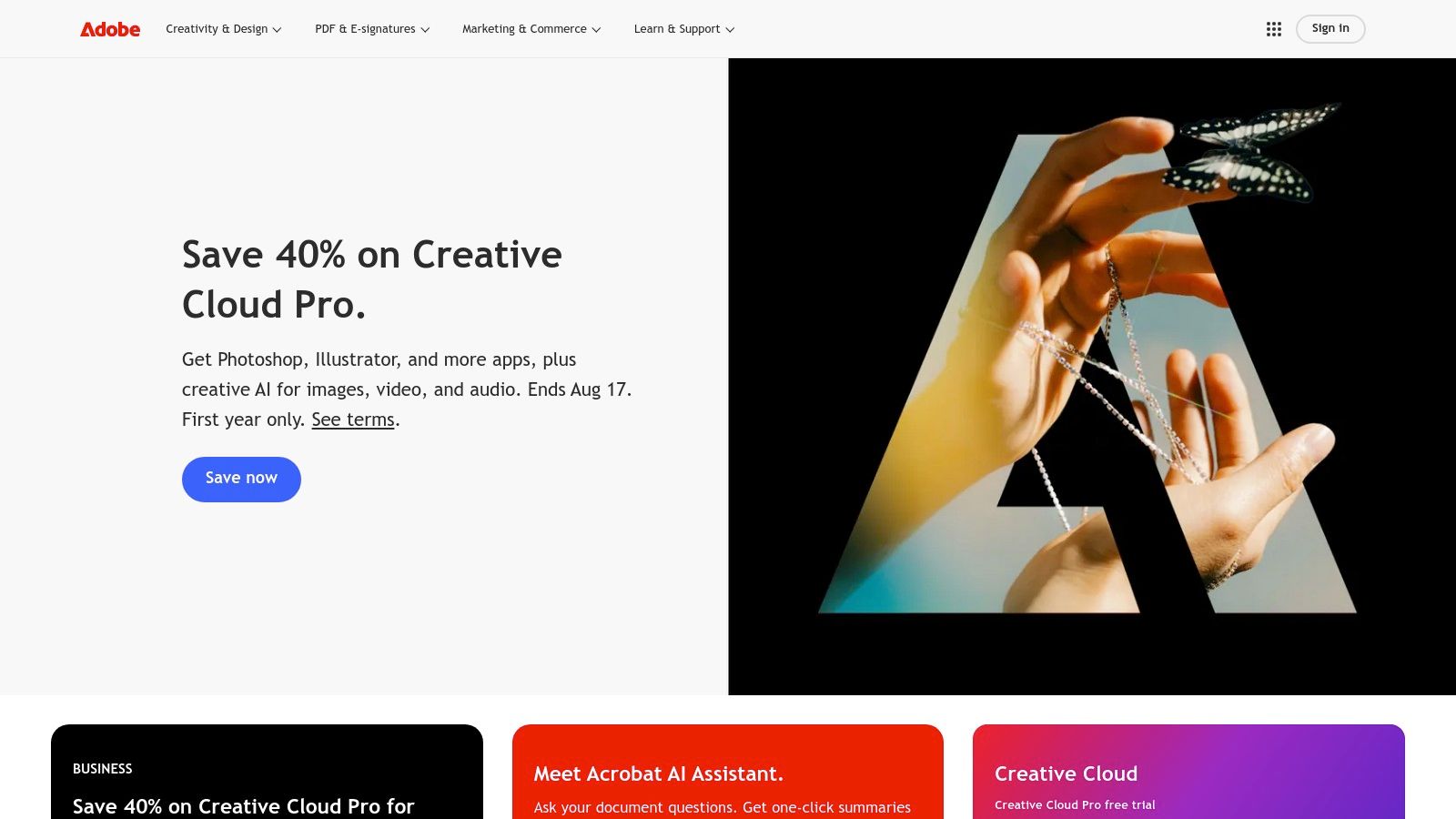
The primary advantage is seamless integration. Imagine using Generative Fill in Photoshop to extend a photo’s background or remove unwanted objects non-destructively, or generating vector color variations in Illustrator with a simple text prompt.
These features accelerate tedious tasks, allowing creators to focus on high-level creative decisions.
This makes Adobe one of the most powerful AI tools for content creators who need professional-grade, commercially safe outputs.
Key Features & Pricing
| Feature | Description | Best For |
|---|---|---|
| Integrated AI | Generative Fill, Extend, and text-to-image are built into Photoshop, Premiere Pro, etc. | Existing Adobe users, professionals |
| Commercially Safe | Trained on Adobe Stock and public domain content for commercial use. | Businesses, agencies, commercial artists |
| Credit System | Operations consume generative credits; plans include a monthly allotment. | Varies by usage intensity |
Pricing: Adobe Creative Cloud All Apps plans start at $59.99/month and include a monthly allocation of generative credits.
Heavier users, especially for upcoming video and audio features, may need to purchase additional credit packs.
- Pros: Deep integration into established professional workflows; clear licensing and commercially safe outputs.
- Cons: Higher subscription cost compared to single-purpose AI tools; the credit system can be a limitation for high-volume generation.
Learn More: https://www.adobe.com
3. Canva
For creators who prioritize speed and simplicity, Canva has evolved from a simple design tool into a comprehensive AI-powered content suite.
Its “Magic Studio” integrates a range of AI features directly into its famously user-friendly interface, making it accessible even for those without a design background.
This isn’t for complex, high-end production but for the rapid creation of social media posts, thumbnails, presentations, and short-form videos where consistency and speed are paramount.
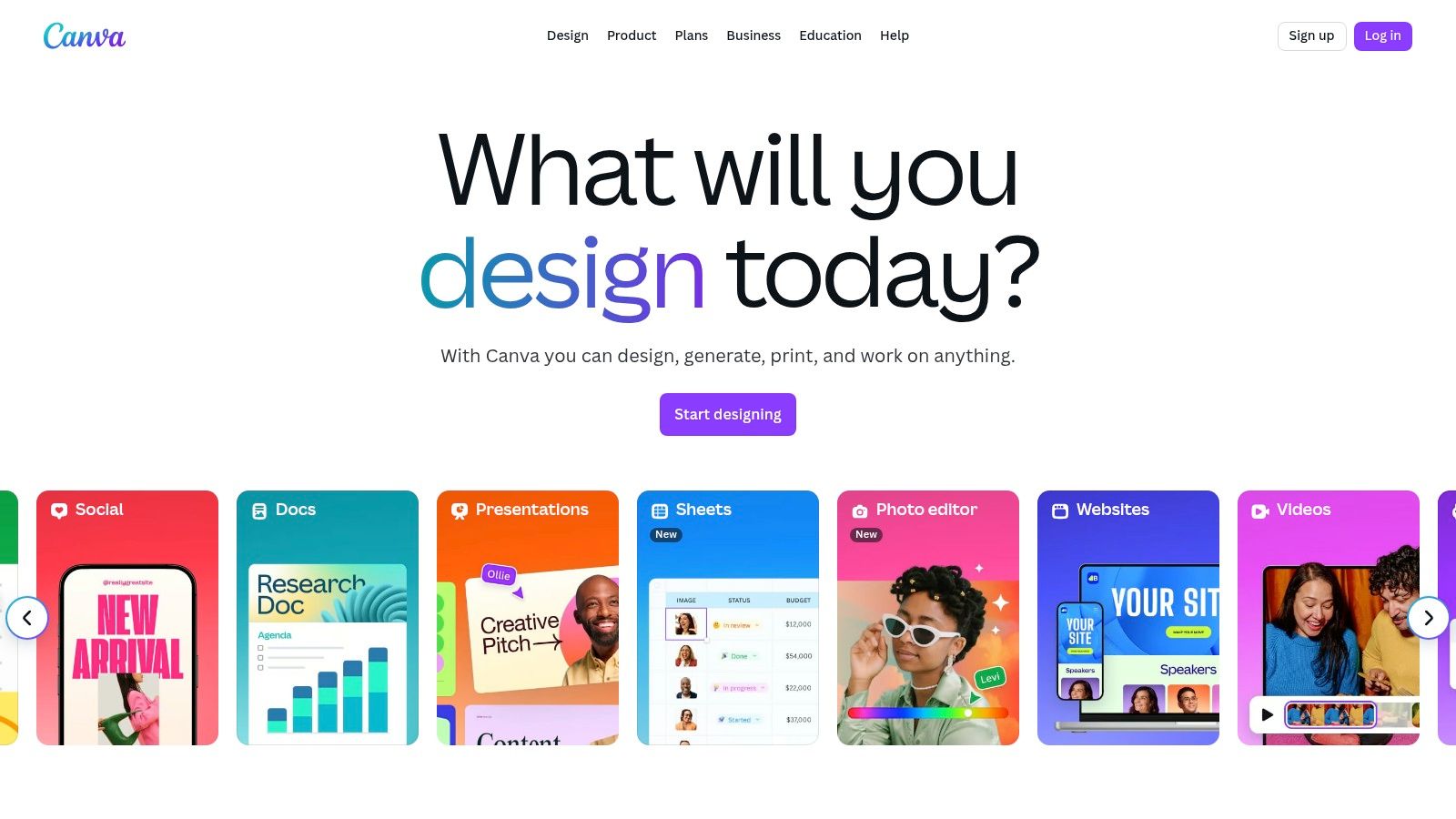
The primary advantage of Canva is its template-driven workflow combined with powerful AI.
You can generate entire designs from a text prompt, use AI to remove or replace objects in photos with Magic Edit, or create short video clips with its Google Veo 3 integration.
This makes Canva one of the most practical AI tools for content creators who need to produce a high volume of quality content for social platforms without a steep learning curve or significant time investment.
Key Features & Pricing
| Feature | Description | Best For |
|---|---|---|
| Magic Studio | A suite of AI tools including text-to-design, image editing, and video creation. | Social media managers, solo creators |
| AI Video Tools | Integrates with Google’s Veo 3 for AI video clip generation within the editor. | Short-form video creators, marketers |
| Template Library | An extensive library of templates and assets accelerated by AI suggestions. | Non-designers needing fast results |
Pricing: Canva offers a robust free plan. Canva Pro starts at $14.99/month for one person, unlocking premium features and assets.
Canva for Teams starts at $29.99/month for the first 5 people, adding collaboration and brand management tools.
- Pros: Extremely low learning curve suited for non-designers; excellent value for social-first creators leveraging templates and AI.
- Cons: Team pricing has increased for some legacy users; plan structures and credit systems can be confusing for new users.
Learn More: https://www.canva.com
4. Runway
For creators pushing the boundaries of video, Runway stands at the forefront of generative AI.
It’s an advanced web-based suite that specializes in multimodal AI video generation, offering powerful text-to-video, image-to-video, and video-to-video capabilities.
More than just a generator, it integrates a full video editor, allowing users to create, refine, and composite AI-generated clips into a finished product without leaving the platform.
This makes it a go-to for producing experimental films, dynamic social media reels, and high-concept ad storyboards.
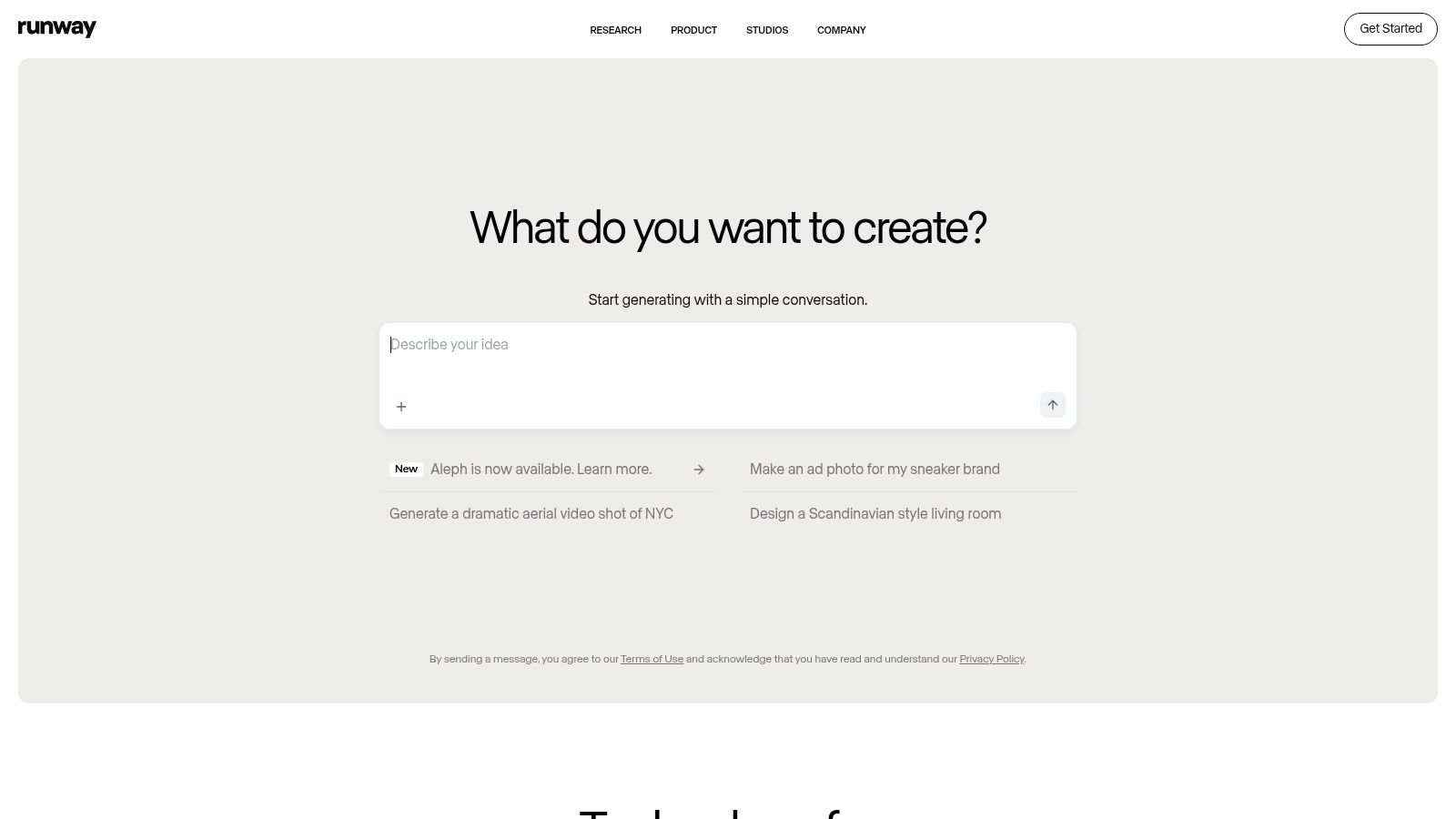
Runway’s key differentiator is its state-of-the-art models, like Gen-3 Alpha, which provide unparalleled motion, consistency, and directorial control over generated scenes.
The platform is designed for iteration, offering features like motion brushes and camera controls that give creators fine-tuned influence over the final output.
As a result, Runway has cemented its place as one of the essential AI tools for content creators who are serious about incorporating cutting-edge generative video into their projects.
Key Features & Pricing
| Feature | Description | Best For |
|---|---|---|
| Generative Video Models | Access to state-of-the-art models (Gen-3 Alpha) for high-quality video generation. | Video artists, animators, ad creators |
| Multimodal Inputs | Create video from text, images, or existing video clips for maximum flexibility. | Experimental filmmakers, social media managers |
| Integrated Editor | A full-featured, cloud-based video editor to assemble and refine AI-generated content. | Creators needing an all-in-one workflow |
Pricing: Runway offers a free tier with limited credits. Paid plans start at $15/month (or$ 12/month billed annually) for the Standard plan, which includes a monthly credit allotment.
Higher-tier plans offer more credits, unlimited resolution options, and team features.
- Pros: Cutting-edge generative video quality with frequent model updates; flexible pricing options for individuals and teams.
- Cons: The credit system and differences between AI models can have a learning curve for new users.
Learn More: https://runwayml.com
5. Descript
Descript revolutionizes audio and video editing by transforming media into a text document. Instead of scrubbing through timelines, you edit your recording by simply editing the transcript.
This intuitive “edit-by-text” approach dramatically lowers the barrier to entry for podcasting and video creation, allowing creators to fix mistakes, remove filler words, and restructure content as easily as editing a Word doc.
It’s an indispensable tool for anyone who works with spoken-word content, from podcasters to YouTubers.
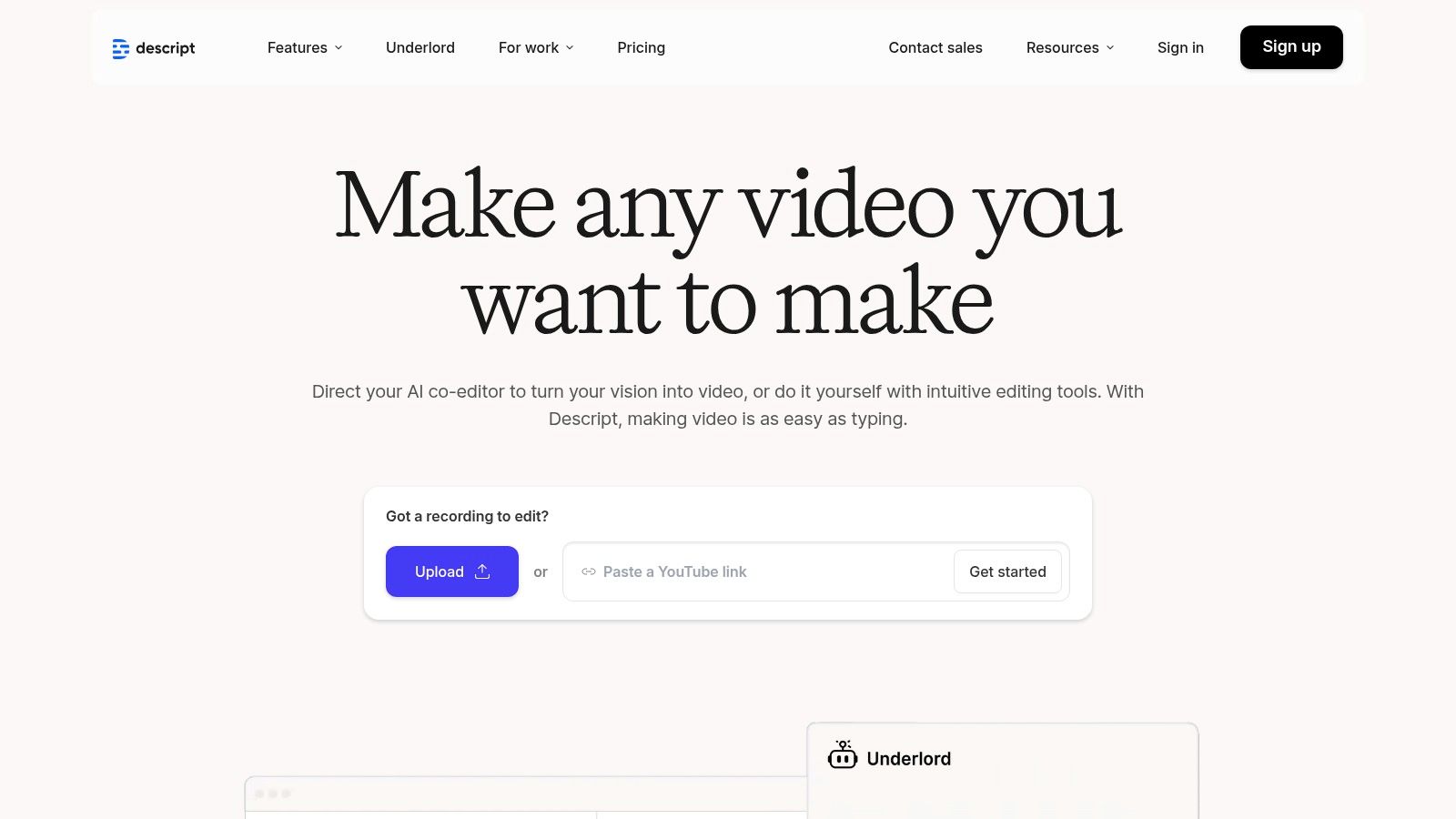
The platform’s AI features are central to its power. Studio Sound enhances voice recordings to professional quality with a single click, while Overdub allows you to clone your voice to correct misspoken words without re-recording.
These capabilities make Descript one of the most efficient AI tools for content creators focused on audio and video production.
For a broader comparison of Descript with other options, you can consult guides on the best podcast editing software, including Descript.
Key Features & Pricing
| Feature | Description | Best For |
|---|---|---|
| Text-Based Editing | Edit audio/video by editing its auto-generated transcript. | Podcasters, YouTubers, interviewers |
| AI Voice Features | Studio Sound for enhancement and Overdub for voice cloning corrections. | Content creators needing quick audio fixes |
| Repurposing Tools | Automatically finds and creates shareable short clips from long-form content. | Marketers, social media managers |
Pricing: Descript offers a free plan with limited features. Paid plans start with the Creator tier at $12/month (billed annually), which includes more transcription hours and removes watermarks.
The Pro plan at $24/month unlocks unlimited Overdub and other advanced AI features.
- Pros: Radically simplifies the editing process; powerful AI tools for audio cleanup and voice correction; excellent for content repurposing.
- Cons: AI-generated transcripts and edits can sometimes require manual review and correction for full accuracy.
Learn More: https://www.descript.com
6. CapCut
For creators laser-focused on short-form video, particularly for platforms like TikTok and Instagram Reels, CapCut has evolved from a simple mobile editor into a powerful, AI-driven content machine.
Developed by ByteDance, it offers an incredibly accessible entry point to sophisticated editing features that were once the domain of complex desktop software.
Its intuitive interface and mobile-first design make it perfect for on-the-go editing, allowing creators to produce polished, engaging videos in minutes.
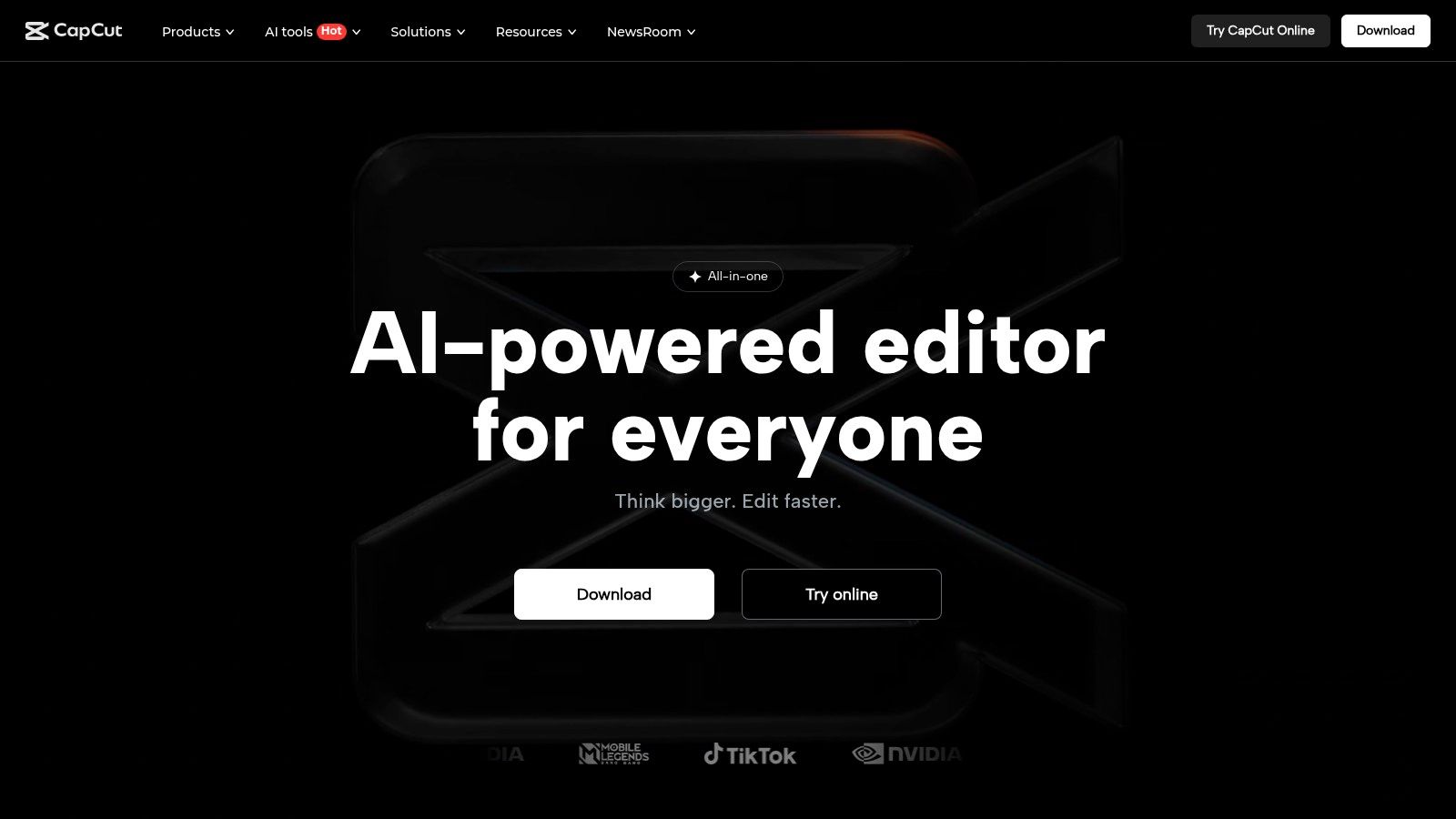
What makes CapCut one of the essential AI tools for content creators is its suite of one-click AI functions.
Features like auto-captions with customizable styles, intelligent background removal, audio cleanup to reduce noise, and even AI-powered script-to-video generation dramatically slash editing time.
For social media managers and e-commerce brands, the Commerce Pro version integrates social commerce workflows, including multi-platform publishing and performance analytics, directly into the editor.
Key Features & Pricing
| Feature | Description | Best For |
|---|---|---|
| AI Video Editing | Auto-captions, background removal, audio cleanup, and templates. | Short-form video creators, TikTok/Reels |
| Commerce Pro | Includes a scheduler, performance analytics, and creator/shop storage. | E-commerce, social media managers |
| Cross-Platform | Available on mobile (iOS/Android) and desktop (Mac/Windows). | Creators working across multiple devices |
Pricing: CapCut offers a robust free version. The Pro plan, which unlocks all features and cloud storage, is typically around $7.99/month, though pricing can vary by region and app store.
Commerce Pro has its own pricing structure tailored for business use.
- Pros: Extremely fast and efficient for short-form video workflows; generous free tier and competitive Pro pricing.
- Cons: Pricing can be inconsistent or confusing across different platforms and regions; primarily geared toward social media, not long-form content.
Learn More: https://www.capcut.com
7. Synthesia
Synthesia is a leader in AI-driven video generation, enabling creators to produce professional presenter-style videos without cameras, microphones, or on-screen talent.
By simply inputting a script, users can generate a video featuring a realistic AI avatar that speaks the text in a variety of languages and accents.
This approach dramatically cuts down production time and costs for creating explainer videos, corporate training materials, or social media updates.
Its core strength lies in making scalable video production accessible to everyone.
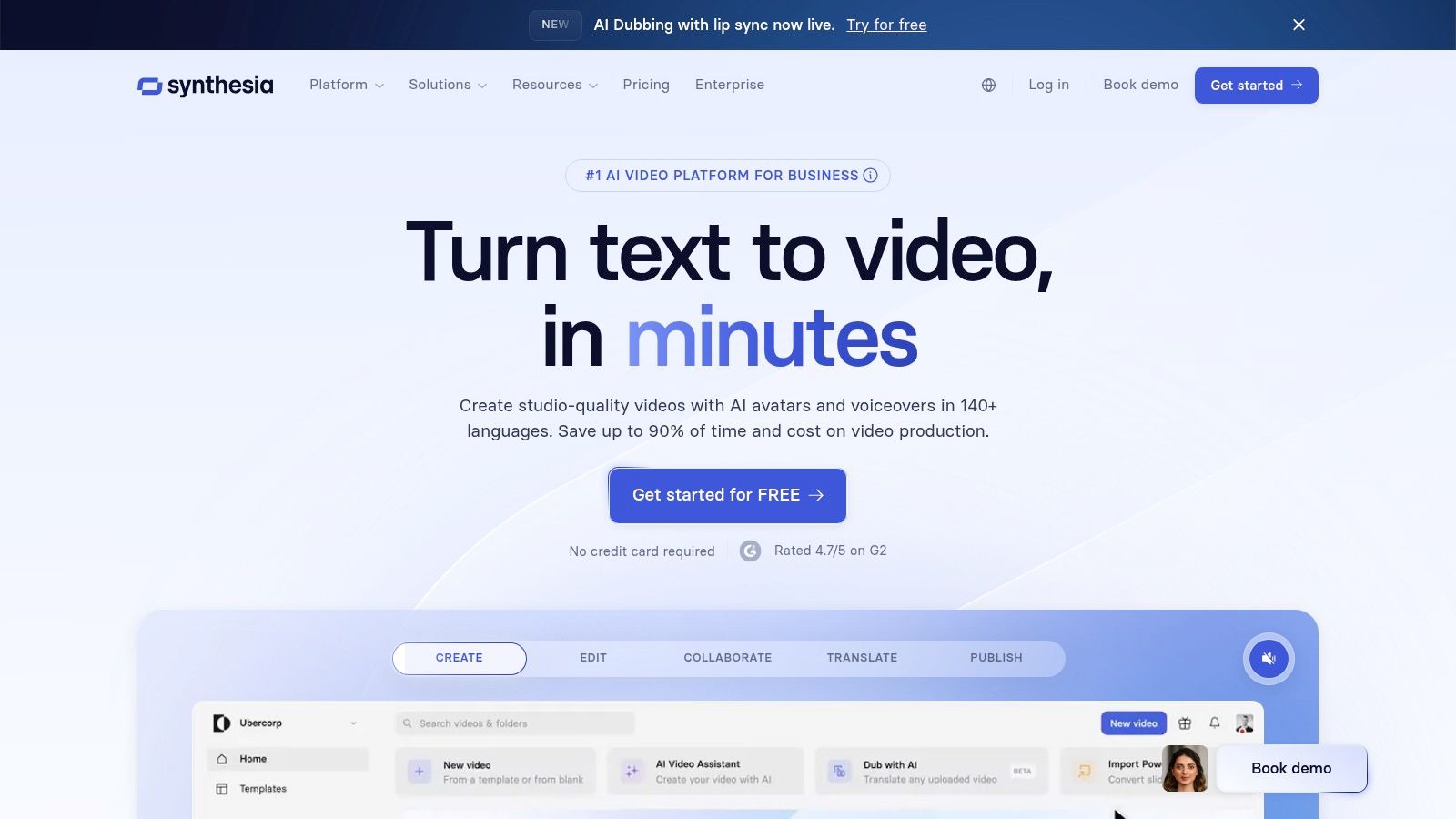
The platform is designed for efficiency, offering a large library of stock avatars, templates, and seamless script-to-video workflows.
For creators looking to produce high volumes of informational content, like online course modules or product tutorials, Synthesia is one of the most effective AI tools for content creators available.
The ability to update videos by simply editing the text script is a game-changer, eliminating the need for expensive and time-consuming reshoots.
Key Features & Pricing
| Feature | Description | Best For |
|---|---|---|
| AI Avatars & Voices | A large library of stock avatars and support for over 120 languages and accents. | Training videos, multilingual content |
| Custom Avatars | Create a digital twin of yourself for a personalized, branded presence (Enterprise plan). | Brands, corporate trainers, educators |
| Template Library | Pre-designed video templates that can be customized with your brand assets. | Marketing teams, social media managers |
Pricing: The Personal plan starts at $22/month (billed annually) for 10 minutes of video per month.
The Creator and Enterprise plans offer more video minutes, custom avatars, and collaboration features, with pricing available upon request.
- Pros: Radically reduces video production time and costs; excellent for creating consistent, scalable content.
- Cons: Avatar realism, while impressive, may not suit all brand aesthetics; the best features are locked behind higher-priced plans.
Learn More: https://www.synthesia.io
8. Jasper
Jasper moves beyond simple text generation to position itself as an AI copilot specifically for marketing and business content.
While many AI writers focus solely on producing text, Jasper is built around creating cohesive, on-brand campaigns.
It excels at maintaining a consistent brand voice across different assets, from blog posts and social media updates to email newsletters and ad copy.
This makes it an invaluable tool for teams and creators who need to scale content production without sacrificing brand identity.
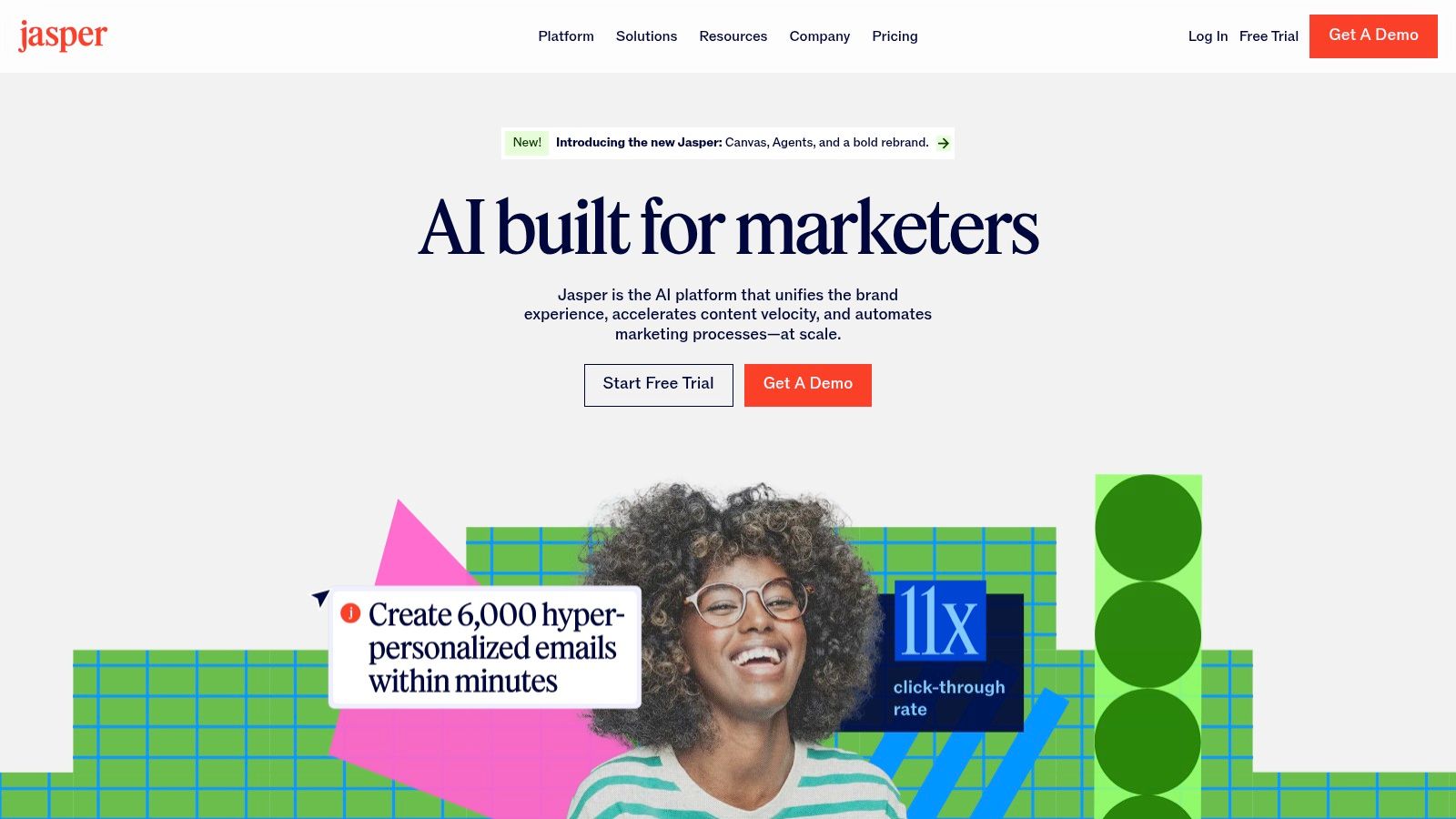
The platform’s strength lies in its marketing-centric workflows.
Features like the Instant Campaigns tool allow users to generate a complete set of marketing materials from a single brief, drastically reducing the time spent on repetitive tasks.
For content creators managing a business, Jasper acts as a strategic partner, helping to craft content that not only reads well but is also aligned with marketing objectives.
This focus on brand consistency and campaign efficiency makes it one of the most practical AI tools for content creators with a commercial focus.
Key Features & Pricing
| Feature | Description | Best For |
|---|---|---|
| Brand Voice & Knowledge | Uploads brand guidelines, product catalogs, and style guides for consistent AI output. | Businesses, marketing teams, solopreneurs |
| Instant Campaigns | Generates a full suite of marketing assets (ads, emails, posts) from one brief. | Marketers, social media managers |
| Collaboration Tools | Enables team-based workflows for creating, editing, and approving content. | Agencies, content teams |
Pricing: Jasper offers a Creator plan starting at $49/month per seat, with Business plans offering more advanced features and collaboration tools at custom pricing.
- Pros: Excellent for maintaining brand consistency; robust campaign and collaboration features.
- Cons: Higher price point compared to many other AI writing tools; may be overly complex for individual creators focused only on long-form content.
Learn More: https://www.jasper.ai
9. VEED
For creators focused on short-form video, VEED is an all-in-one, browser-based editor that streamlines social media content production.
It excels by bundling powerful AI features into a simple interface, making tasks that were once complex and time-consuming accessible to everyone.
Instead of juggling multiple applications for captioning, audio cleanup, and effects, VEED integrates these into a single, cohesive workflow designed for speed and efficiency.
This makes it one of the most practical AI tools for content creators specializing in platforms like TikTok, Instagram Reels, and YouTube Shorts.
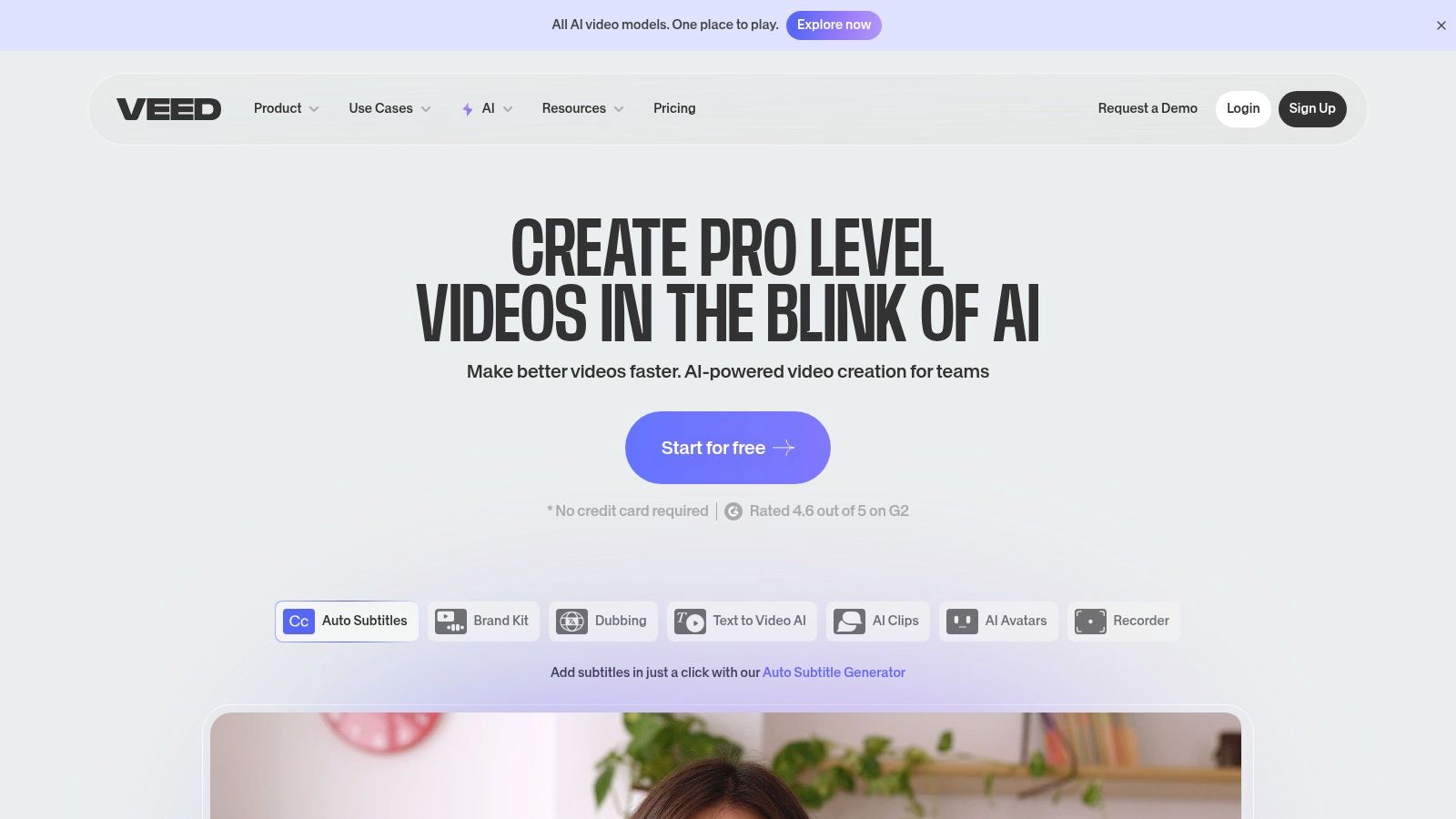
The platform’s standout feature is its automatic subtitling and translation, which generates accurate captions in seconds and allows for easy customization with brand kits.
Beyond captions, its AI suite includes eye-contact correction to keep speakers looking directly at the camera, one-click background noise removal, and even AI avatars and voice cloning for generating content without being on screen.
This combination of features is invaluable for creators looking to scale their content marketing efforts and maintain a consistent, high-quality output across multiple channels.
Key Features & Pricing
| Feature | Description | Best For |
|---|---|---|
| Auto Subtitles | Automatically generates, translates, and styles video captions and subtitles. | Social media managers, course creators |
| AI Audio & Video | Includes eye-contact correction, noise removal, and text-to-speech. | Talking-head videos, podcasters, YouTubers |
| AI Playground | Provides access to multiple advanced video AI models for creative effects. | Experimental creators, marketing teams |
Pricing: VEED offers several tiers, including a free plan with watermarked exports.
Paid plans like Basic ($18/month), Pro ($30/month), and Business ($59/month) unlock more features, higher export quality, and increased storage.
Pricing can be dynamic, so it’s best to check the site for the latest offers.
- Pros: Extremely user-friendly for social video; powerful captioning and audio tools; regular promotions on annual plans.
- Cons: Pricing information is dynamic and may require logging in to verify; can be less powerful than desktop-based editors for complex projects.
Learn More: https://www.veed.io
10. OpenAI ChatGPT
As the foundational model that brought generative AI into the mainstream, OpenAI’s ChatGPT remains an indispensable tool for nearly every stage of the content creation process.
Far more than just a text generator, it acts as a versatile creative partner, excelling at ideation, research, scriptwriting, and generating copy for social media captions, blog posts, and video descriptions.
Its multimodal capabilities allow it to analyze images, generate code, and even create visuals with DALL-E, making it one of the most comprehensive AI tools for content creators.
ChatGPT’s power lies in its conversational interface, which helps creators refine ideas, overcome writer’s block, and structure complex projects.
For those leveraging ChatGPT for content generation, you can enhance your interaction with ChatGPT through speech-to-text features to further streamline your workflow.
The platform’s scalability, from the free version to advanced team and enterprise plans with access to the latest models, ensures it can support both solo creators and large creative agencies.
Key Features & Pricing
| Feature | Description | Best For |
|---|---|---|
| Advanced Reasoning | Access to flagship models (like GPT-4o) for complex text, image, and code generation. | Scriptwriting, research, complex ideation |
| Multimodality | Can process and generate text, images, and audio, and understand video content. | All-in-one content brainstorming |
| Team Workspaces | Collaborative environments with administrative controls and higher message limits. | Agencies, creative teams, businesses |
Pricing: ChatGPT offers a free tier with access to its base model. ChatGPT Plus starts at $20/month/user for priority access to new models and features, while Team and Enterprise plans offer enhanced security and collaboration tools at custom pricing.
- Pros: Best-in-class AI for writing and content planning; highly versatile and scalable from individual to team usage.
- Cons: Advanced video and professional AI features require premium tiers; availability and feature sets may evolve over time.
Learn More: https://openai.com/chatgpt
11. AppSumo
For the content creator on a budget or the entrepreneur looking to experiment, AppSumo is less a single tool and more of a treasure trove.
It’s an online marketplace that specializes in offering lifetime deals (LTDs) on emerging software, including a massive variety of AI-powered applications.
Instead of committing to recurring monthly subscriptions, creators can often secure permanent access to innovative video editors, AI writers, social media schedulers, and SEO tools for a one-time fee.
This makes it a strategic platform for building a powerful tech stack without accumulating high operational costs.

The primary appeal lies in discovering niche AI tools for content creators before they hit mainstream pricing models.
You might find a specialized AI-driven tool for YouTube scriptwriting one week and a novel image generator the next.
While the quality and longevity of the software can vary, AppSumo’s user reviews and a standard 60-day refund policy provide a safety net.
For creators who love testing new tech, it’s an essential destination to find deals that could significantly automate social media posting or streamline other tedious aspects of content production.
Key Features & Pricing
| Feature | Description | Best For |
|---|---|---|
| Lifetime Deals (LTDs) | Pay once to get lifetime access to software, avoiding monthly subscriptions. | Budget-conscious creators, agencies |
| Wide Software Variety | Offers tools for AI writing, video, SEO, social media, design, and more. | Experimenters, solopreneurs |
| User Reviews & Questions | A community-driven feedback system helps vet the quality of each deal. | Careful buyers doing due diligence |
Pricing: Deals are priced individually, often ranging from $39 to$ 99 for a lifetime license. An optional AppSumo Plus membership ($99/year) provides an extra 10% off purchases and other exclusive perks.
- Pros: Incredible value with one-time payments for lifetime access; a great way to discover new and emerging AI tools.
- Cons: The “lifetime” of a deal depends on the startup’s survival; some tools may be less polished than established competitors.
Learn More: https://appsumo.com
12. Amazon
While not a direct AI tool itself, Amazon serves as a critical strategic marketplace for acquiring the creative software that powers AI workflows, often at a significant discount.
For creators looking to purchase subscriptions for tools like Adobe Creative Cloud or other key software, Amazon’s digital storefront provides a way to leverage promotional sales, use gift cards, and manage purchases through a centralized, trusted platform.
This indirect approach makes it a valuable resource for optimizing the budget allocated to essential AI tools for content creators.

The primary benefit lies in its frequent deals on annual subscription codes, especially during events like Prime Day or Black Friday.
Purchasing a prepaid 12-month code can often be cheaper than a direct monthly subscription, and Amazon’s buyer protection policies offer a level of security not always present when buying from smaller digital retailers.
This makes it an intelligent first stop for any creator before committing to a full-price subscription directly from a software vendor.
Key Features & Pricing
| Feature | Description | Best For |
|---|---|---|
| Digital Software Codes | Purchase prepaid subscription codes for major creative suites. | Budget-conscious creators, deal hunters |
| Promotional Sales | Access significant discounts on software during major sales events. | Planning annual software budgets |
| Purchase Protection | Leverages Amazon’s A-to-z Guarantee for digital code purchases. | Secure and centralized purchasing |
Pricing: The pricing is variable and depends entirely on the specific software and active promotions.
For example, a 12-month Adobe Creative Cloud subscription code may be discounted significantly from the standard $59.99/month rate.
- Pros: Potential for major cost savings on annual software subscriptions; centralized purchasing with trusted buyer protection.
- Cons: Requires careful verification of product region and renewal terms; student/teacher editions have strict eligibility requirements.
Learn More: https://www.amazon.com
AI Tools for Content Creators: Feature & Pricing Comparison
| Platform | Core Features & Automation ✨ | User Experience & Quality ★★★★☆ | Value Proposition 💰 | Target Audience 👥 | Unique Selling Points 🏆 | Price Range (Monthly) 💰 |
|---|---|---|---|---|---|---|
| Post Paddle 🏆 | AI bulk pin creation, SEO titles, smart scheduling | Intuitive editor, proven case studies | Flexible plans, free trial no credit card | Bloggers, SMBs, marketing teams | Unlimited accounts, smart pin shuffling | $19.99 -$ 99.99 |
| Adobe Creative Cloud + Firefly | AI in Photoshop, video & design apps | Enterprise-grade, integrated professional | High cost, credits for heavy video use | Pro creators, enterprises | Generative AI in flagship Adobe apps | High subscription cost |
| Canva | AI design & video tools, extensive templates | User-friendly, low learning curve | Great for social content creators | Non-designers, teams | Magic Studio AI, team brand controls | Free – Pro tiers |
| Runway | Gen-4/3 AI video generation, collaboration | Cutting-edge video AI, frequent updates | Flexible plans for solo to teams | Video creators, marketers | State-of-the-art AI video models | Credits + Unlimited options |
| Descript | Text-based audio/video editing, overdub, transcripts | Time-saving, scalable workflows | Free to Pro tiers | Podcasters, content creators | AI overdub, filler word removal | Free – Pro tiers |
| CapCut | AI video editing, auto captions, social commerce tools | Fast, efficient for short-form videos | Competitive pricing, regional variances | TikTok/social creators | Commerce Pro for multi-platform publishing | Varies, Commerce Pro tier |
| Synthesia | AI avatars, script-to-video, multi-language support | Quick turnaround, scalable | Premium for realistic avatars | Educators, marketers, social media | Presenter-style AI video without human talent | Tiered subscriptions |
| Jasper | AI marketing writing, brand voice, collaboration | Tailored for marketing teams | Higher pricing for teams | Marketing professionals, small teams | Campaign workflows, browser extensions | Mid to high pricing |
| VEED | AI subtitles, dubbing, avatars, noise removal | User-friendly for social videos | Dynamic pricing | Social video creators | AI Playground, brand kits | Subscription-based |
| OpenAI ChatGPT | Advanced GPT-5 AI, project management, voice/video AI | Best-in-class AI for content creation | Premium tiers for advanced features | Creators, teams, enterprises | Multimodal AI assistant | Freemium + Premium tiers |
| AppSumo | Marketplace for AI tool deals & bundles | Discover new apps, budget-friendly offers | Lifetime deals variable, risk needs review | Budget-conscious creators | Rotating discounts & lifetime access | Varies per deal |
| Amazon | Digital codes for creative software | Convenient, secure purchase | Dependent on listed offers | Buyers of creative software | Centralized promo deals, return policies | Varies by software |
Integrating AI into Your Creative Future
The landscape of content creation is undergoing a seismic shift, and the tools we’ve explored are at the very epicenter.
From the powerful generative AI of Adobe Firefly and Runway to the revolutionary text-to-speech capabilities of Descript and the all-in-one editing prowess of VEED, it’s clear that artificial intelligence is no longer a futuristic concept.
It is a present-day reality, offering a tangible competitive advantage to those who embrace it.
We’ve seen how platforms like Jasper and OpenAI’s ChatGPT can demolish writer’s block, while visual powerhouses like Canva and CapCut make high-quality design and video editing accessible to everyone.
The central takeaway is not that AI is here to replace the creator; it’s here to empower the creator.
The true value of these AI tools for content creators lies in their ability to handle the repetitive, time-consuming tasks that often stifle creativity.
Think of the hours spent manually scheduling social media posts, trimming silent gaps in video footage, or brainstorming dozens of headline variations.
These are the burdens that AI is perfectly suited to lift.
By automating these processes, you reclaim your most valuable asset: time. This newfound freedom allows you to focus on the strategic, high-impact work that only you can do.
It’s about spending less time on tedious execution and more time on ideation, community engagement, and big-picture strategy.
How to Choose Your AI Toolkit
Navigating this expansive ecosystem of AI tools can feel overwhelming, but the right approach makes it manageable. Instead of trying to adopt every tool at once, begin with a strategic audit of your current workflow.
- Identify Your Biggest Bottleneck: Where do you spend the most time for the least creative return? Is it writing initial blog drafts? Creating social media graphics? Editing podcast audio? Pinpoint this primary pain point first.
- Match the Tool to the Task:
- For visual content automation, especially on platforms like Pinterest, a specialized tool like Post Paddle is designed to handle the entire workflow.
- For comprehensive video and audio editing, Descript and VEED offer unparalleled efficiency.
- For high-end creative design and image generation, the Adobe Creative Cloud suite with Firefly remains the professional standard.
- For writing and ideation, Jasper or ChatGPT can serve as an invaluable creative partner.
- Start Small and Scale: Select one or two tools that address your most significant challenges. Integrate them into your process, master their features, and measure the impact on your productivity and content quality. Once you’ve established a successful workflow, you can explore other tools to optimize different aspects of your creation process.
The Future is a Human-AI Collaboration
Ultimately, the most successful content creators of tomorrow will be those who learn to collaborate effectively with AI.
These platforms are not just assistants; they are creative multipliers.
They can generate a dozen concepts in the time it takes you to think of one, produce a professional voiceover without booking a studio, or design a month’s worth of pins in a single afternoon.
Your role as the creator evolves. You become the director, the strategist, and the final arbiter of quality.
Your unique perspective, storytelling ability, and connection with your audience are irreplaceable.
By leveraging the best AI tools for content creators, you amplify those human strengths, allowing you to produce more impactful content, reach a wider audience, and build a more sustainable creative business.
The future isn’t about choosing between human creativity and artificial intelligence; it’s about combining them to achieve what was previously unimaginable.
Ready to reclaim your time and supercharge your visual content strategy? If Pinterest is a key part of your marketing, Post Paddle is the AI-powered partner you need.
As one of the most specialized AI tools for content creators, it automates everything from Pin creation and description writing to intelligent scheduling, letting you dominate the platform with a fraction of the effort.
See how it works and start your journey to content automation at Post Paddle.
Want Pinterest content ideas in seconds (without staring at a blank screen)?
If you’re using AI for content creation, don’t let Pinterest be the slow part of your workflow.
Grab our free Pinterest GPTs to generate pin titles, descriptions, keyword ideas, and fresh angles faster—so you can publish more consistently with less effort.
Frequently Asked Questions
1. What are the best AI tools for content creators in 2026?
The best AI tools depend on what you create most. For Pinterest and visual distribution, Post Paddle is built specifically for automated pin creation + scheduling. For design, Canva and Adobe Firefly stand out. For video generation, Runway leads. For editing, Descript and CapCut are strong picks. The “best” stack is the one that removes your biggest bottleneck first.
2. Which AI tools are safest to use for commercial work?
If you need lower copyright risk for client or brand work, prioritize tools that clearly state commercial-use licensing. Adobe Firefly is designed around licensed/public-domain training. Canva’s AI tools also work well for everyday marketing assets, but it’s still smart to review each platform’s terms before using outputs in ads, packaging, or paid products.
3. Can AI tools actually replace a content creator’s workflow?
AI doesn’t replace creators—it replaces repetitive steps. Most creators use AI for ideation, first drafts, caption and title variations, repurposing, and editing cleanup (like removing filler words or generating subtitles). The creator still drives strategy, voice, storytelling, and final quality control.
4. How do I choose the right AI tool without wasting money?
Start with one question: What task eats the most time every week? Then pick a tool that solves that one pain point. Use free trials when possible, test it on real content for 7–14 days, and measure results (time saved, output volume, engagement improvements). Once it proves value, expand your toolkit.
5. What’s the simplest AI workflow for publishing content consistently?
A practical workflow looks like this: use ChatGPT or Jasper for outlines + captions, Canva/Firefly for visuals, Descript/CapCut for video edits, then a scheduler (like Post Paddle for Pinterest) to distribute consistently. The goal is a repeatable pipeline where AI handles drafts, variations, and automation—so you focus on ideas and publishing.