
Selling on Pinterest isn’t just about posting pretty pictures; it’s about strategically placing your products in front of people who are actively searching for things to buy.
It all starts with a Pinterest Business account, creating eye-catching shoppable Pins, and linking them straight to your online store to capture sales from an audience that’s ready to act.
Why Pinterest Is a Hidden Gem for Ecommerce
Let’s clear something up right away: Pinterest isn’t your typical social media site. Forget thinking of it as a place just for recipes and DIY projects.
While other platforms are built around connecting with people you already know, Pinterest is a visual search engine where users come to plan their futures and their future purchases.
This is a game-changer. Your brand isn’t an interruption here; you’re providing the inspiration people are actively looking for.
The user’s mindset is everything. People hop on Pinterest with a clear intent to discover, plan, and ultimately, buy.
This forward-thinking behavior gives your Pins an incredibly long shelf life, especially when compared to a post that vanishes from a social feed in a matter of hours.
A single, well-crafted Pin can keep sending traffic and generating sales for months, becoming a long-term asset for your business.
Unlocking a High-Intent Audience
The statistics don’t lie. Pinterest boasts over 570 million monthly active users, but it’s the user behavior that really matters.
An incredible 85% of weekly Pinners have actually bought something based on Pins they saw from brands.
This tells you that users aren’t just scrolling—they’re shopping. You can dive deeper into these powerful stats in our full guide on how to sell on Pinterest.
Pinterest’s real magic is its ability to put your product in front of a potential customer at the precise moment they’re looking for it. It dramatically shortens the path from discovery to checkout.
A Perfect Platform for Visual Products
If your products are visually driven, Pinterest is where you need to be. It’s especially powerful for digital products.
Understanding how to launch a digital product successfully can give you a massive head start.
Whether you’re selling printable planners, gorgeous Lightroom presets, or home decor mockups, the visual nature of the platform lets your products truly stand out.
To help visualize the journey, let’s break down what your sales process looks like on the platform.
Your Pinterest Sales Funnel at a Glance
This table maps out the core stages of turning a Pinner into a customer.
| Stage | Your Core Action | Primary Goal |
|---|---|---|
| Setup & Foundation | Create a Business Account & optimize your profile. | Establish your brand’s presence and credibility. |
| Content Creation | Design and publish compelling, keyword-rich Pins. | Attract your target audience and inspire action. |
| Driving Traffic | Link Pins directly to your product pages or store. | Convert interest into website clicks and potential sales. |
| Conversion & Sales | Ensure a seamless checkout process on your site. | Turn visitors into paying customers. |
| Analysis & Growth | Use Pinterest Analytics to track what works. | Refine your strategy for continuous improvement. |
By treating Pinterest as a vital part of your sales funnel, you’re not just hoping for traffic—you’re building a reliable stream of motivated buyers.
Our guide is here to walk you through every step, turning this powerful platform into a consistent source of revenue for your brand.
Building Your Pinterest Storefront for Sales
Before you can make your first sale, you need to think of your Pinterest profile as a digital storefront. It’s not just a place to collect pretty pictures; it’s the front door to your business.
Your goal is to make it crystal clear to anyone who lands on your page that you’re here to sell, and make it incredibly easy for them to browse and buy.
The very first, non-negotiable step is to switch to a Pinterest Business Account. It’s completely free and unlocks a whole world of tools you simply can’t sell without.
We’re talking in-depth analytics, the ability to run ads, and access to special e-commerce features.
Trying to sell from a personal account is like running a shop with the lights off—you have no idea who’s coming in or what they’re looking at.
This is the foundational work that makes everything else possible.
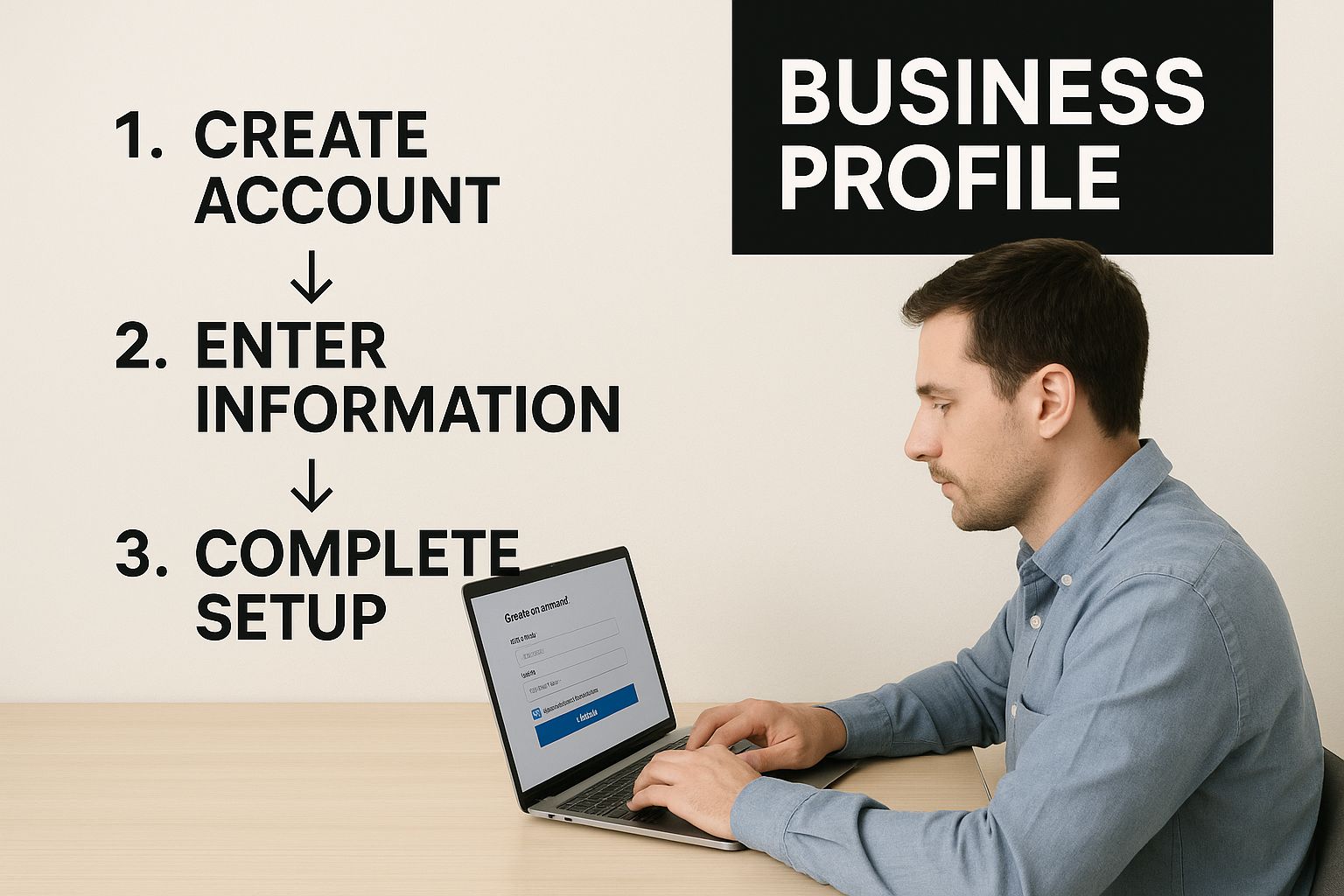
Once your business account is up and running, your next move is to claim your website.
This is a simple verification process that proves you own your domain, and it’s essential for unlocking powerful features like Rich Pins.
Rich Pins are a game-changer because they automatically pull information like real-time pricing and stock levels directly from your site onto your Pins.
That little bit of info builds a ton of trust and helps shoppers make a decision right then and there.
Crafting a Profile That Converts
With the technical bits sorted, it’s time to get creative and focus on what your customers will actually see. Your profile is their first impression, so let’s make it count.
Imagine you run an indie home decor brand called “Urban Bloom.” A lazy bio might just say, “Selling home decor.”
That’s not going to cut it. Instead, you want something that’s packed with keywords and speaks directly to your dream customer: “Urban Bloom | Curated modern decor & botanical art for stylish, mindful living.
Shop our sustainable collection.” See the difference? It tells a story and helps you show up in searches.
A well-optimized profile does more than describe your business; it pre-qualifies your audience and sets the expectation for a shopping experience. It’s the difference between a window shopper and a motivated buyer.
Now, let’s talk about your boards. Please, don’t just dump everything into one board called “Products.” Think like a merchandiser in a physical store.
You want to create different “aisles” that guide people and spark their imagination.
For our “Urban Bloom” example, that could look like:
- Living Room Looks: Instead of just a product shot, show your pillows, throws, and art in a beautifully styled room.
- Minimalist Wall Art: Create a dedicated space for a specific product line. This helps people who know exactly what they’re looking for.
- Customer Homes & Inspiration: This is pure gold. A board filled with user-generated content shows your products in the wild and builds incredible social proof.
Organizing your profile this way transforms it from a random collection of images into a structured, inviting shop.
It helps guide users from the “just browsing” phase right through to making a purchase, setting a solid foundation for all your sales efforts to come.
Creating Pins That Actually Drive Purchases
Alright, your digital storefront is set up and looking sharp. Now for the fun part: filling the shelves.
On Pinterest, your Pins are your products, and making them sell requires a bit of a mindset shift.
You’re not just a pinner anymore; you’re a strategic marketer.
This is about more than just uploading a product photo and crossing your fingers. A high-converting Pin is a carefully crafted piece of advertising.
It needs to blend gorgeous visuals with compelling words and the right technical setup to walk a user from the “ooh, I like that” moment right to your checkout page.
This is what separates the brands that get a few curious clicks from those that build a reliable sales machine.
The Anatomy of a High-Converting Pin
To really sell on Pinterest, you have to get comfortable with its different shoppable formats. Each one plays a specific role in getting a customer to buy.
- Product Pins: These are your bread and butter. As a type of Rich Pin, they automatically pull live data like pricing and stock availability straight from your website. This is huge for building trust—shoppers know the price before they even click, which means the traffic you get is much more qualified.
- Idea Pins: Think of these as a mini-story or a lookbook for your product. You can string together a few images or videos to show a product in action, give a behind-the-scenes peek at how it’s made, or even film a quick tutorial. A skincare brand, for example, could create an Idea Pin showing a 3-step morning routine, tagging each of the three products to make them instantly shoppable.
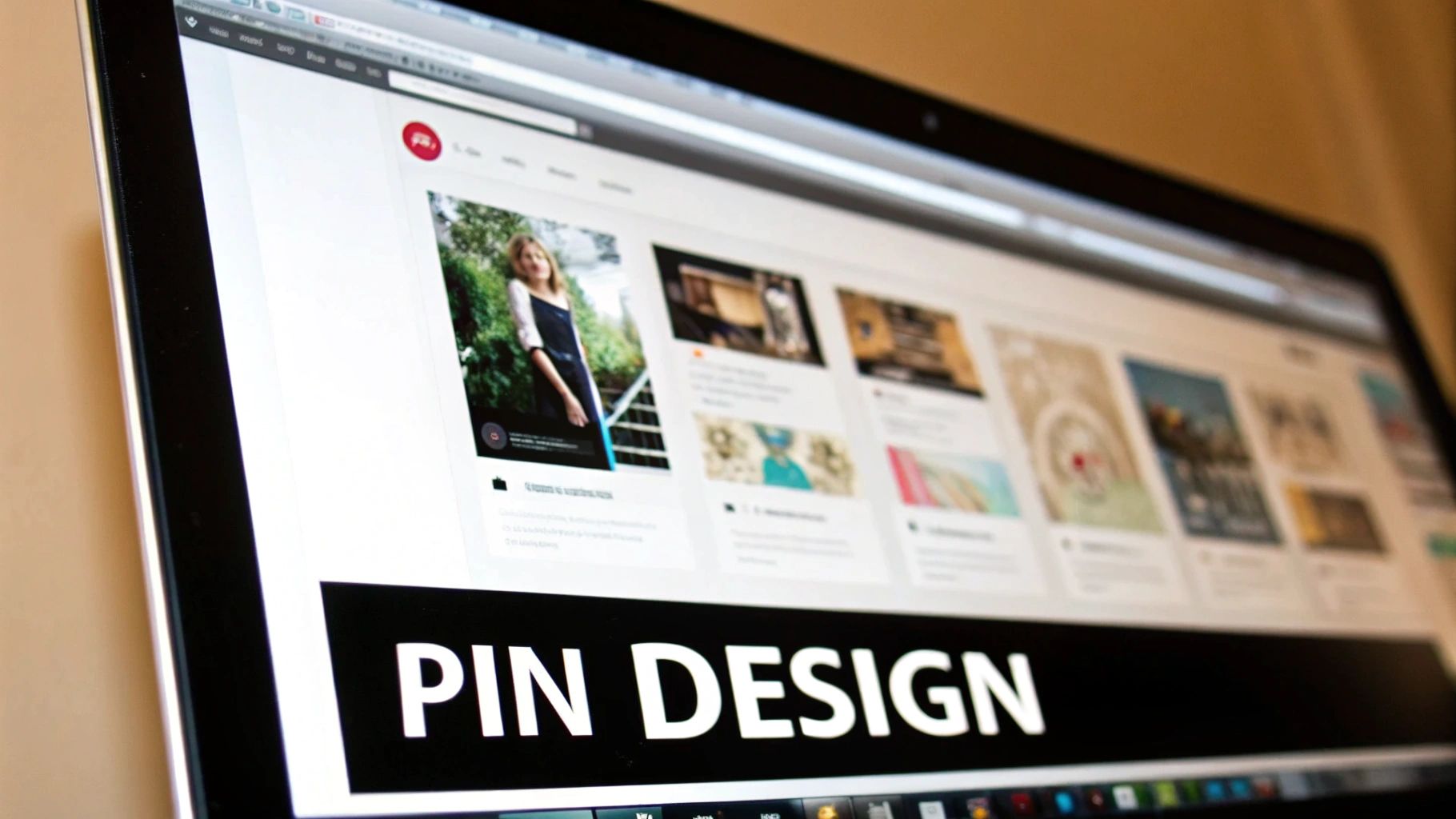
This example from Pinterest itself shows how a simple product shot gets transformed into a genuine shopping experience.
The shoppable tags are woven in so seamlessly that the path from discovery to purchase feels incredibly natural and short for the user.
Writing Titles and Descriptions That Sell
Your visuals hook them, but your words reel them in. Remember, Pinterest is a visual search engine, which makes keywords your most valuable tool. The best place to find them? The Pinterest search bar itself.
Go ahead and start typing a broad term for your product, like “handmade ceramic mug.”
Watch what Pinterest suggests: “handmade ceramic mug unique,” “handmade ceramic mug aesthetic,” “handmade ceramic mug gift.”
These aren’t random guesses; this is Pinterest telling you exactly what its users are looking for.
Weave those long-tail keywords into your Pin titles and descriptions. A title shouldn’t just be “Blue Mug.”
It needs to be something like “Unique Handmade Ceramic Mug in Ocean Blue | Perfect Coffee Lover Gift.”
That one change opens your Pin up to a much bigger, and much more motivated, audience.
Since Pinterest is so visual, the quality of your images can make or break your success.
Investing time into learning how to take stunning product photography, even with a small budget, will pay off big time in engagement and sales.
Optimized Pin vs. Generic Pin: A Breakdown
Let’s look at two different ways to sell that same ceramic mug. The difference is night and day.
| Element | Generic Pin | Optimized Shoppable Pin |
|---|---|---|
| Title | Blue Mug | Unique Handmade Ceramic Mug – Ocean Blue |
| Description | A blue mug for your coffee. | Start your morning with this beautiful, handmade ceramic mug in a stunning ocean blue glaze. Each piece is unique. Perfect for coffee, tea, or as a thoughtful gift. #handmademug #coffeelover |
| Image | Simple photo of the mug on a white background. | A lifestyle shot of someone enjoying coffee from the mug, plus a clean product-only shot. |
| Link | Links to the store’s homepage. | Links directly to the product page. |
| Pin Type | Standard Pin | Product Pin with live pricing. |
See the difference? The optimized version is working so much harder.
It uses keywords, tells a small story, shows the product in a real-world context, and removes every possible barrier by linking straight to the purchase page.
For a deeper dive, check out our guide on https://www.postpaddle.com/blog/how-to-create-pins-that-convert, where we get into even more advanced techniques.
This kind of strategic thinking is the core of figuring out how do you sell on Pinterest effectively.
Using Pinterest Ads to Amplify Your Reach
Once your organic strategy is humming along, it’s time to pour some fuel on the fire.
Pinterest Ads are a fantastic way to accelerate your growth, moving beyond your existing followers to target your ideal customer with surgical precision.
Don’t think of it as just an expense. It’s a direct investment in getting your products in front of people who are actively looking for inspiration and are already in a buying mindset.
The platform’s advertising reach is formidable and it’s only getting bigger. Pinterest ads now get in front of 340 million users every single month.
That puts it among the top ten social platforms on the planet for ad audience size.
Just over the past year, advertisers gained access to an additional 32.5 million users—a significant 10.6% jump in potential customers.
You can discover more about Pinterest’s growing ad reach to see why it’s a platform that deserves a slice of your ad budget.
Choosing Your Campaign Objective
Jumping into the Pinterest Ads Manager for the first time can feel like a lot, but it all boils down to one simple question: What do you want to achieve?
Your campaign objective is your North Star, and Pinterest organizes its ad types around clear business goals.
Let’s break down the two most common starting points I see e-commerce brands use:
- Traffic Campaigns: The goal here is dead simple—drive clicks to your website. This is a fantastic option when you’re launching a new product line or want to send users to a high-value blog post that features your products. For example, if you sell artisanal coffee beans, a traffic campaign could promote a Pin titled “5 Ways to Brew the Perfect Pour-Over,” leading to an article that naturally links out to your best-selling beans.
- Conversion Campaigns: This objective is laser-focused on generating sales. To run this type of ad, you’ll need the Pinterest Tag (their version of a tracking pixel) installed on your website. This is what you’ll use to promote your hero products directly. That handmade ceramic mug we talked about earlier? A conversion campaign would show it to users who have previously searched for things like “unique coffee mugs,” optimizing for checkouts, not just clicks.
My Two Cents: For new sellers, I almost always recommend starting with a small-budget traffic campaign.
It helps you gather priceless data on which Pins and products resonate most with a paid audience before you start spending more on conversion-focused ads.
Smart Targeting Strategies That Work
The real magic of Pinterest Ads is in its targeting capabilities. You can get incredibly specific, making sure your ad spend isn’t wasted on people who will never buy.
One of the most effective methods, hands down, is keyword targeting.
Instead of just guessing, you can target users who are actively searching for terms like “minimalist home office decor” or “vegan leather tote bag.”
This allows you to intercept customers at their exact moment of high intent, making your ad feel like a helpful solution rather than an annoying interruption.
Combine this with interest targeting (for example, users interested in “Sustainable Fashion”), and you’ve just built a highly qualified audience that is primed and ready to buy.
Analyze and Scale Your Pinterest Strategy

Creating beautiful Pins is a great start, but it’s only half the battle. If you really want to figure out how to sell on Pinterest consistently, you have to get comfortable with your data.
Success isn’t about throwing content at the wall and seeing what sticks; it’s about letting Pinterest Analytics become your roadmap.
It’s easy to get distracted by big numbers like impressions and monthly views. And while those show you’re getting seen, they don’t put money in the bank.
For a real e-commerce strategy, you need to focus on the metrics that actually matter.
The Metrics That Drive Sales
To build a strategy that moves the needle, you have to track the right data points. These tell the real story of what’s working and what’s not.
- Outbound Clicks: I’d argue this is your most important metric. It’s the number of people who liked what they saw enough to leave Pinterest and visit your website—the first crucial step toward making a purchase.
- Conversions: Assuming you’ve installed the Pinterest Tag, this tracks the heavy-hitting actions like “add to carts” and, of course, actual sales. This is the ultimate proof that your efforts are paying off.
- Saves: While not a direct sale, a high number of saves is a powerful signal. It tells you your content is valuable and has staying power. People save Pins for later, which means your content keeps resurfacing and driving traffic long after you’ve posted it.
When you prioritize these metrics, you shift from just having a presence on Pinterest to actively building a sales funnel.
The goal is to create a feedback loop. You publish Pins, see which ones drive the most valuable actions (clicks and sales), and then create more of what works. That simple cycle is the secret to scaling on Pinterest.
Putting Your Data to Work
Let’s say you run an online bake shop. You pop into your analytics and notice that Pins featuring ‘gluten-free cookie recipes’ are getting 50% more outbound clicks than anything else you post.
That’s not just a fun fact; it’s a strategic goldmine.
This one piece of information is your cue to double down. Now you can build an entire content plan around that winning theme.
Think about creating more gluten-free recipes, designing fresh Pin variations for your existing posts, or even running a small, targeted ad campaign to that specific audience.
To truly scale, it helps to incorporate these findings into broader e-commerce optimization strategies.
The revenue potential on Pinterest is significant, especially if you know where to look. The platform’s annual revenue recently shot past $3 billion.
More telling for sellers, the average revenue per user in the US and Canada reached $25.52, which is miles ahead of the global average.
This tells us that if you’re targeting a North American audience, you’re tapping into a market with serious purchasing power.
For a deeper dive, our comprehensive guide on selling on Pinterest offers even more ways to sharpen your approach.
Find the Keywords That Turn Browsers into Buyers
If you want to sell on Pinterest, great visuals aren’t enough. Your ideal customers still have to find you first. That’s where keywords do the heavy lifting.
The right phrases in your titles, descriptions, and boards help your products show up when people are actively searching for what you sell, whether that’s digital downloads, home decor, or handmade gifts.
Instead of guessing what shoppers might type into the search bar, use real data to uncover high-intent keywords, niche phrases, and content ideas that match buyer intent.
Optimize your product Pins with the words your customers are already using, and turn Pinterest into a reliable sales channel—not just a source of “pretty traffic.”
Common Questions About Selling on Pinterest
Jumping into any new platform is bound to bring up a few questions.
Let’s clear up some of the most common ones I hear from sellers who are just getting their feet wet.
Knowing the answers to these will give you a much clearer path forward.
Do I Need a Website to Sell on Pinterest?
Yes, you absolutely do. To really sell on Pinterest, you need a home base for your products, whether that’s a Shopify, BigCommerce, or WooCommerce store.
Think of Pinterest as the ultimate discovery tool—it’s where people find you—but the actual sale happens on your website.
This is why claiming your website is a must-do step. It’s the key that unlocks all the good stuff, like Product Pins that automatically update with price and availability.
It also lets you use the Pinterest Tag to see what’s actually working and track sales conversions. Without that link, you’re essentially flying blind.
How Long Until I See My First Sale?
Here’s where you need to play the long game. Pinterest is a marathon, not a sprint. The real magic isn’t in a Pin that goes viral overnight; it’s in the steady, evergreen traffic that a single Pin can send your way for months, or even years.
You might notice a bump in traffic in the first few weeks, but for most stores, it takes about 3-6 months of consistent, smart pinning to build enough momentum for reliable sales.
If you need to speed things up, Pinterest Ads can give your products a targeted boost right out of the gate.
It’s easy to get discouraged if sales don’t flood in right away. My best advice? Focus on creating a solid library of high-quality, keyword-rich Pins. The compound effect is real, and it’s powerful.
How Many Pins Should I Create Every Day?
There’s no magic number here. Instead of chasing a quota, focus on quality and consistency. For most businesses just starting out, aiming for 1-3 new, high-quality Pins per day is a great, sustainable goal.
Honestly, it’s far better to create one amazing, well-optimized Pin than it is to churn out five generic ones. A beautiful image with a keyword-stuffed description will always beat a higher volume of mediocre content.
This is where a scheduling tool really comes in handy, helping you stay consistent without being glued to your screen all day.
Can I Sell Services Instead of Products?
You bet. Pinterest is a goldmine for service-based businesses—I’ve seen designers, coaches, and consultants do incredibly well on the platform. The strategy just pivots from direct sales to lead generation.
Instead of linking to a product page, you’ll create Pins that point to a valuable resource. Think of things like:
- Insightful blog posts that showcase your expertise.
- Free checklists or guides.
- Client testimonials or case studies.
- Your portfolio or a “work with me” page.
Your goal is to visually demonstrate your value, build trust, and gently guide potential clients down your sales funnel. Your Pins become the welcoming front door to your business.