
If you really want to get good at making Pinterest pins, you have to start with the why.
This isn’t just about whipping up pretty pictures. It’s about tapping into a platform where millions of people are actively planning their next big thing—be it a purchase, a project, or a vacation.
When you get this right, better pins lead directly to more traffic, more leads, and more sales.
Why Better Pins Mean More Business

Let’s cut through the noise. Most Pinterest advice you see is just fluff. The real secret isn’t just pinning more often; it’s about creating pins that connect with the unique mindset of a Pinterest user.
Think about it: on other social platforms, people are just scrolling to kill time. On Pinterest, they’re searching with a purpose. They’re looking for answers, inspiration, and things to buy.
This is what makes Pinterest such a powerful tool for businesses. When you create a pin that solves a problem or sparks an idea, you’re doing more than just getting a quick view.
You’re embedding your brand right into someone’s decision-making journey. For bloggers, e-commerce brands, and service-based businesses, this is pure gold.
A single, well-designed pin can work for you for months, even years, bringing in a steady stream of customers.
Tapping Into a High-Intent Audience
The big shift you need to make is from random pinning to intentional creation.
Every single part of your pin—from the image you choose to the text you overlay on it—needs to be crafted with the user’s goal in mind.
Are they hunting for a new recipe? Show them an irresistible photo of the finished dish.
Are they planning a kitchen remodel? Your pin should give them clear, actionable inspiration they can save right now.
Here’s the core idea: A great pin doesn’t just stop the scroll. It answers a question the user is already asking. That’s how your pin goes from being just another graphic to a genuinely valuable resource.
And the audience you’re reaching? They’re not just browsing; they’re ready to act. As of Q1 2025, Pinterest has a massive 570 million monthly active users.
More importantly, a staggering 85% of weekly Pinners have actually bought something because of pins they saw from brands.
That stat alone shows just how critical this platform is for driving real sales. You can dig deeper into these powerful Pinterest stats and what they mean for your business.
This screenshot of a typical Pinterest feed says it all.
Look closely. What stands out? It’s the combination of high-quality images, bold text overlays, and a clear promise of value.
Every pin is fighting for attention. Your job is to create something that wins that fight and earns the click.
What Makes a Pinterest Pin Irresistible?
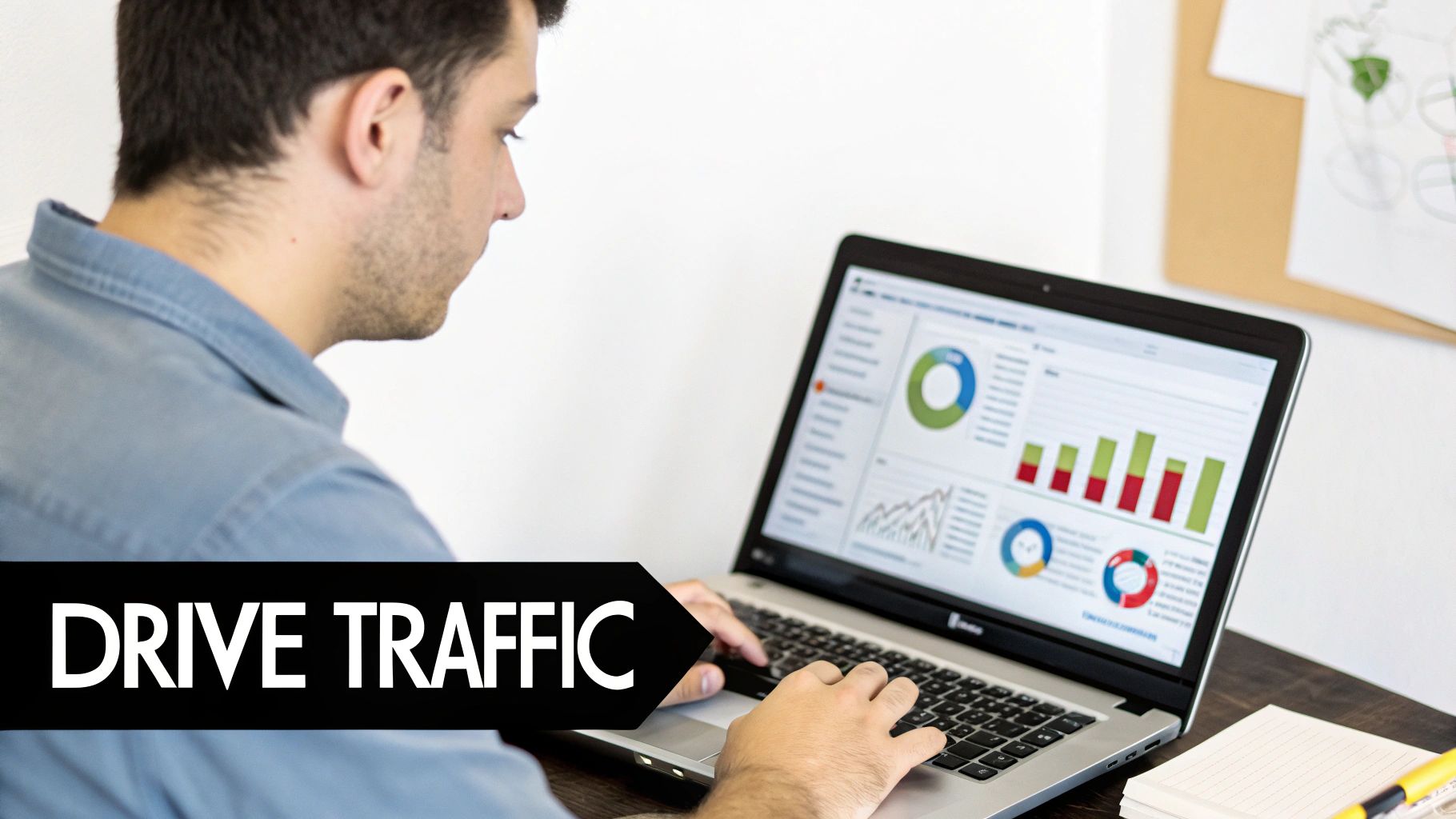
Ever scroll through Pinterest and wonder why some Pins rack up thousands of clicks while others just… exist? It’s not luck. It’s all about strategic design.
If you want to create Pins that people can’t help but click on, you need a solid blueprint that’s more than just pretty pictures.
The secret is understanding how people actually use the platform. They’re scrolling fast, and your graphic has a split second to grab their attention and communicate its value.
This means every single element—from the size and color to the font and branding—needs to work together to stop that scroll and earn the click.
Maximize Your Screen Real Estate
First things first: you have to respect the platform’s layout. Pinterest is a vertical world, plain and simple.
Your Pins should follow suit with a 2:3 aspect ratio. I always start with a canvas of 1000px by 1500px.
This vertical orientation dominates the screen, especially on mobile, instantly giving your content more visibility and pushing your competitors out of sight. A square or horizontal image just gets lost in the feed.
Use Bold Text Overlays That Pop
A beautiful image alone won’t cut it. You have to tell people exactly what your Pin is about, and you have to do it fast. This is where a killer text overlay becomes your best friend.
Think of your text as a can’t-miss headline. It needs to be big, bold, and easy to read.
- Create hierarchy: Use a couple of complementary fonts to make key phrases stand out.
- Prioritize readability: Always choose a primary font that’s legible, even on a tiny phone screen.
- Avoid tricky fonts: Steer clear of delicate script fonts for your main message; they’re often impossible to read at a glance.
If you really want to get into the weeds on font pairing and layout, we’ve put together some advanced design strategies in our guide on creating Pins for Pinterest.
Pro Tip: Your text needs to solve a problem or spark curiosity. Don’t just say “Chicken Recipe.” Go for something like “30-Minute Spicy Chicken Tacos.” The second one makes a specific promise that’s way more compelling to someone hunting for a quick dinner.
To really drive home what makes a Pin work, I’ve put together a quick reference table. Think of this as your checklist for creating Pins that are built to go viral.
Essential Design Elements for Viral Pins
| Element | Best Practice | Why It Matters |
|---|---|---|
| Dimensions | Use a 2:3 aspect ratio (e.g., 1000×1500 px). | It maximizes screen space on mobile and gets more attention. |
| Text Overlay | Bold, clear headline that solves a problem or sparks curiosity. | Immediately tells the user what they’ll get by clicking. |
| Imagery | High-quality, relevant photo or graphic. | A visually appealing image is the first thing that stops the scroll. |
| Branding | Consistently place a small logo or website URL. | Builds brand recognition and trust over time. |
| Call to Action | Add a simple prompt like “Click to Read” or “Get the Recipe.” | Explicitly tells users what to do next, increasing click-throughs. |
Getting these elements right is the foundation of a Pin that doesn’t just look good, but also performs brilliantly.
Brand Everything for Instant Recognition
Consistent branding is what turns a casual viewer into a loyal follower. When someone sees your Pin, they should instantly know it’s yours.
This builds trust and encourages them to click, because they already know you deliver great content.
Your branding doesn’t have to be loud. A few simple touches are all you need:
- A small logo: Place it in the same spot every time, like the top or bottom corner.
- Your website URL: Add it subtly to claim your work and guide traffic.
- Brand colors: Stick to a defined color palette that reflects your brand’s personality.
Interestingly, studies have shown that Pins with warm colors—think reds, oranges, and pinks—get about twice as many repins as those with cooler tones.
While staying true to your brand is key, weaving in some of these eye-catching warm hues can give your Pins a little extra boost. The goal is to create something that’s not just beautiful, but unmistakably yours.
Mastering Pinterest SEO for Lasting Reach
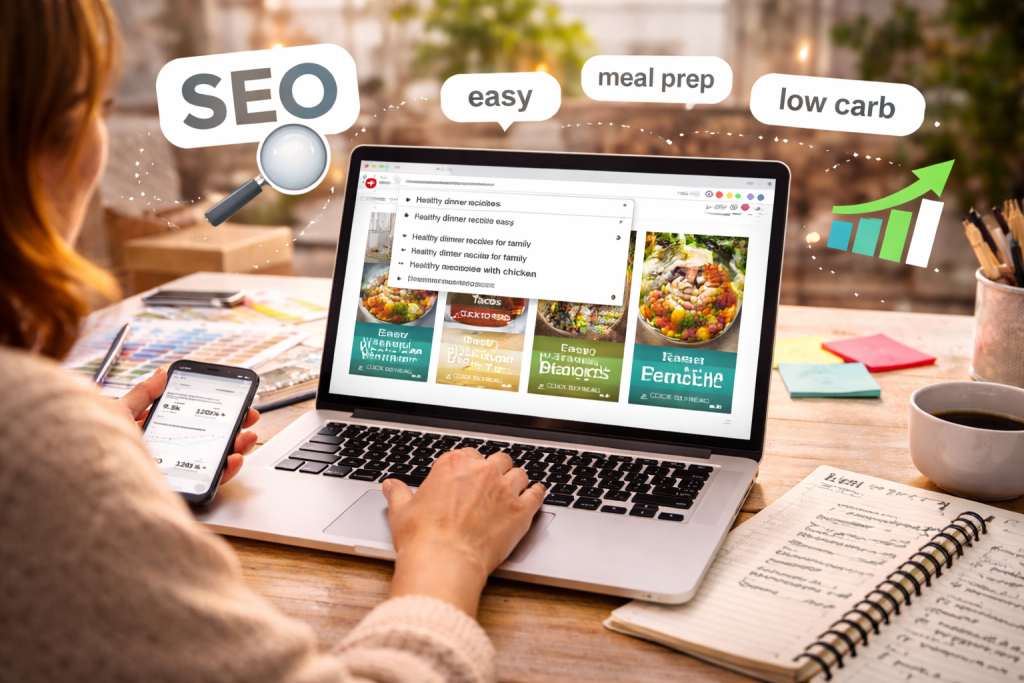
If you want your Pins to do the heavy lifting for you, you have to stop thinking of Pinterest as just a place for pretty pictures.
At its core, Pinterest is a visual search engine. That’s a crucial distinction. For your content to have any real, lasting impact, it needs to be found by people who are actively looking for it.
This means getting comfortable with Pinterest SEO is non-negotiable for driving long-term traffic.
Don’t let the term “SEO” scare you. It’s not as complicated as it sounds. The whole idea is to simply match your content with the words and phrases your ideal customer is already typing into that search bar.
This all starts with a bit of clever keyword research, and you don’t even need to leave the platform to do it.
Finding Keywords Your Audience Actually Uses
Before you even think about fancy tools, just head straight to the source. Open up the Pinterest search bar and type in a broad term related to your niche.
For example, let’s say you’re in the food space and start typing “healthy lunch ideas.”
See that dropdown list that instantly populates with more specific phrases? That’s pure gold. Pinterest is literally handing you a list of the most popular searches connected to your topic.
You’ll see things like:
- healthy lunch ideas for work
- healthy lunch ideas for weight loss
- healthy lunch ideas kids
Each of these is a keyword phrase that real people are using every single day. They reveal user intent, which is exactly what you need to create Pins that people are desperate to click on.
Key Takeaway: Your job is to weave these exact phrases into your Pin’s title and description. Put yourself in the user’s shoes and ask, “What would I type to find this Pin?” Shifting your perspective this way is the absolute foundation of good Pinterest SEO.
Crafting Titles and Descriptions that Get Found
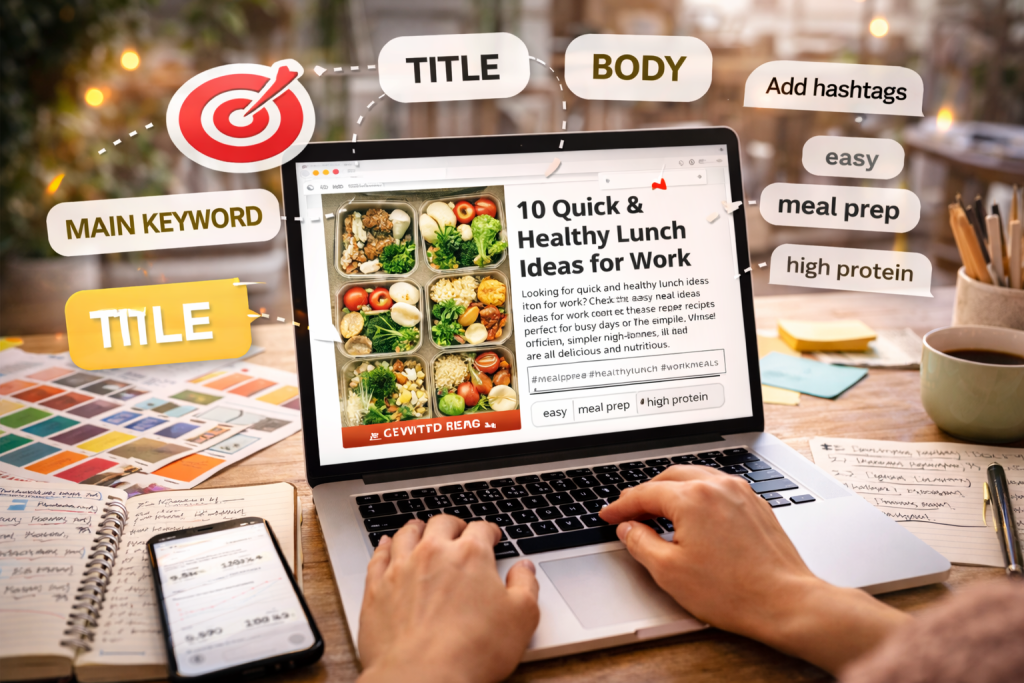
Once you have a list of solid keywords, it’s time to put them to work.
A strong, SEO-friendly Pin title might be something like “10 Quick and Healthy Lunch Ideas for Work.” It’s direct, it features your main keyword, and it tells the user exactly what they’re going to get.
Your Pin description is where you can really flesh things out. Think of it as your chance to sprinkle in secondary keywords and give both Pinterest and its users more context.
But please, don’t just dump a list of keywords. Write a genuinely helpful, natural-sounding paragraph that entices someone to click through to your site.
A good description provides value while signaling relevance to the algorithm.
This focus on search and discovery is precisely why so many businesses are flocking to the platform.
In fact, Pinterest just hit its first-ever billion-dollar revenue quarter in Q4 2024, partly because its AI-powered search makes it so effective at guiding users toward purchases.
You can read more about Pinterest’s impressive growth on Printful.com.
Hashtags still have their place, but treat them more like filing labels. Add a few highly relevant hashtags at the end of your description—a mix of broad and niche terms is usually best—to help Pinterest categorize your content.
For a much deeper dive, be sure to check out our complete guide on advanced Pinterest SEO tips.
Build an Efficient Pin Creation Workflow
Consistency is the absolute key to a successful Pinterest strategy, but let’s be real—nobody has time to be chained to their desk creating and posting pins all day.
The real secret to avoiding burnout and actually gaining momentum is to build a smart, repeatable workflow. Once you have a system, you can generate high-quality pins at scale without draining your creative energy.
The cornerstone of this whole process? Templates.
By creating a handful of versatile, on-brand designs in a tool like Canva or Adobe Express, you stop reinventing the wheel every single time.
I recommend starting with 5-7 core layouts you can easily tweak. With this approach, you can batch-create dozens of unique-looking pins in less than an hour just by swapping out images and text.
The Power of Batching and Templates
Batching your pin creation is a total game-changer. Seriously. Instead of making one pin, you make ten. This simple mental shift from single-tasking to mass production is incredibly powerful for your productivity.
Here’s a look at how I approach a typical batching session:
- Gather Your Assets: Before I even open Canva, I pull together all my images, headlines, and call-to-action ideas for the piece of content I’m promoting. Everything goes into one folder.
- Run the Production Line: Next, I open up my templates and work through them like an assembly line. First, I drop in all the images. Then, I go back and add all the headlines.
- Final Polish: Lastly, I’ll make small adjustments to colors or font placement. This ensures each pin looks distinct, even though it came from the same template family.
This method cuts out the friction of making a million tiny decisions, freeing you up to focus on the actual message. The goal isn’t to create identical pins, but to produce compelling variations fast.
My Personal Process: I keep a master file with about 10 core templates that I know perform well.
When I finish a new blog post, I’ll choose 5 of those templates and create a fresh pin from each one, using a different headline or image from my asset folder.
Just like that, I have five unique pins for a single piece of content, ready to be scheduled.
This image really nails down the essential parts of a pin that grabs attention. Think of it as a blueprint you can apply directly to your templates.
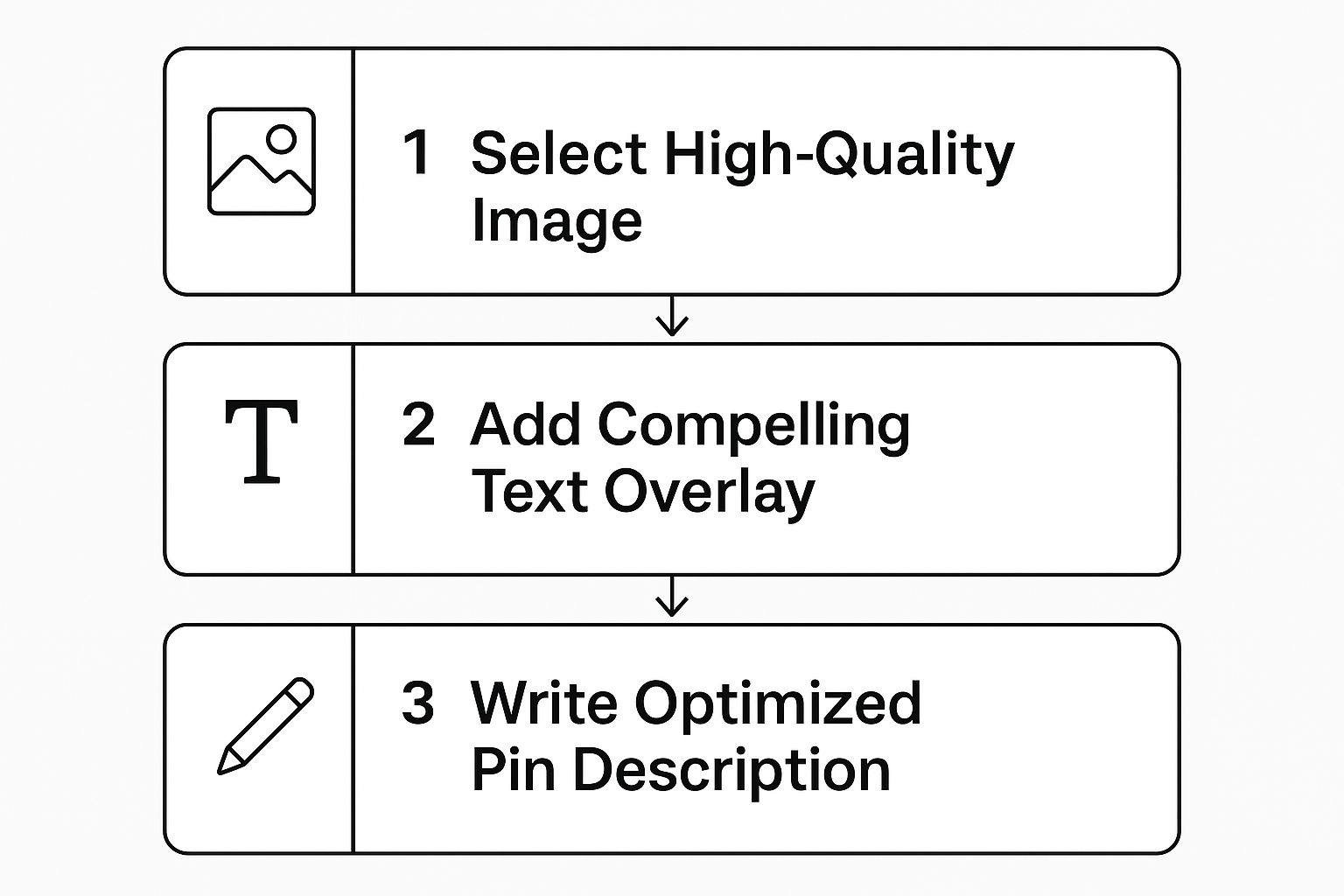
Moving from a great image to a compelling text overlay and then to an optimized description—that’s the journey every successful pin needs to take.
Automate Your Pinning with Scheduling
Okay, so creating pins in batches is only half the battle. The other half is actually getting them posted consistently without having to live on the Pinterest app. This is exactly where scheduling tools become your best friend.
A dedicated Pinterest scheduler is one of the most worthwhile investments you can make for your marketing.
It allows you to upload all those pins you just batched and set them to publish at the best times over the coming days, weeks, or even months.
You maintain a steady presence—which the Pinterest algorithm absolutely loves—without the daily grind.
To take your efficiency even further, you can get some help with your writing. Many modern AI content generators are fantastic for brainstorming text overlays or drafting pin descriptions.
By combining smart templates, batch creation, and automated scheduling, you can finally transform Pinterest marketing from a daily chore into a powerful, sustainable system that drives real traffic.
Develop a Smart and Sustainable Pinning Strategy
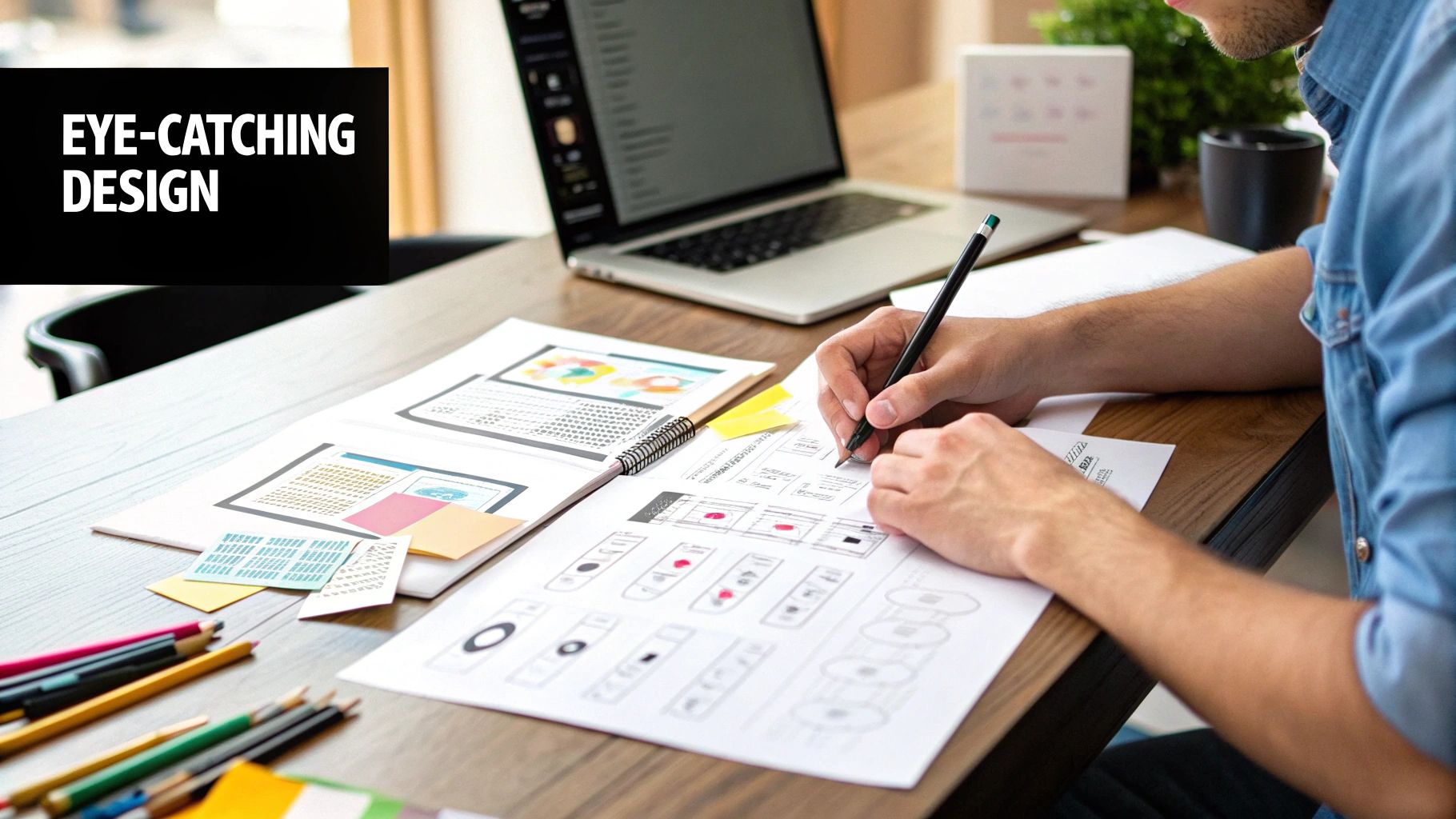
So, you’ve figured out how to create a great Pin. The next question that always comes up is, “Okay, but how often should I be posting?”
It’s easy to get caught in the “more is more” trap, but a winning Pinterest game plan is built on consistency and quality, not just sheer volume.
Honestly, spamming your followers with 30 so-so Pins a day is the quickest way to get unfollowed or even flagged by the platform.
The real magic lies in creating a steady, reliable stream of high-value content. That’s how you build trust with your audience and show the Pinterest algorithm you’re a serious, credible creator.
Finding Your Pinning Sweet Spot
Let go of the idea that you need to be pinning around the clock. Your strategy has to be sustainable.
Through years of experience, I’ve found that the most effective approach is pinning consistently and strategically to get the most visibility without setting off spam alarms.
For most people, that sweet spot is somewhere between six to fifteen Pins per day. I usually see the best, most steady growth for my clients in the eight to twelve range.
This frequency is manageable and lets you focus on creating Pins that are genuinely good—the kind that solve a problem, inspire action, and actually get clicks.
A single, well-designed Pin can have an incredibly long lifespan, driving traffic to your website for months, sometimes even years.
Organize Your Content with Niche Boards
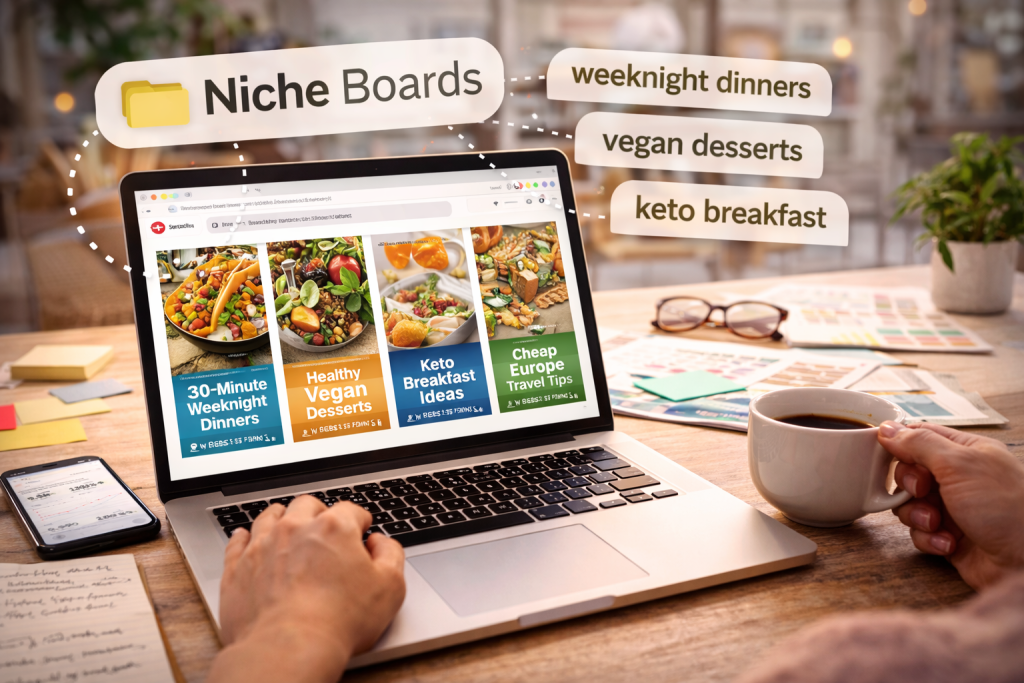
Your pinning strategy isn’t just about how often you post; it’s also about where your Pins live. Organizing your content into specific, keyword-rich boards is absolutely critical.
Think of your boards as the neatly labeled file folders for all your brilliant ideas.
A well-organized profile doesn’t just look professional; it makes it incredibly easy for users to dive deeper and find more of what they love from you.
It also gives Pinterest powerful clues about your account’s focus, which helps it show your content to the right audience.
Here are a few tips I always give for board management:
- Get Specific: Ditch the generic “Recipes” board. Instead, create niche boards that speak directly to your audience, like “30-Minute Weeknight Dinners,” “Healthy Vegan Desserts,” or “Keto Breakfast Ideas.” The more specific, the better.
- Use Your Keywords: Your board titles and descriptions are prime real estate for keywords. Apply the same research you do for your Pins right here.
- Pin Strategically: When you publish a new Pin, save it to the most relevant board first. Then, over the next few days or weeks, you can repin it to other related boards to extend its reach.
A smart pinning strategy is a long game. It’s about building compounding traffic growth, not chasing fleeting vanity metrics.
A steady rhythm, high-quality visuals, and organized boards will turn your Pinterest efforts into a reliable traffic engine.
To make sure your pinning is working in concert with everything else you’re doing, try integrating these effective content marketing tips into your larger plan.
This creates a powerful synergy between your Pinterest activity and all your other marketing channels.
Write Scroll-Stopping Pins Faster With Pinterest GPTs
Great Pins don’t start in Canva, they start with the right message. If you want more clicks, you need stronger text overlays, clearer Pin titles, and descriptions that match what people are actually searching for.
Our free Pinterest GPTs help you generate high-click headline angles, create multiple Pin variations to test, and draft keyword-friendly descriptions in minutes, so you can batch your content, stay consistent, and grow without burnout.
If you’re ready to turn this guide into a simple weekly system, start here
Your Top Pinterest Questions, Answered
Once you dive into the world of Pinterest, the theoretical stuff quickly gives way to real-world questions.
It’s one thing to learn the basics, but it’s another thing entirely to apply them day in and day out. This is where the rubber meets the road.
Let’s cut through the confusion and tackle some of the most frequent questions I hear. My goal is to give you clear, no-fluff answers so you can get back to creating Pins that actually work.
How Many Pins Should I Make for One Blog Post?
If you’re only making one Pin per blog post, you’re leaving a massive amount of traffic on the table. Think of it like A/B testing on a massive scale.
My rule of thumb? I create 5 to 10 unique Pin designs for every single blog post or product page I’m promoting. This isn’t about being spammy; it’s about giving your content the best possible shot at success. Each Pin is a new experiment.
Here’s how you can mix it up:
- Switch the headline: Focus on a different benefit or pain point.
- Change the imagery: Use a completely different photo or graphic style.
- Tweak the call-to-action: Rephrase it to see what sparks more curiosity.
By creating and scheduling several distinct versions over time, you’re giving the Pinterest algorithm more to work with.
One Pin might flop, but another with a slightly different hook could be the one that goes viral. You never know what will resonate until you test it.
Are Video Pins Better Than Static Image Pins?
Ah, the classic debate. The honest answer is that you need both. They serve completely different functions, and a smart strategy leverages the strengths of each.
Video Pins are brilliant for stopping the scroll. They’re perfect for showing off a process, giving a quick tutorial, or telling a short, engaging story. Think about a baker frosting a cake or a quick DIY project coming together. Their main job is to boost engagement on Pinterest.
Static Image Pins, on the other hand, are your workhorses for driving traffic. The message is instant, and the call-to-action—like “Click to Read” or “Get the Recipe”—is front and center. They are designed to get people off of Pinterest and onto your website, plain and simple.
My advice is to build a strategy that uses both. Create captivating Video Pins to grab attention and build your brand presence, then follow up with compelling Static Pins to drive that highly-motivated traffic straight to your site.
How Long Does It Really Take to See Traffic?
This is the big one, isn’t it? Everyone wants to know when the traffic will start rolling in. It’s crucial to set realistic expectations here: Pinterest is a marathon, not a sprint.
Generally speaking, you should expect to see significant, steady traffic after about 3 to 6 months of consistent, strategic pinning. I know that can feel like a long time, but the payoff is worth it.
Unlike other platforms where your content disappears in a matter of hours, your Pins can drive traffic for months, sometimes even years.
Every Pin you publish becomes another asset working for you 24/7. Patience and consistency are your best friends here. The traffic you build is cumulative and incredibly powerful over the long haul.