Pinterest has evolved far beyond a digital scrapbook into a powerful discovery engine.
It’s a platform where 97% of top searches are unbranded, creating a unique opportunity for businesses to connect with customers early in their decision-making process.
For companies on Pinterest, achieving real success requires more than just attractive images. It demands a sophisticated strategy that merges compelling visuals with data-driven tactics to generate website traffic, capture leads, and boost sales.
Many brands, however, find it challenging to move past basic pinning, failing to unlock the platform’s significant commercial potential.
This guide is designed to demystify what it takes to win.
We will dissect the exact tools and strategies that top-performing brands use, providing a replicable blueprint for your own efforts. You will learn how to leverage powerful platforms to streamline your workflow, from AI-powered scheduling to advanced analytics that pinpoint exactly what your audience craves.
Each platform profile includes a detailed breakdown of its core features, strategic applications, direct links, and screenshots to guide you.
This isn’t just a list; it’s a playbook for transforming your Pinterest presence from a passive gallery into an active, high-performing marketing channel that drives measurable results and turns pins into profits.
7 Premier Tools for Companies on Pinterest to Master
The right tools can turn Pinterest from “just another social channel” into a serious growth engine for your company.
From native business features and ad managers to AI-powered automation, scheduling, and design platforms, these solutions help you scale content, stay consistent, and make smarter, data-backed decisions.
Below are seven premier tools every brand should consider mastering to compete on Pinterest in 2026 and beyond.
1. Post Paddle: AI-Powered Automation for Traffic Growth
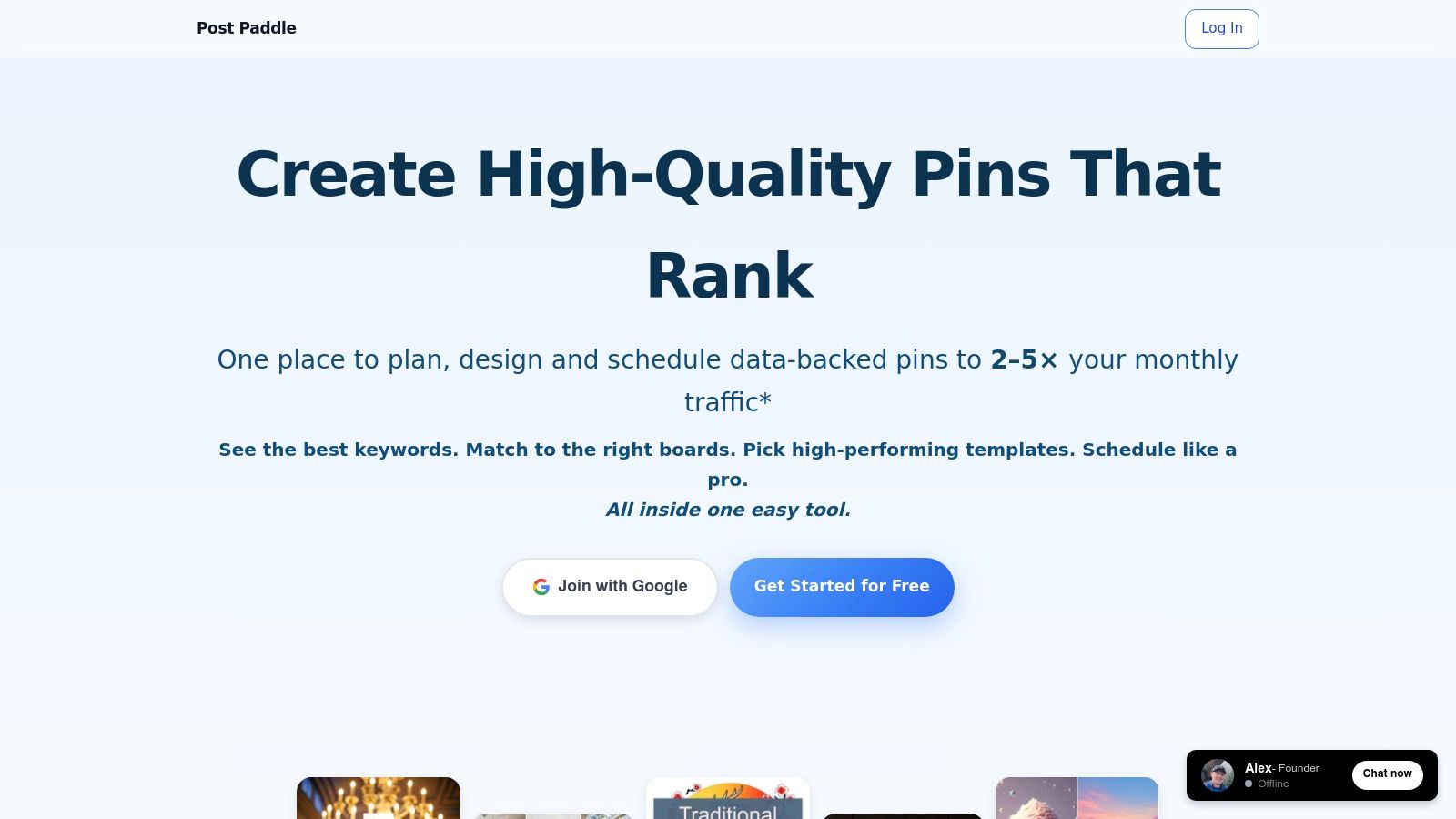
For companies looking to leverage Pinterest for significant traffic growth without the massive time investment, Post Paddle emerges as a powerful, AI-driven solution.
It’s an all-in-one automation platform meticulously designed to transform hours of manual content creation and scheduling into a streamlined, minutes-long process.
This makes it an invaluable asset for bloggers, e-commerce stores, and digital marketing agencies aiming to scale their Pinterest strategy efficiently.
The platform’s core strength lies in its intelligent content automation. Post Paddle can auto-extract content directly from your website, then use its AI to generate hundreds of on-brand pins in bulk. It writes SEO-optimized titles and descriptions based on integrated keyword research, ensuring your content is discoverable.
This end-to-end workflow replaces the need for separate tools for graphic design, keyword research, and scheduling, creating a cohesive and powerful system.
Strategic Breakdown: Key Features & Use Cases
Post Paddle distinguishes itself with several standout features that directly address common Pinterest marketing pain points.
- AI Pin Generation: The system pulls images and text from your site to create unique pin variations. Its built-in editor allows for quick customization of colors, text overlays, and layouts, while automatically saving versions for A/B testing. This is ideal for e-commerce brands needing to create fresh pins for the same product or bloggers repurposing a single article into dozens of unique visuals.
- Intelligent Scheduling: Post Paddle uses a Pinterest-approved scheduler that automatically spaces and shuffles pins. This critical feature helps users avoid spammy behavior that can suppress reach, ensuring a consistent and algorithm-friendly pinning cadence.
- Keyword-Informed Templates: The platform doesn’t just create visuals; it uses keyword data to inform the text and design of templates. This strategic approach ensures that every pin is optimized for search from the moment it’s created.
- Agency-Focused Tools: For agencies managing multiple companies on Pinterest, the platform offers a centralized dashboard to handle unlimited accounts, with white-label options available on the highest tier.
Actionable Takeaways & Pricing
Post Paddle offers a clear path to execution. Users can start by inputting a single URL and letting the AI generate a batch of pins.
From there, they can refine the designs, approve the AI-generated descriptions, and load them into the smart scheduler.
The results speak for themselves, with case studies showing sites achieving over 150 daily clicks in under six weeks.
The platform is accessible via a tiered subscription model:
- Starter: $99/month for up to 3 accounts and 1,000 pins.
- Pro: $245/month for unlimited accounts, 3,000 pins, and priority support.
- Agency: $399/month for up to 5,000 pins and white-label features.
A free trial is available without a credit card, allowing businesses to test its capabilities firsthand. While some advanced analytics are still in development, Post Paddle’s current feature set provides a robust foundation for any company serious about automating its Pinterest growth.
Website: Post Paddle
2. Pinterest Business
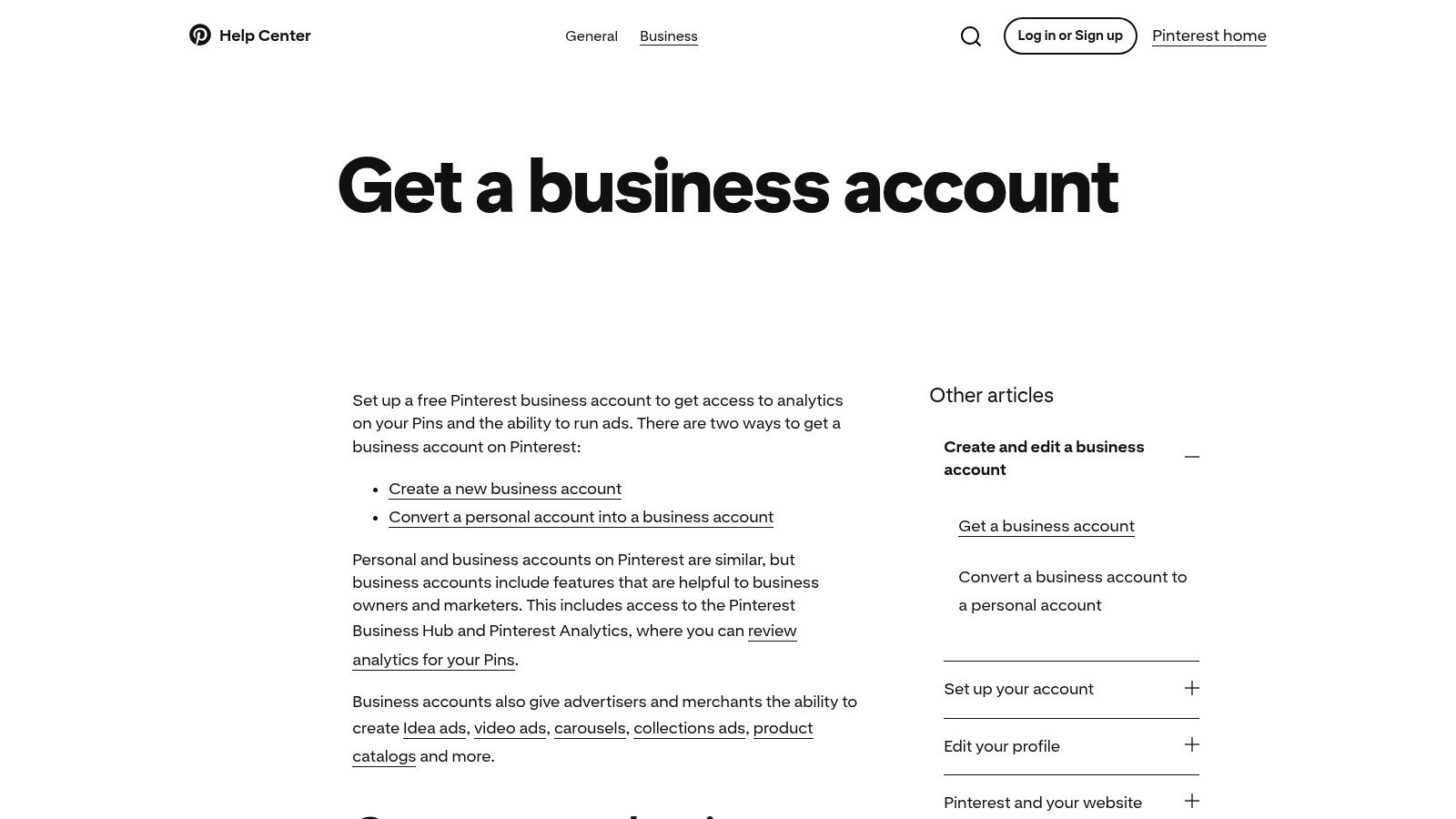
The foundational first step for any brand serious about leveraging Pinterest for growth is establishing a presence through the platform’s own native tools.
Creating a free Pinterest Business account is the official, non-negotiable starting point. It’s not just about changing your profile type; it’s about unlocking the entire backend engine that powers commerce, analytics, and advertising on the platform.
Without this account, a company is essentially invisible to Pinterest’s commercial ecosystem.
The business account provides access to critical analytics, showing which Pins drive traffic and conversions, and reveals audience demographics. This data is the lifeblood of an effective strategy, transforming guesswork into data-driven decisions.
Beyond Pinterest, a holistic approach to online sales often integrates various platforms.
Strategic Setup for Success
Setting up a Pinterest Business account involves several key technical steps that directly enable shoppability and performance tracking. Think of it as building the infrastructure for your digital storefront on the platform.
- Website Claiming: This verifies you own your website, adding your profile picture to any Pins originating from your domain and giving you access to analytics for that content.
- Pinterest Tag Installation: Similar to the Meta Pixel, this piece of code tracks conversions, builds retargeting audiences, and measures the ROI of your ad campaigns.
- Catalog Connection: For e-commerce brands, especially on Shopify or WooCommerce, connecting your product catalog is a game-changer. It automatically creates dynamic Product Pins that display real-time pricing and stock availability.
These steps are prerequisites for applying to the Verified Merchant Program, which adds a blue checkmark to your profile, building trust and unlocking enhanced distribution for your shoppable Pins.
Actionable Takeaways
Pros:
- Free Access: All analytics, business hub features, and commerce tools are available at no cost.
- Official Tools: Direct access to Pinterest’s native features ensures compatibility and first-party support.
- Shopping Integration: Unlocks eligibility for the Verified Merchant Program and shoppable features.
Cons:
- Technical Hurdles: The initial setup (claiming a site, installing the tag) can be challenging for non-technical users.
- Platform Dependency: Shopping features work most seamlessly with supported e-commerce platforms like Shopify.
3. Pinterest Ads Manager
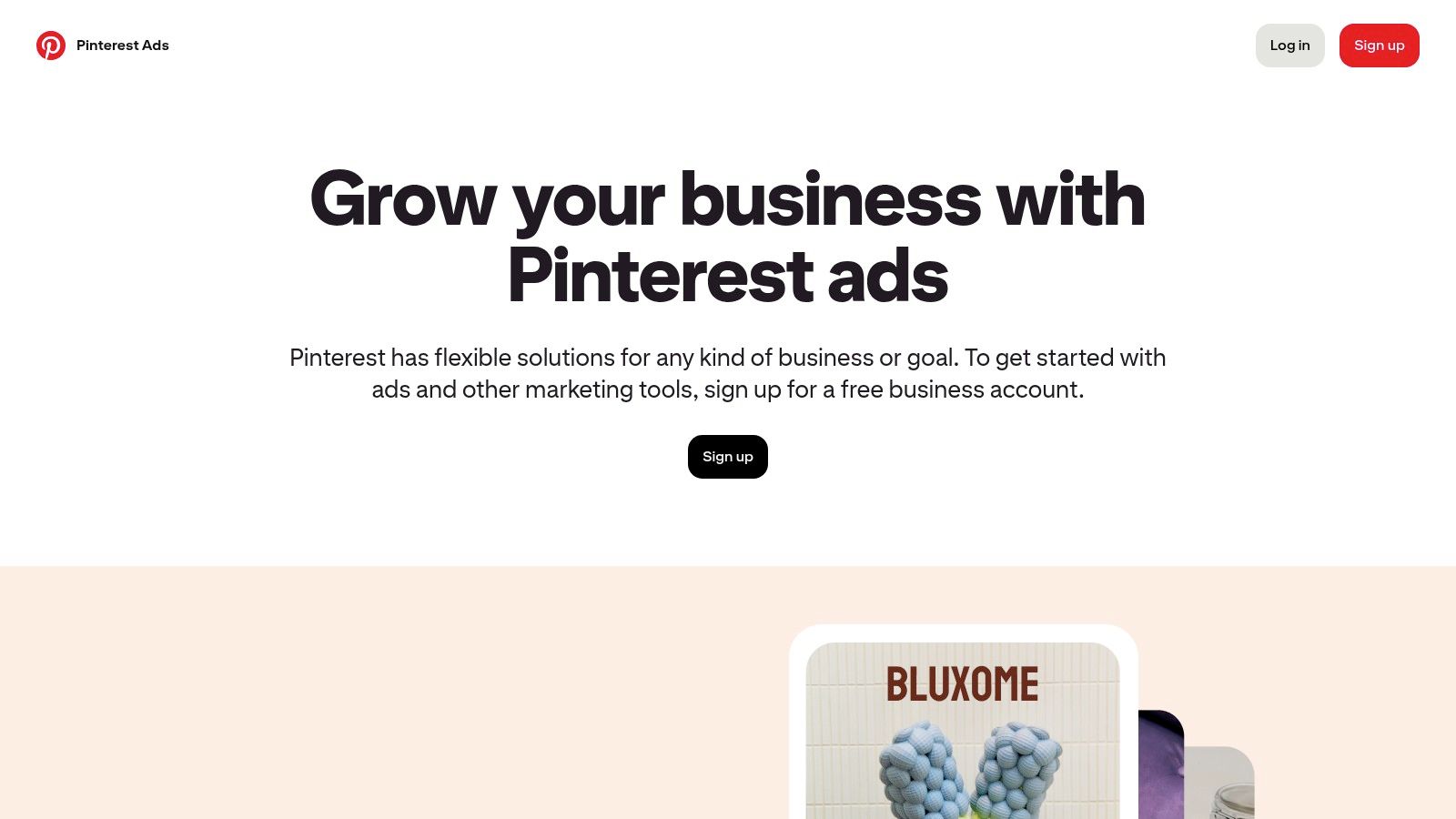
While a business account unlocks organic potential, scaling growth requires a dedicated advertising strategy. The Pinterest Ads Manager is the platform’s native tool for turning visibility into measurable revenue.
It’s the command center for creating, managing, and optimizing paid campaigns, allowing companies on Pinterest to move beyond organic reach and target users with high commercial intent. This is where brands can proactively place their products in front of people actively planning their next purchase.
The Ads Manager transforms Pinterest from a simple visual discovery engine into a full-funnel marketing channel.
Its power lies in its ability to target users based not just on demographics, but on their active searches, saved Pins, and board interests.
This allows businesses to connect with an audience that is not just browsing but actively gathering ideas and seeking solutions, making ad spend highly efficient. For companies serious about driving conversions, mastering this tool is a non-negotiable step.
Strategic Setup for Success
Leveraging the Pinterest Ads Manager effectively requires a structured approach to campaign creation and audience targeting.
It’s about more than just boosting a Pin; it’s about architecting a customer journey from discovery to checkout.
- Full-Funnel Campaign Objectives: The platform supports goals from awareness and consideration (video views) to conversions (catalog sales). Successful companies map their ad formats, like Idea ads for top-of-funnel and Shopping ads for bottom-of-funnel, to specific business objectives.
- Layered Audience Targeting: Advanced targeting allows for powerful combinations. Brands can target users based on keywords and interests, and then create “actalike” audiences from their best customers or website visitors tracked by the Pinterest Tag.
- Creative Compliance: Pinterest maintains a distinct aesthetic. Ad creative must adhere to specific size and quality guidelines. Failing to meet these specs can result in limited ad distribution, regardless of budget.
These elements work together to ensure that ad spend is directed toward users who are most likely to convert, maximizing the return on investment for any paid campaign.
Actionable Takeaways
Pros:
- Intent-Rich Audience: Access to users who are actively in a planning and purchasing mindset.
- Diverse Creative Formats: Ad types like carousel, video, and shopping are designed for visual storytelling and product discovery.
- Flexible Budgeting: Uses an auction-based model with no hard daily minimums, allowing for scalable ad spend.
Cons:
- Optimization Learning Curve: Costs can fluctuate based on competition and seasonality, requiring active management to optimize.
- Strict Creative Specs: Non-compliant ad creative can be throttled or rejected, limiting campaign reach.
4. Tailwind
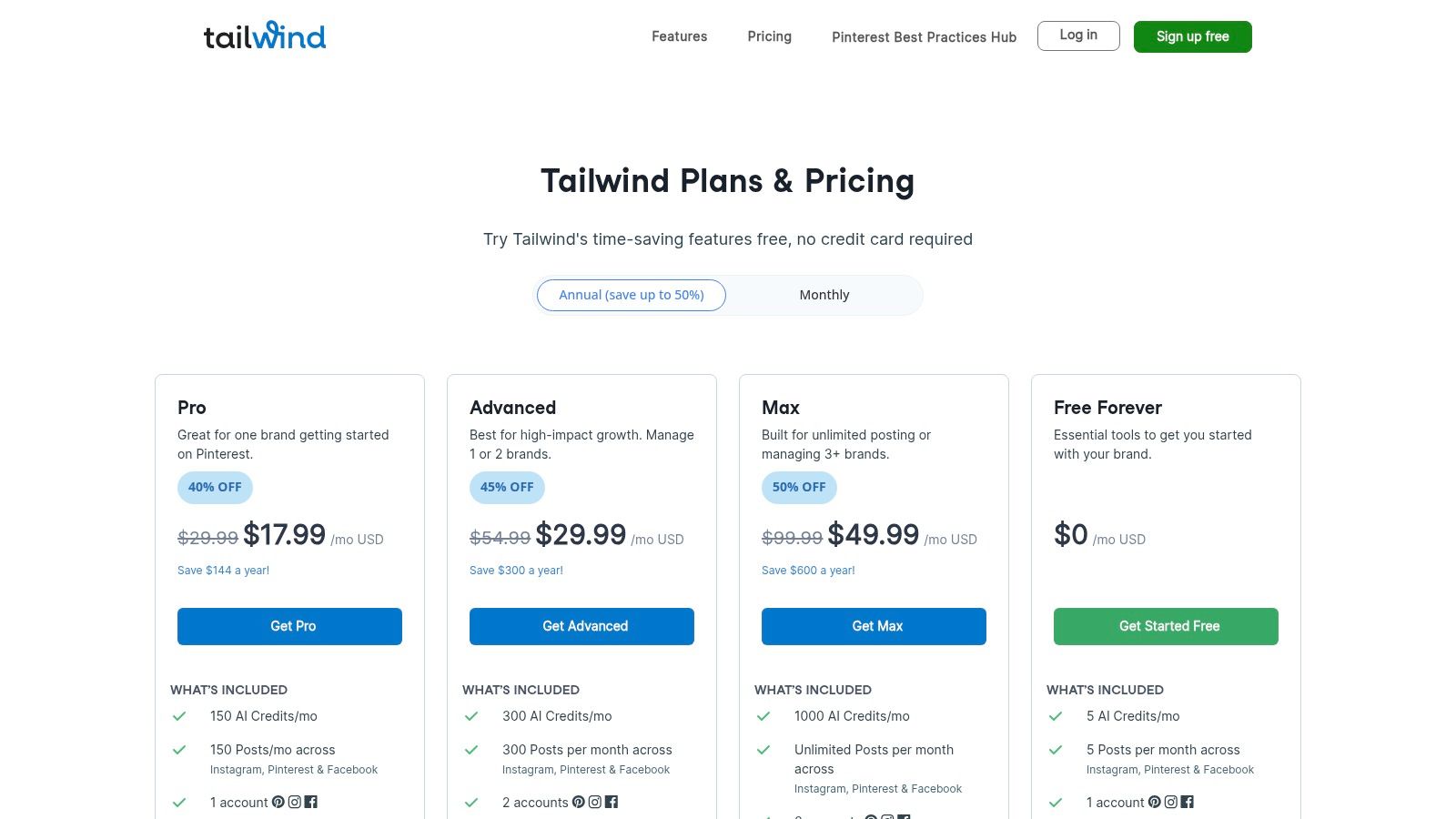
While a Pinterest Business account provides the foundational tools, scaling your strategy requires dedicated management and optimization software.
This is where Tailwind enters the picture as a specialized, Pinterest-first marketing suite. It’s designed not just to schedule Pins, but to maximize their impact through data-driven automation, moving beyond manual posting to strategic, high-volume publishing.
For companies on Pinterest serious about growth, Tailwind acts as an efficiency engine.
It directly addresses the platform’s high-frequency content demands, allowing brands to maintain a consistent presence without constant manual intervention. While many general social media schedulers offer basic Pinterest support, Tailwind’s deep integration and platform-specific features set it apart.
This focused approach is increasingly powerful when combined with modern content creation workflows; for instance, many users pair Tailwind with top AI content creation tools to streamline the entire process from idea to scheduled Pin.
Strategic Setup for Success
Implementing Tailwind effectively involves leveraging its core automation and community features to build a self-sustaining content pipeline.
The goal is to set up a system that amplifies both your content and your efficiency.
- SmartSchedule: This feature analyzes your audience’s activity and automatically determines the optimal times to publish your Pins for maximum engagement. Setting this up is the first step toward hands-off optimization.
- Bulk Scheduling: Users can upload hundreds of Pins at once or use the browser extension to schedule content from anywhere on the web, populating their content queue for weeks or months in advance.
- Tailwind Communities: Formerly known as Tribes, these are niche groups where members share each other’s content. Joining relevant, active communities provides a powerful, built-in amplification network to extend your reach beyond your own followers.
These tools work together to create a powerful workflow: design Pins in bulk, upload them to a queue optimized by SmartSchedule, and get an initial engagement boost from Tailwind Communities.
The service is available through various paid tiers, with a limited free-forever plan to test its core functionality.
Actionable Takeaways
Pros:
- Deep Pinterest Integration: Offers specialized features like SmartSchedule and interval pinning that generic tools lack.
- Efficiency at Scale: Bulk upload and browser extension make it easy to schedule a high volume of content quickly.
- Community Amplification: Tailwind Communities provide a unique, built-in way to increase content distribution.
Cons:
- Requires Paid Tiers: The free plan is quite limited, and full functionality requires a subscription.
- Pinterest-Focused: While it supports other platforms, its primary strengths and deepest features are for Pinterest, making it less of an all-in-one solution.
5. Hootsuite
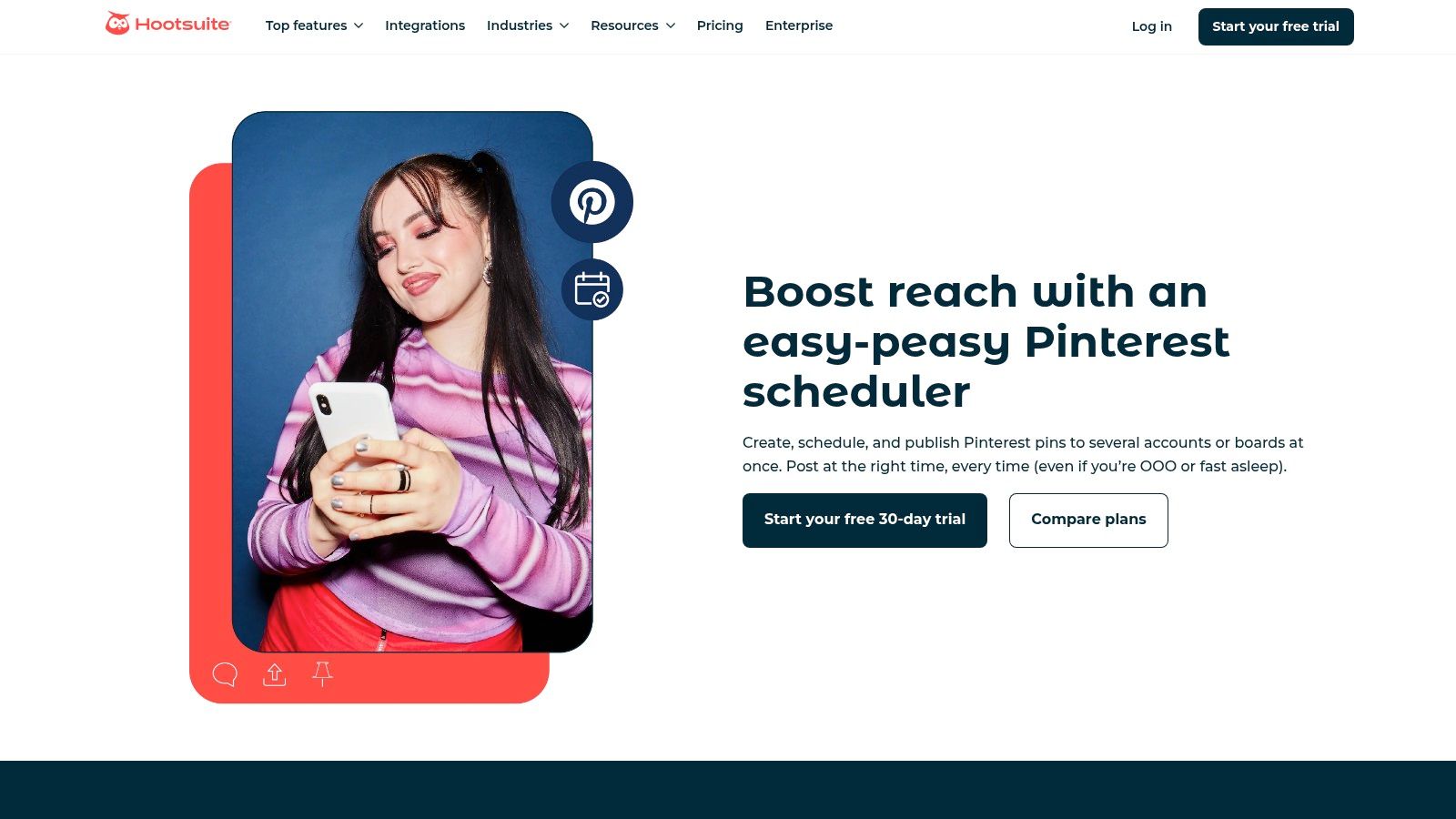
For enterprise-level organizations and agencies, Pinterest management rarely happens in a vacuum.
Hootsuite positions itself as the central command center for companies that need to integrate Pinterest into a broader social media ecosystem. It treats Pinterest as a first-class citizen alongside platforms like Instagram, Facebook, and LinkedIn, allowing teams to manage, schedule, and analyze content from a single dashboard.
This unified approach is essential for brands where Pinterest is a key component of a larger, coordinated campaign.
This platform isn’t just about scheduling; it’s built for governance and collaboration at scale.
The real value for larger companies on Pinterest lies in Hootsuite’s approval workflows, team assignments, and shared asset libraries, which ensure brand consistency and operational efficiency.
To effectively centralize Pinterest alongside other platforms, it’s essential to understand how to master your multi-channel marketing strategy for growth. Hootsuite provides the tooling to execute such a strategy by unifying disparate channels under one roof.
Strategic Setup for Success
Integrating Pinterest into Hootsuite is designed to streamline complex social media operations, making it a powerful tool for teams managing multiple accounts or a high volume of content.
This setup centralizes control and enhances productivity.
- Unified Content Calendar: Schedule Pins for multiple accounts and boards directly within the same visual calendar used for all other social networks, providing a holistic view of your entire content strategy.
- Approval Workflows: Implement multi-step approval processes for Pin creation. This is critical for regulated industries or large brands where legal and marketing teams must sign off on all published content.
- AI-Powered Ideation: Utilize the OwlyWriter AI assistant to generate Pin titles, descriptions, and fresh content ideas, reducing creative friction and speeding up the content creation process.
By consolidating these functions, Hootsuite transforms Pinterest management from a siloed activity into an integrated part of your core marketing operations.
As one of the more comprehensive social media scheduling software options, it is built for this level of consolidation.
Actionable Takeaways
Pros:
- Centralized Management: Consolidates Pinterest with all other major social media channels into a single dashboard.
- Team Collaboration: Mature governance, role controls, and approval workflows are ideal for agencies and large teams.
- Advanced Analytics: Provides robust, cross-channel reporting to measure Pinterest’s impact alongside other platforms.
Cons:
- Higher Cost: More expensive than Pinterest-only tools, making it less ideal for users focused solely on one platform.
- Feature Gating: Some advanced features, like premium analytics and team assignments, are locked behind higher-tier plans.
6. Canva
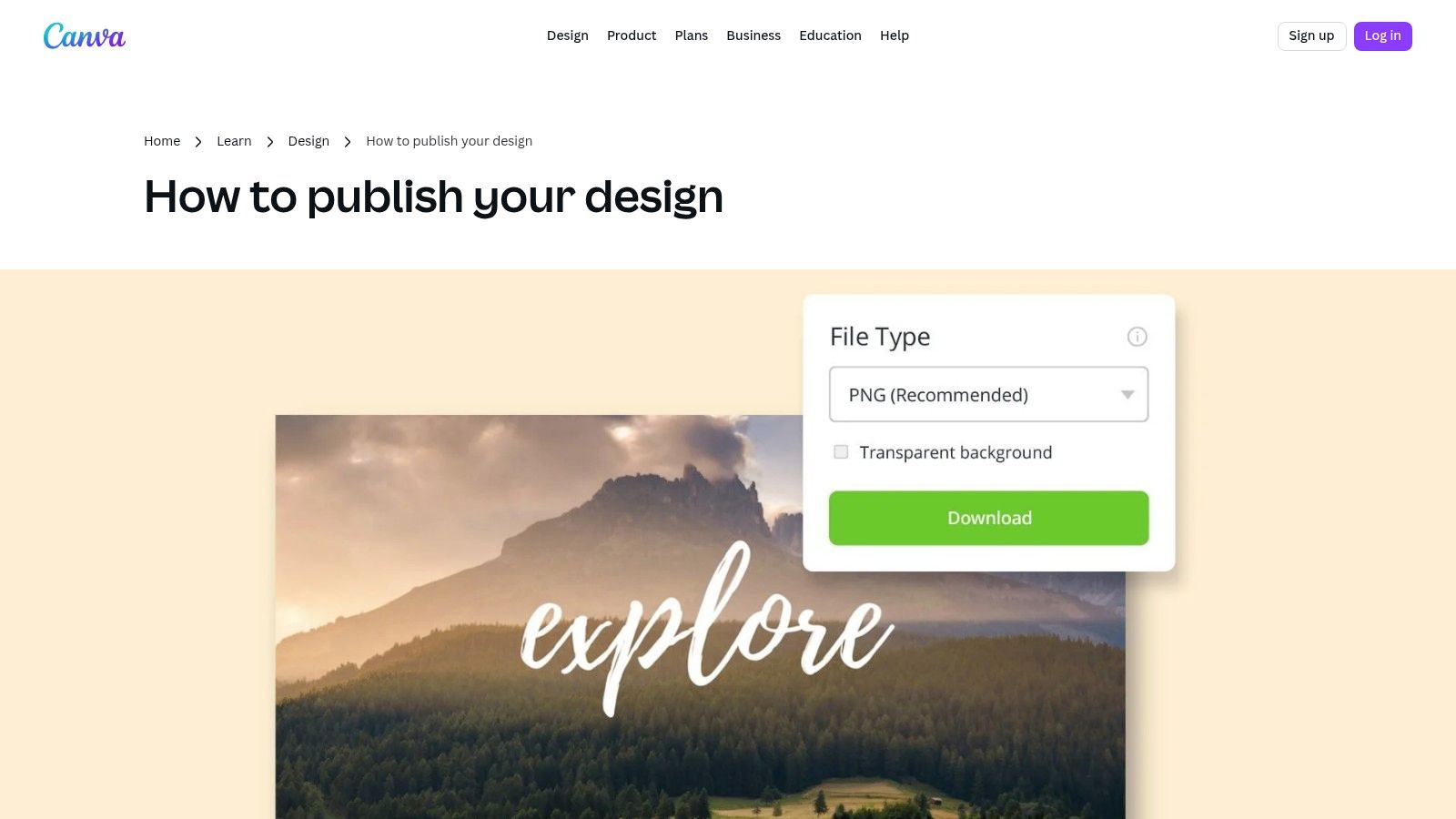
For many companies on Pinterest, the primary bottleneck isn’t strategy, it’s the sheer volume of high-quality creative required to stay relevant.
Canva solves this problem by merging a user-friendly design platform with direct publishing capabilities, creating an end-to-end workflow for Pinterest content creation and scheduling.
It empowers teams to produce on-brand Pins quickly, even without professional design experience.
Canva’s strength lies in its extensive library of Pinterest-optimized templates, which serve as a starting point for everything from standard Pins to Idea Pin slides.
This templated approach dramatically reduces production time, allowing marketers to focus on messaging and strategy rather than pixel-perfect layouts.
By combining design, collaboration, and scheduling in one place, it eliminates the friction of downloading assets and re-uploading them to a separate scheduling tool, streamlining the entire content pipeline.
Strategic Setup for Success
Integrating Canva into your Pinterest workflow is about establishing efficiency and brand consistency. It’s less about technical setup and more about operationalizing your creative process.
- Brand Kit Configuration: The first step is to set up your Brand Kit with logos, brand colors, and fonts. This ensures every design created by your team remains consistent and instantly recognizable.
- Template Customization: Instead of using stock templates as-is, customize a handful to create a unique set of branded layouts. This prevents your content from looking generic while still benefiting from professionally designed foundations.
- Content Planner Integration: Connect your Pinterest account to Canva’s Content Planner. This allows you to design a Pin and schedule it to your chosen board, with a title and link, without ever leaving the Canva interface. For those new to the creative process, exploring detailed guides on how to create Pins can provide valuable foundational knowledge.
Actionable Takeaways
Pros:
- Speed and Efficiency: Thousands of templates and an intuitive editor allow for rapid creation of high-quality Pins.
- All-in-One Workflow: The ability to design and schedule directly to Pinterest from a single platform saves significant time.
- Accessibility: Empowers non-designers to create professional, on-brand content, democratizing creative production.
Cons:
- Requires Paid Plans: Key features like the Content Planner, Brand Kits, and premium assets are locked behind Canva Pro or Teams subscriptions.
- Template Over-reliance: Without proper customization, content can look similar to that of other brands using the same popular templates.
7. Creative Market
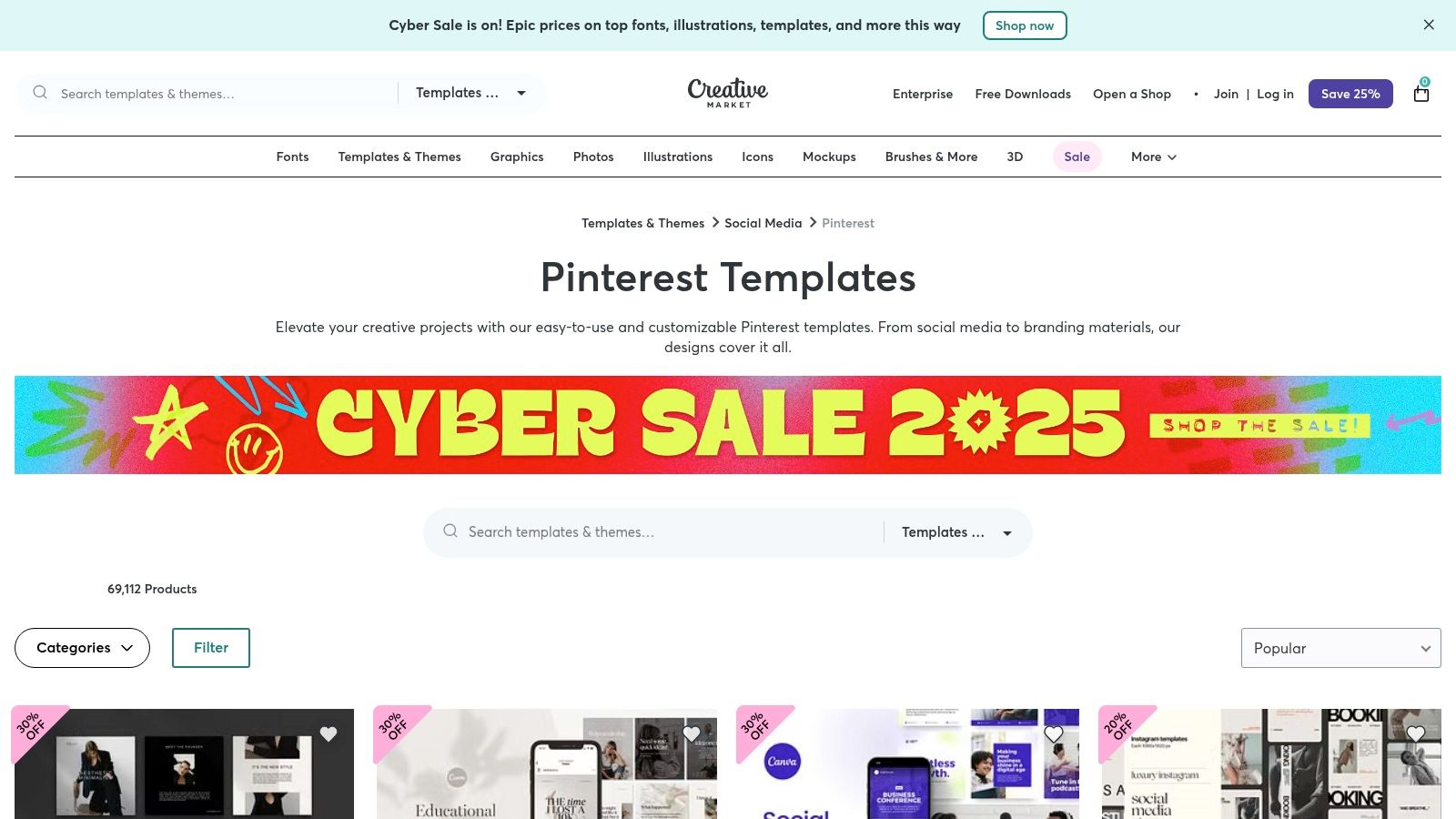
For companies on Pinterest without a dedicated in-house design team, producing a high volume of visually appealing Pins is a significant bottleneck.
Creative Market solves this by providing a massive marketplace of ready-made Pinterest templates. It allows businesses to purchase professionally designed assets for a one-time fee, enabling rapid creation of polished Pins in formats like Canva and Photoshop.
This approach bridges the gap between hiring a designer and using generic, overused templates.
The platform gives teams the tools to maintain a consistent, high-quality aesthetic without the recurring costs of a subscription service or freelancer. By purchasing template packs, companies can quickly build a library of on-brand visuals, perfect for testing different creative approaches and scaling content production.
Strategic Setup for Success
Effectively using Creative Market is about smart selection and customization to ensure your Pins stand out. The goal is to use templates as a starting point, not a final product, to maintain brand uniqueness.
- Filter and Select: Use the platform’s powerful filters to narrow down options by software (Canva is ideal for non-designers), style, and industry. Look for bundles that offer a variety of layouts, including standard, Idea Pin, and video formats.
- Verify Seller Quality: Before purchasing, carefully review the seller’s profile, ratings, and the template’s product page. Pay close attention to included assets, dimensions, and usage notes to ensure they fit your needs.
- Customize and Brand: Once purchased, immediately customize templates with your brand’s fonts, colors, and logo. Replace stock photos with your own product or lifestyle imagery to create authentic, compelling Pins that align with your brand identity.
This process ensures that even template-based designs feel original and tailored, helping your brand avoid the generic look that can result from using popular design assets without modification.
Actionable Takeaways
Pros:
- Large Selection: Thousands of templates at a low one-time cost per pack offer incredible value.
- Fast Production: Dramatically speeds up the content creation process, especially for small teams.
- Specialized Designs: Many sellers create templates specifically for e-commerce, blogs, and lead generation campaigns.
Cons:
- Variable Quality: The quality of templates can differ significantly between sellers, requiring due diligence before purchase.
- License Limitations: Licensing terms vary and typically prohibit the resale or redistribution of the templates themselves.
7 Pinterest Tools & Companies Comparison
| Tool | 🔄 Implementation complexity | ⚡ Resources & Cost | ⭐📊 Expected outcomes | 💡 Ideal use cases | ⭐ Key advantages |
|---|---|---|---|---|---|
| Post Paddle | Medium 🔄 — initial site extraction & template setup | Paid ⚡ — $99–$399/mo; scalable pin limits | High ⭐📊 — traffic & click uplifts (case studies) | Bloggers, e‑commerce, agencies 💡 — bulk pin creation + scheduling | End-to-end automation, SEO-informed pins ⭐ |
| Pinterest Business | Medium 🔄 — site claiming, tag and catalog setup | Free ⚡ — no-cost account; integration effort | Foundational ⭐📊 — unlock analytics & shopping eligibility | Merchants & retailers 💡 — enable commerce & measurement | Official native tools and merchant verification ⭐ |
| Pinterest Ads Manager | High 🔄 — campaign setup, targeting, optimization | Variable ⚡ — ad spend based on bids & goals | Measurable ⭐📊 — paid reach, conversions, ROAS | Performance marketers & retailers 💡 — acquisition & product discovery | Full-funnel ad formats and advanced targeting ⭐ |
| Tailwind | Low–Medium 🔄 — scheduling, SmartSchedule, community workflows | Paid ⚡ — subscription; scales for agencies | Improved engagement ⭐📊 — optimized timing and amplification | Brands & agencies 💡 — scale Pin publishing and niche sharing | Pinterest‑focused scheduling and Communities ⭐ |
| Hootsuite | Medium 🔄 — cross-channel calendar, approvals, integrations | Paid ⚡ — enterprise pricing for full features | Centralized management ⭐📊 — unified calendar, governance | Enterprises & teams 💡 — multi-network governance and approvals | Consolidates social stack with mature team controls ⭐ |
| Canva | Low 🔄 — design-first with direct publish tools | Freemium ⚡ — free plan; Pro for brand kits/assets | Fast creative output ⭐📊 — quick on‑brand Pins | Small teams & non‑designers 💡 — design + publish in one tool | Large template library + direct Pinterest publish ⭐ |
| Creative Market | Low 🔄 — purchase and import templates into editor | One-time ⚡ — pay-per-pack; costs vary by asset | Faster production ⭐📊 — polished creatives with minimal effort | Teams without designers 💡 — rapid template-based production | Wide selection of ready-made, industry-specific templates ⭐ |
From Strategy to Execution: Choosing Your Pinterest Toolkit

Throughout this deep dive, we’ve analyzed how the most successful companies on Pinterest aren’t just getting lucky; they are executing highly structured, tool-assisted strategies.
From the organic reach powered by Pinterest Business analytics to the amplified precision of Pinterest Ads Manager, the common thread is a commitment to a repeatable, data-driven workflow.
We saw how tools like Tailwind and Hootsuite provide the scheduling backbone necessary for consistent publishing, a non-negotiable factor for the Pinterest algorithm.
Meanwhile, creative engines like Canva and Creative Market empower brands to produce the visually stunning content that is the lifeblood of the platform, without needing a massive in-house design team.
Synthesizing the Winning Formula
The core takeaway is that platform mastery isn’t about using one tool, but about building a cohesive “stack” that addresses your specific operational bottlenecks.
The most effective companies on Pinterest build a workflow that automates the mundane, streamlines the creative, and amplifies the successful.
Your ideal toolkit should be built around your primary business goals:
- For Brand Awareness & Traffic: Focus on a combination of high-volume, consistent pinning and stunning creative. A stack combining Canva for design and a powerful scheduler is crucial.
- For E-commerce Sales: Your stack must integrate analytics and advertising. Start with a Pinterest Business account, use a scheduling tool for organic promotion, and then leverage Pinterest Ads Manager to retarget engaged users and promote your top-performing product Pins.
- For Agency & Multi-Account Management: Efficiency is paramount. Look for tools that offer robust scheduling, collaborative features, and consolidated analytics to manage multiple client accounts seamlessly.
Actionable Next Steps: Building Your Pinterest Engine
To move from inspiration to implementation, start by conducting a simple audit of your current Pinterest workflow.
Identify your biggest time sink. Is it creating Pin graphics?
Is it manually uploading and scheduling Pins every day?
Or is it analyzing what content actually works?
Once you’ve identified your primary challenge, select one tool from this list to solve it.
Don’t try to implement everything at once. If your creative process is slow, master Canva first. If consistency is your weakness, integrate a scheduler.
Ultimately, the goal is to create a system where your strategy dictates your actions, not the other way around.
By thoughtfully selecting and combining these powerful tools, you can transform your Pinterest account from a passive, aspirational board into a predictable, high-performance engine for traffic, leads, and sales, joining the ranks of the most strategic companies on Pinterest.
Ready to Make Your Pin Look (and Read) Like a Winner?
Strong tools are great, but your Pins still live or die by their titles and descriptions.
Use PostPaddle’s free Pin Title Generator and Pin Description Generator GPTs to quickly craft clear, compelling, and on-brand copy for every Pin your company publishes.
In just a few prompts, you can turn generic posts into polished, click-worthy Pins that better support your Pinterest strategy.